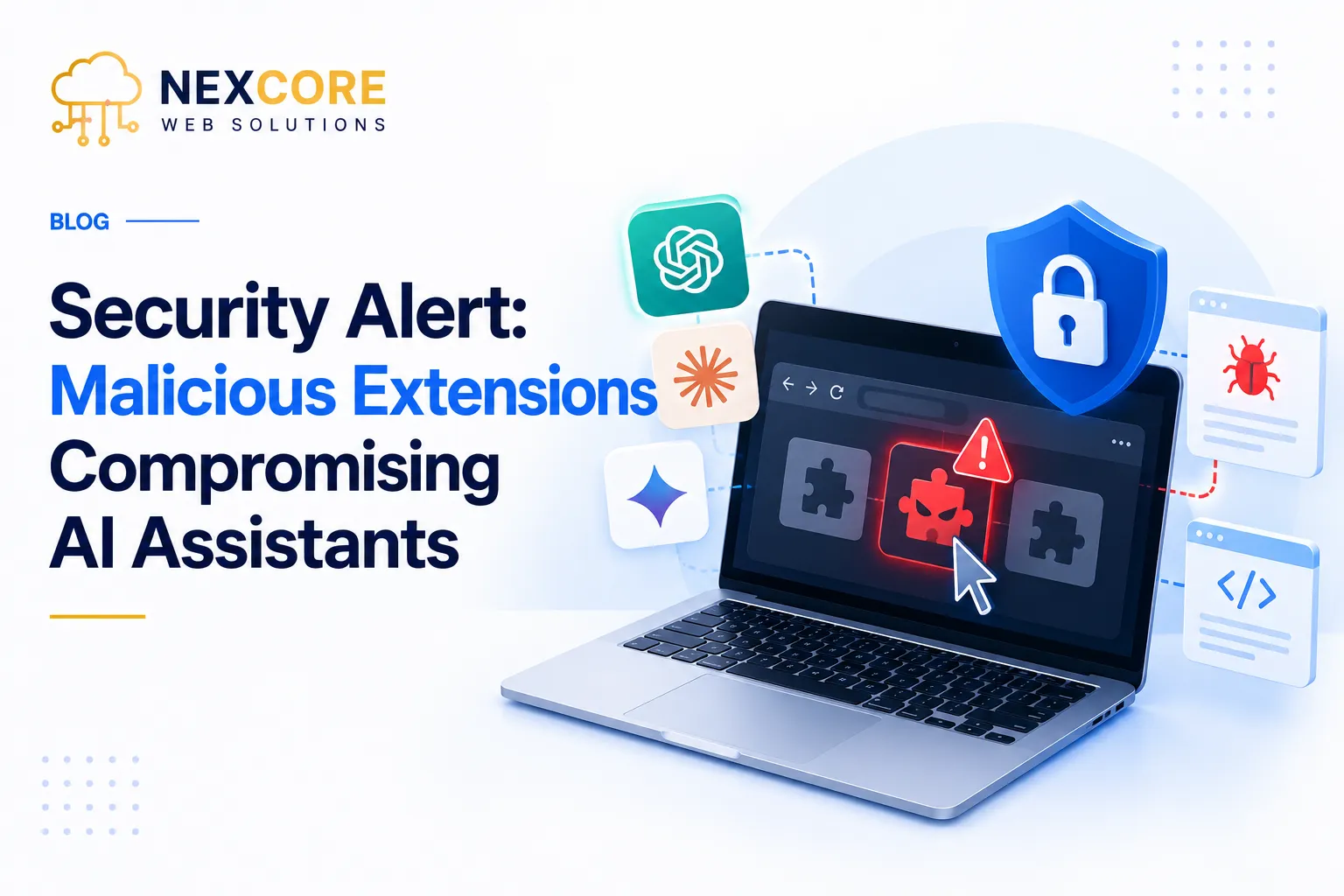
Browser extensions can make AI assistants more convenient by adding sidebars, summarization tools, writing features, and direct access to services such as ChatGPT, Claude, Gemini, and other AI platforms. However, the same browser privileges that make extensions useful can also expose sensitive information when an extension is malicious or compromised. In 2026, security researchers have documented multiple campaigns involving extensions that impersonated AI tools, collected AI conversations, stole authentication information, or redirected browser activity. Microsoft reported malicious AI-themed Chromium extensions that harvested LLM chat histories and browsing data, while other researchers documented extensions capable of interfering with browser-based AI agents.Understanding how these attacks work is important for anyone using AI assistants for personal, academic, or professional tasks.
Why AI Assistant Extensions Are Attractive Targets
AI extensions often receive broad browser permissions because they need to interact with webpages, read selected content, modify pages, or communicate with online services. Those capabilities can become dangerous when the extension is designed to collect information rather than provide the advertised functionality. Microsoft researchers found malicious extensions disguised as AI assistants that collected URLs and portions of conversations from services including ChatGPT and DeepSeek. Their investigation reported approximately 900,000 installations across the identified campaign and activity involving more than 20,000 enterprise tenants.
The Data at Risk
The information exposed by a malicious extension can be considerably more valuable than ordinary browsing history. AI conversations may contain source code, customer information, business strategies, internal documentation, passwords accidentally pasted into a prompt, or confidential project discussions. Microsoft specifically noted that stolen AI chat content could expose proprietary code, workflows, and strategic information.This makes AI-related browser extensions a potential data-loss channel rather than merely an unwanted advertising problem.
How Malicious Extensions Operate
A common technique is impersonation, where an extension uses the name, branding, description, or functionality of a legitimate AI product. Researchers have identified extensions pretending to be assistants associated with ChatGPT, Claude, Gemini, Perplexity, and other popular AI services. Some campaigns used apparently legitimate marketplace listings and familiar productivity language to encourage installation. Microsoft also documented a malicious extension that impersonated Perplexity AI and was designed to intercept searches and collect user activity.
Silent Data Collection
After installation, a malicious extension can use permitted browser APIs to observe webpages, URLs, inputs, or other accessible information. One documented campaign collected AI conversations and browsing telemetry and periodically transmitted the information to attacker-controlled infrastructure. Because this activity can operate in the background, users may not immediately notice anything unusual. The danger becomes greater when the extension remains installed across browser restarts and continues collecting information during normal work.
AI Assistants Create a New Attack Surface
The security problem becomes more complex when an AI assistant can interact directly with webpages or perform actions on behalf of a user. Anthropic’s documentation for Claude in Chrome explains that the assistant can see webpage content through screenshots and warns users that sensitive information visible on the active page can become part of the assistant’s context. Anthropic recommends avoiding sensitive sites and considering separate browser profiles for protected accounts.
Prompt Injection and Extension Abuse
An attacker does not always need to compromise the AI model itself. If a malicious extension can influence the information or instructions presented to an AI agent, it may attempt to manipulate the agent into performing unintended actions. Recent research described a technique called “Prompt Forcing,” where a browser extension abuses already-granted permissions to deliver attacker-controlled instructions to AI agents in several agentic browsers.This demonstrates why browser security, extension permissions, and AI-agent security increasingly overlap.
Warning Signs of a Suspicious Extension
Users should examine an extension carefully before installing it, particularly when it requests permissions unrelated to its advertised purpose. An extension promising a simple AI sidebar should not automatically require broad access to every website unless there is a clear functional reason. Unexpected redirects, new search engines, unexplained browser behavior, or unusual requests for account access deserve immediate attention. Microsoft has documented AI-branded extensions whose primary behavior involved search interception or data collection rather than the functionality users expected.
Check Before You Install
Before installing an AI extension, review its publisher, installation history, permissions, privacy policy, recent updates, and independent security reporting. Do not assume that a marketplace badge or polished description proves that an extension is trustworthy, because researchers have documented malicious extensions that appeared legitimate. For business environments, administrators should maintain approved extension lists and prevent employees from installing unverified browser software on systems containing sensitive information.
How to Protect Your AI Data
The simplest protection is to minimize what browser extensions can access. Use a separate browser profile for AI experimentation and avoid opening banking, administrative, customer, or confidential corporate pages while using an extension that has broad permissions. Keep browsers, operating systems, security software, and extensions updated, and remove extensions that are no longer necessary. Organizations should additionally monitor extension inventories and investigate unexpected network activity originating from browser processes.
What to Do If You Suspect an Extension
If an extension appears suspicious, disconnecting sensitive sessions and removing the extension should be treated as an immediate containment step. Change potentially exposed credentials from a trusted device and revoke active sessions or tokens where the affected service supports that capability. For company systems, report the incident to the security or IT team so they can investigate browser telemetry, account activity, and possible data exposure. Do not simply reinstall the same extension because the problem may persist through a compromised update or related account access.
Conclusion
AI assistants are becoming increasingly integrated with browsers, documents, websites, and everyday workflows, but this convenience also expands the security boundary around sensitive information. Recent research shows that malicious extensions can impersonate popular AI products, collect conversations, intercept searches, steal authentication information, and potentially interfere with browser-based AI agents.Users should therefore treat AI extensions like any other software with meaningful browser privileges: verify the source, review permissions, minimize sensitive exposure, and remove anything suspicious. Organizations should complement user awareness with extension controls, monitoring, and incident-response procedures. The safest approach is not to avoid AI assistants altogether, but to understand exactly what software is allowed to see and do around them.
FAQs
1. Can browser extensions read AI conversations?
Some browser extensions can access webpage content when their permissions and browser context allow it. Security researchers have documented malicious extensions specifically designed to collect AI conversations from services such as ChatGPT and DeepSeek.The actual exposure depends on the browser, extension permissions, implementation, and the websites being accessed. Users should avoid granting unnecessary permissions and should carefully review extensions before installation.
2. Are AI extensions from official browser stores always safe?
Official browser stores reduce some risks, but marketplace availability should not be treated as a guarantee of safety. Researchers have documented malicious AI-themed extensions that were distributed through browser extension marketplaces and appeared legitimate.Before installing an extension, verify the publisher, permissions, reviews, update history, and independent security information, especially when the extension will access sensitive websites or AI conversations.
3. What information can a malicious AI extension steal?
Depending on its permissions and implementation, a malicious extension may collect webpages, search queries, AI prompts, AI responses, authentication information, or other browser-accessible data. Microsoft documented campaigns collecting URLs and AI chat content, while other researchers reported extensions targeting session tokens.The potential impact is particularly serious when users paste confidential code, credentials, business information, or private documents into AI tools.
4. How can I check whether an AI extension is trustworthy?
Start by checking the extension’s publisher and whether the publisher is actually associated with the service it claims to represent. Review requested permissions and question access that appears broader than the extension’s stated purpose. Check independent security reports and recent user feedback rather than relying only on marketplace descriptions. Keeping the number of installed extensions small also reduces the overall browser attack surface.
5. Should businesses allow employees to install AI browser extensions?
Businesses should establish clear policies for AI-related browser extensions because these tools may interact with confidential information and enterprise websites. Security teams can maintain approved extension lists, restrict installation privileges, monitor browser activity where appropriate, and provide guidance about sensitive AI prompts. Separate browser profiles or managed environments can also reduce exposure when employees need AI-assisted workflows without giving extensions unnecessary access to corporate systems.