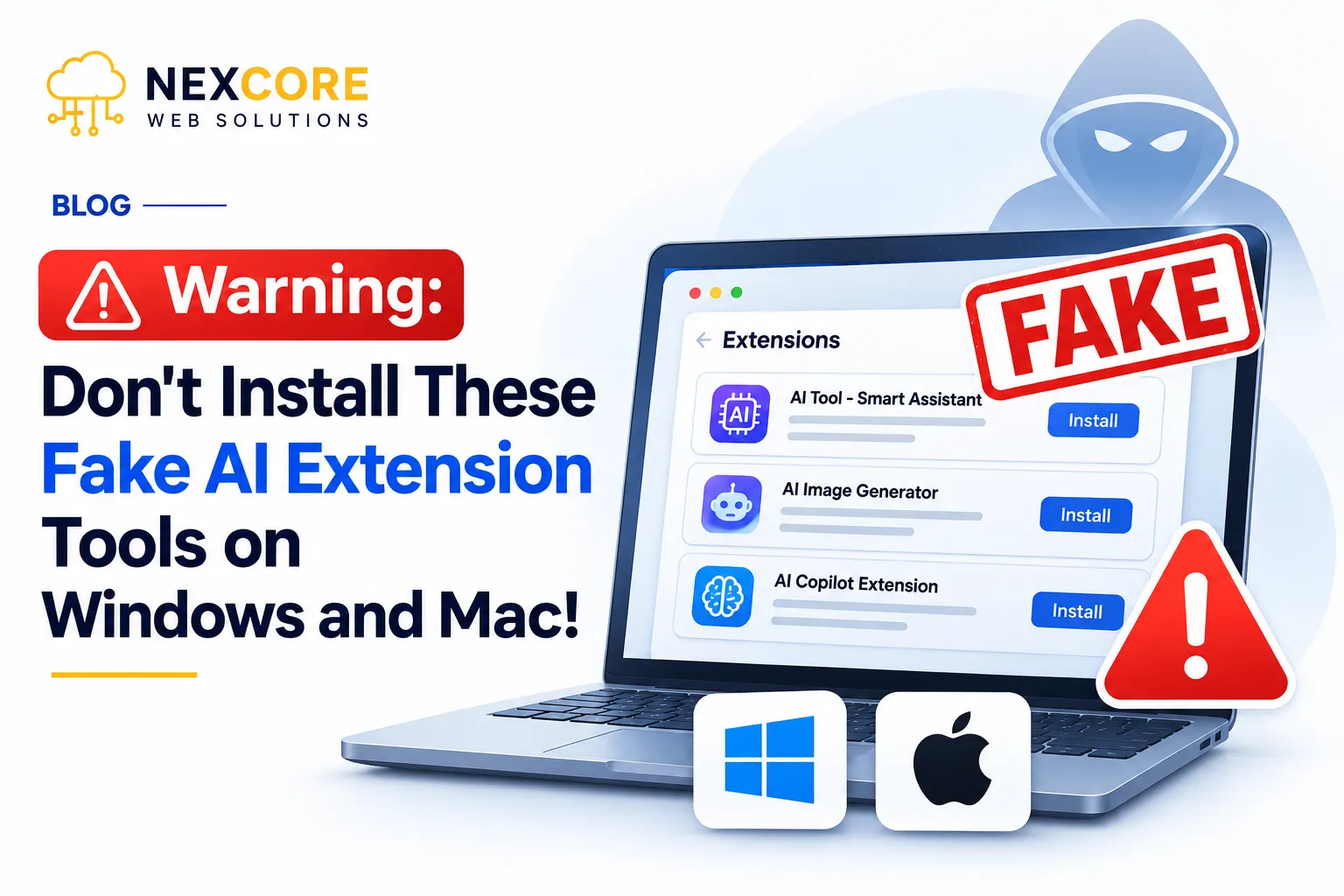
AI tools are appearing everywhere, promising to write emails, summarize documents, generate images, and make everyday work easier. That popularity has created an opportunity for something far less helpful: fake AI extensions and desktop tools designed to look legitimate. A convincing logo, a familiar product name, and a polished download page can make a malicious program appear trustworthy in just a few seconds.
The danger is not limited to obvious scams. Some fake tools may claim to offer access to popular AI services while secretly collecting browser data, login information, or sensitive files. Others may simply flood your computer with unwanted software. Before installing the next “free AI assistant” for Windows or Mac, knowing what to check could prevent a useful shortcut from becoming a serious security problem.
Why Fake AI Tools Are Becoming More Convincing
Cybercriminals often follow popular technology trends because people actively search for new tools and are willing to try unfamiliar software. AI has created an especially attractive environment because new services, extensions, and models appear frequently. A fake tool can exploit that excitement by using names, icons, and descriptions that closely resemble legitimate products.
The problem becomes more difficult when users expect AI software to request broad permissions. An assistant may genuinely need access to a webpage, document, microphone, or selected files to perform certain tasks. This can make an unnecessary permission request seem normal, allowing a malicious extension to hide behind the appearance of useful functionality.
The First Warning Sign Is Where You Found the Download
The safest place to install software or an extension is usually the official website or an established application store. Be cautious when a download link appears in a sponsored-looking search result, social media post, pop-up advertisement, or unfamiliar forum. A page can look professional while still distributing an imitation or modified version of a legitimate tool.
Before downloading anything, check the exact web address and compare it with the official source. Watch for misspelled domains, extra words, unusual punctuation, or letters that look similar to legitimate characters. If a new AI tool seems difficult to find through its official channels, that difficulty may be a reason to pause rather than search for an unofficial installer.
Extensions Can Ask for More Access Than You Expect
Browser extensions can be extremely useful, but their permissions deserve careful attention. Some extensions can read and change data on websites you visit, which may be necessary for certain features but also creates significant privacy risks. A tool that claims to provide simple text assistance may not need unrestricted access to every website.
Review the permissions before installation and ask whether each one makes sense for the advertised function. Be particularly cautious if an extension requests access to passwords, browsing activity, downloads, or all website content without a clear explanation. Removing unnecessary extensions can also reduce the amount of sensitive data exposed through your browser.
Don’t Trust a Familiar AI Name Alone
A common misconception is that software must be genuine if it uses the name of a popular AI platform. Names and branding can be copied, and unofficial tools may use similar wording to attract attention. Even a browser extension that performs a real function may not be officially connected to the company whose name appears in its description.
Look for clear information about the developer and verify whether the tool is listed or recommended through the official service you want to use. Avoid assuming that a high number of downloads or positive-looking reviews automatically proves legitimacy. Reviews can be manipulated, while a recently created malicious tool may not yet have enough public warnings to raise suspicion.
Be Careful With “Free Premium AI” Promises
An offer that promises unrestricted access to a normally paid AI service should immediately raise questions. Fake installers often use the promise of premium features, exclusive models, or lifetime access to encourage quick downloads. In some cases, the real purpose of the installation may be to collect information or deliver unwanted software.
Legitimate companies usually explain their plans and pricing through official channels. If a tool claims to unlock paid features without authorization, it may also expose you to security or account risks. Saving money is never worth installing software that you cannot verify or understand.
Windows and Mac Users Face Different-Looking Risks
Windows users may encounter suspicious executable files, installers, or browser extensions that request administrator privileges. A program that needs elevated access can make major changes to a computer, so such requests should always be examined carefully. Downloading software from unofficial file-sharing websites increases the risk of receiving a modified or bundled installer.
Mac users are not automatically protected simply because macOS has strong security controls. Attackers can use convincing installation instructions, fake update messages, or requests to bypass security warnings. Never disable built-in protections or override a warning solely because a website claims the AI tool will not work otherwise.
What to Do If You Already Installed a Suspicious Tool
If you have installed an extension or application that now seems suspicious, do not panic. Start by disconnecting it from sensitive accounts and removing the software through your browser or operating system. Check your installed extensions and applications for anything you do not recognize, including tools that arrived with the original download.
Run a security scan using trusted protection software and update your operating system and browser. If you entered passwords or connected important accounts while the suspicious tool was active, change those passwords from a clean device and enable multi-factor authentication. Review recent account activity for unfamiliar logins or changes.
A Simple Checklist Before Installing Any AI Tool
You do not need advanced cybersecurity knowledge to avoid many fake AI tools. A few careful checks can identify obvious risks before software reaches your computer. Consider these questions before clicking the install button:
- Did you find the tool through its official website or a trusted store?
- Does the developer clearly identify who created the software?
- Do the requested permissions match the tool’s advertised purpose?
- Does the offer sound unrealistically generous or too good to be true?
- Are you being asked to disable a security feature or ignore a warning?
If several answers create concern, waiting for more information is usually the safest decision. A legitimate AI tool will still be available after you take time to verify it.
Conclusion
The growing demand for AI tools has made it easier for fake extensions and software to hide behind familiar names and exciting promises. The biggest warning sign is often not a complicated technical clue but a request that simply does not make sense. An unknown developer asking for broad browser access or a website promising free premium AI features deserves careful scrutiny.
The safest habit is to slow down before installing anything. Verify the source, review permissions, and avoid bypassing security protections for convenience. AI can make work easier, but the wrong extension can also expose information that no productivity tool should ever access. A few minutes of verification can protect your accounts, files, and devices from a mistake that may take much longer to fix.
Frequently Asked Questions
How can I tell if an AI browser extension is fake?
Check where the extension came from, identify the developer, and review the permissions it requests. Compare its name and website with information from the official AI service it claims to represent. Be cautious about extensions that promise premium features for free, request access unrelated to their function, or encourage you to disable browser security protections.
Are all AI extensions from browser stores safe?
No. Official browser stores provide security checks and reporting systems, but harmful or misleading extensions can still appear. You should review the developer, permissions, update history, and user feedback before installation. Downloading directly from a verified official source is also important when an extension claims to be connected with a well-known AI company.
What permissions should make me cautious?
Permissions that allow an extension to read and change data on every website deserve careful review, especially if the tool does not clearly need that access. Requests involving passwords, browsing history, downloads, or sensitive files should also match the advertised function. When a permission seems unnecessary, look for a safer alternative with more limited access.
What should I do after installing a suspicious AI tool?
Remove the extension or application and run a security scan using trusted software. Review your browser and computer for unfamiliar programs that may have been installed alongside it. If you entered passwords or accessed important accounts while using the suspicious tool, change those passwords from a trusted device and enable multi-factor authentication.
Can Mac users get infected by fake AI applications?
Yes. macOS includes strong security protections, but users can still be exposed to malicious or unwanted software through fake installers, misleading instructions, and unsafe downloads. Avoid overriding security warnings without verification and install applications only from trusted sources. Keeping macOS and your security software updated adds another layer of protection.