
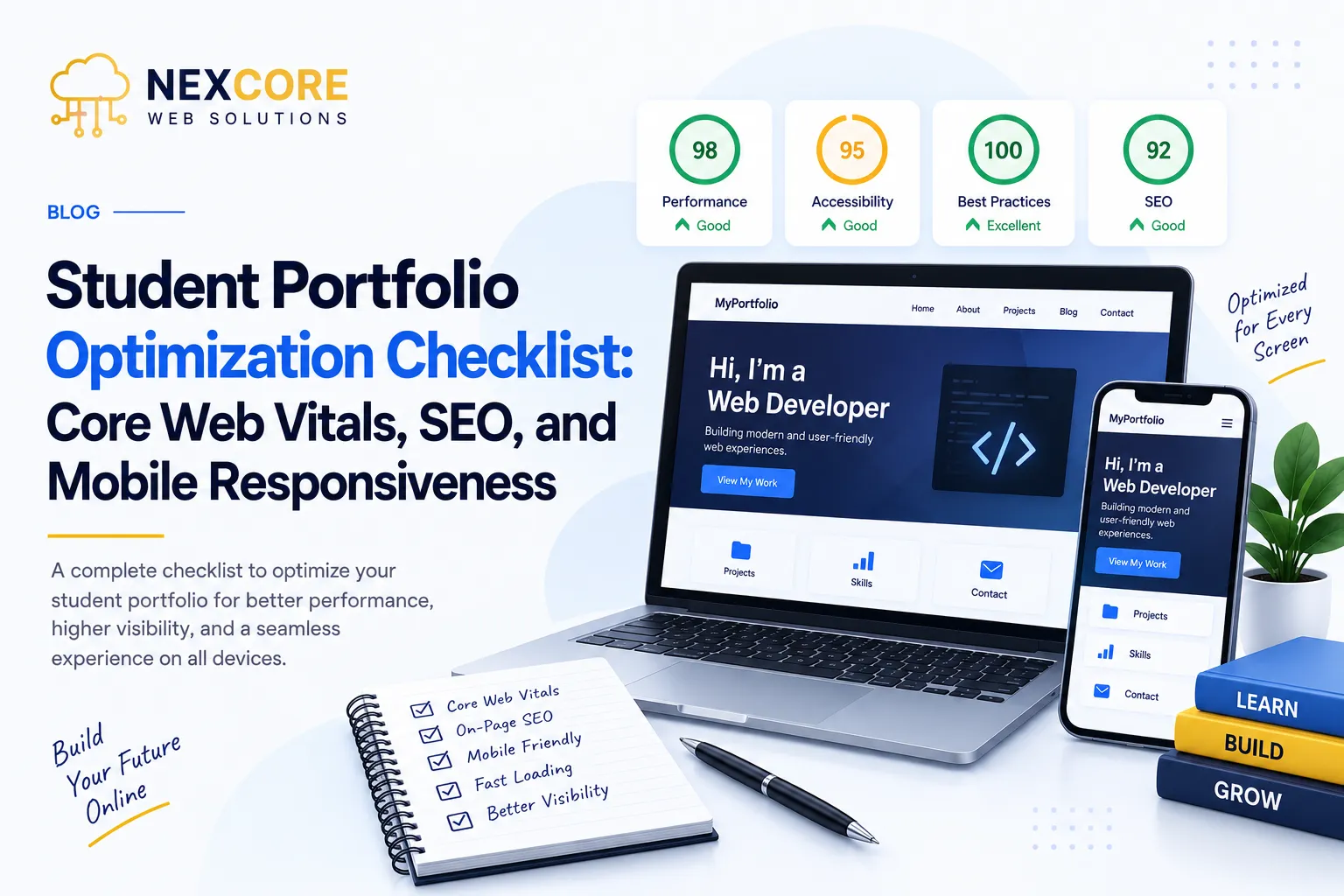
A student portfolio website is more than an online resume because it demonstrates technical ability, communication skills, projects, and attention to detail. A visually attractive portfolio can still perform poorly if pages load slowly, content is difficult to find, or the layout breaks on mobile devices. Optimization therefore matters for both visitors and search engines. Students should evaluate performance, Core Web Vitals, technical SEO, accessibility, and responsive design before sharing their portfolio with recruiters or clients. A well-optimized site also creates a stronger first impression because visitors can quickly understand who you are and what you have built. This checklist provides practical steps for improving the speed, discoverability, usability, and mobile experience of a student portfolio.
Start With Core Web Vitals
Core Web Vitals focus on important aspects of page experience, including loading performance, responsiveness, and visual stability. The current key metrics are Largest Contentful Paint (LCP), Interaction to Next Paint (INP), and Cumulative Layout Shift (CLS). LCP measures how quickly the main content becomes visible, while INP evaluates how responsive a page feels during interaction. CLS measures unexpected movement of page elements while content loads. Students should test important portfolio pages rather than optimizing only the homepage.
Improve Loading Performance
Large hero images, unoptimized project screenshots, excessive JavaScript, and third-party scripts can slow down a portfolio. Compress images and use modern formats such as WebP or AVIF when appropriate. Define image dimensions so the browser can reserve space before images load. Remove unnecessary plugins, libraries, animations, and tracking scripts that provide little value. A lightweight portfolio usually delivers a better experience than a page overloaded with visual effects.
Build a Strong SEO Foundation
Search engine optimization helps recruiters, clients, and other visitors discover portfolio content through relevant searches. Every important page should have a descriptive title, a useful meta description, and a clear primary heading. Write natural page content that explains your skills, projects, technologies, and experience instead of repeatedly inserting keywords. Internal links should connect related pages, such as linking a project description to its detailed case study. A logical URL structure also makes the website easier for users and search engines to understand.
Optimize Project Pages
Project pages are often the strongest evidence of a student’s practical skills. Each project should explain the problem, technology stack, development process, important features, and final result. Include meaningful text around screenshots rather than publishing images without context. If appropriate, link to a live demo and source repository, while clearly explaining what the student personally contributed. Unique project descriptions provide more useful information than copying generic technology descriptions across several pages.
Make the Portfolio Mobile Responsive
A portfolio must work comfortably on phones because recruiters may open links from mobile devices. Test navigation menus, buttons, forms, images, cards, and project sections at different screen widths. Avoid fixed-width layouts that force users to scroll horizontally or zoom into content. Text should remain readable without excessive resizing, and interactive elements should have enough space for touch input. Responsive CSS using flexible layouts, relative sizing, and appropriate media queries can solve many common mobile problems.
Check Mobile Navigation
Navigation should remain simple when the available screen space becomes smaller. A desktop menu with many links may need to become a compact mobile menu, but important pages should remain easy to reach. Test the menu with one hand and make sure buttons are clearly visible and functional. Forms should also use suitable input types and labels so users can complete them without frustration. A broken mobile menu can make an otherwise polished portfolio feel unfinished.
Improve Accessibility and Usability
Accessibility improvements often make a portfolio easier for everyone to use. Use semantic HTML elements such as headings, navigation, sections, buttons, and forms according to their intended purpose. Add meaningful alternative text to informative images and ensure that text has sufficient contrast against its background. Keyboard users should be able to navigate interactive elements without becoming trapped. Clear headings and predictable navigation also help visitors scan project information quickly.
Secure and Maintainable Portfolio Code
Technical quality matters when a portfolio is intended to demonstrate development skills. Keep dependencies updated, remove unused packages, and avoid exposing private credentials or API keys in frontend code. Forms should use appropriate validation and secure server-side handling when a backend is involved. Use HTTPS and configure deployment settings correctly for the hosting platform. Clean component structure, consistent naming, and readable code make future updates easier and can also demonstrate professional development practices.
Test Before Publishing
Optimization should finish with practical testing rather than assumptions. Test the portfolio on multiple browsers, mobile devices, and connection conditions where possible. Check every navigation link, project button, contact form, image, downloadable resume, and external profile. Run performance audits and investigate the largest sources of delay instead of trying to improve every metric at once. Review the site as a first-time visitor and ask whether the most important information is immediately understandable.
Conclusion
An optimized student portfolio should combine strong content with reliable technical performance. Core Web Vitals help identify problems with loading, responsiveness, and layout stability, while SEO makes important pages easier to discover. Responsive design ensures the portfolio remains usable across phones, tablets, and desktops, and accessibility improvements create a more inclusive experience. Students should also pay attention to security, code quality, navigation, and real-world testing before publishing their work. Rather than adding more animations or features, focus on making existing content fast, clear, useful, and easy to access. A carefully tested portfolio can demonstrate not only what a student has built, but also how thoughtfully they approach web development.
FAQs
What Core Web Vitals should students monitor for a portfolio?
Students should monitor Largest Contentful Paint (LCP), Interaction to Next Paint (INP), and Cumulative Layout Shift (CLS). These metrics cover loading performance, interaction responsiveness, and visual stability. Checking them on important portfolio pages can reveal practical performance problems. Image optimization, reduced JavaScript, stable layouts, and efficient code can help address common issues affecting these measurements.
Is mobile responsiveness important for a student portfolio?
Yes, mobile responsiveness is important because portfolio links can be opened on smartphones and tablets. A responsive website should adapt its layout, navigation, typography, images, and interactive elements to different screen sizes. Students should test real pages rather than relying only on browser resizing. Horizontal scrolling, tiny buttons, overlapping content, and broken menus are common problems worth checking.
How can students improve portfolio SEO?
Students can improve portfolio SEO by creating descriptive page titles, useful meta descriptions, clear headings, readable URLs, relevant internal links, and original project content. Project pages should explain actual work, technologies, challenges, and outcomes. Images should have meaningful alternative text when appropriate. Avoid keyword stuffing and focus on providing useful information that accurately represents the student’s skills and projects.
Should every portfolio image be compressed?
Images should generally be optimized, but compression should preserve sufficient visual quality for the intended purpose. Large project screenshots and hero images can significantly affect loading performance. Modern formats such as WebP or AVIF may reduce file sizes when supported by the workflow. Students should also provide appropriate dimensions instead of uploading unnecessarily large images and relying on CSS to shrink them.
What should students test before publishing a portfolio?
Students should test navigation, forms, links, images, project demonstrations, downloadable files, mobile layouts, and browser compatibility. They should also review Core Web Vitals and performance reports for important pages. Checking keyboard navigation, image alternatives, readable text, and contrast improves accessibility. Finally, viewing the website as a first-time visitor helps identify confusing sections or missing information before the portfolio is shared.




