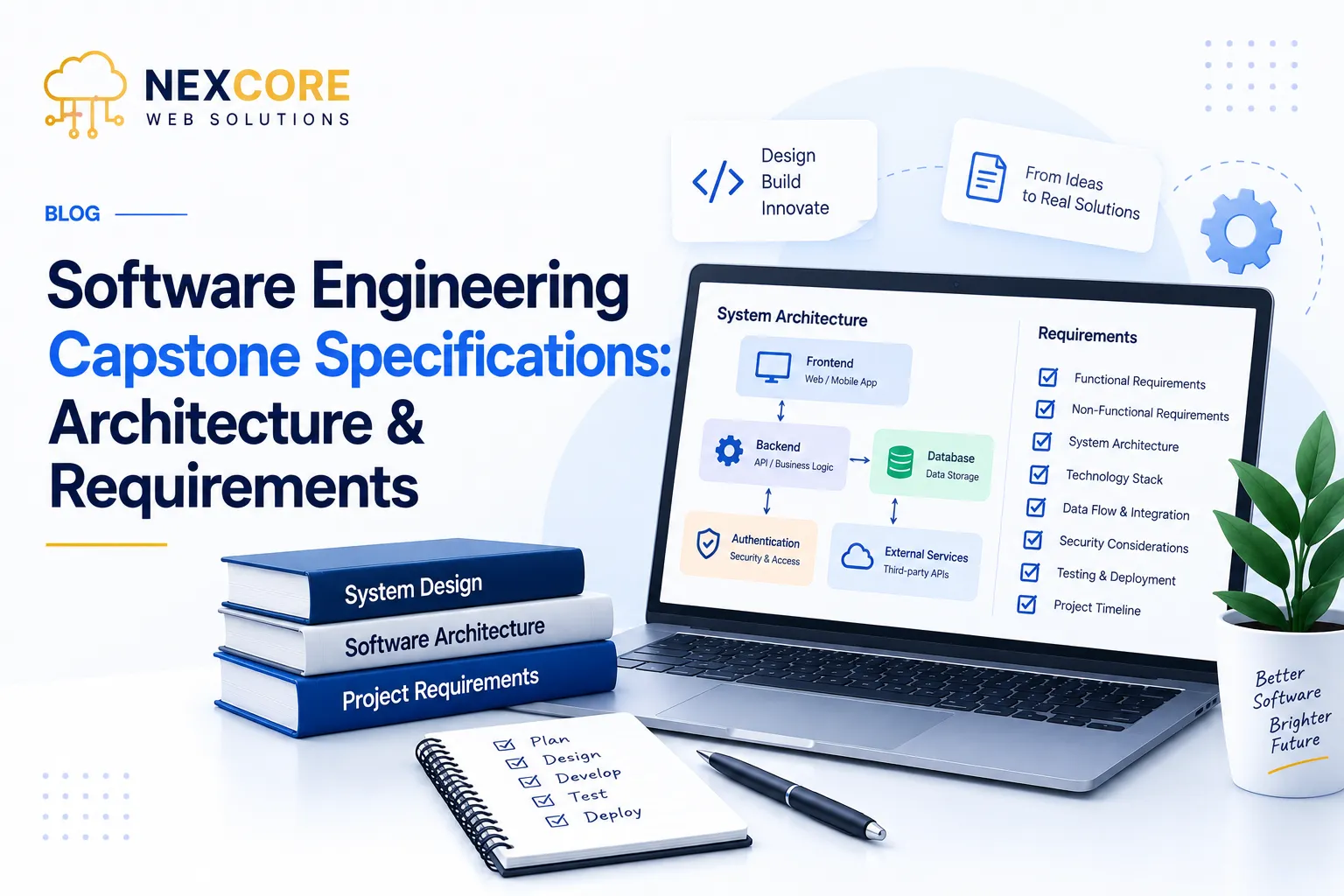
A software engineering capstone project is an opportunity for students to apply classroom knowledge to a realistic software problem. Unlike small programming assignments, a capstone requires clear planning, technical architecture, functional requirements, testing, documentation, and a practical demonstration. Many student projects fail to reach their potential because development begins before the team understands what the system must achieve. Strong specifications solve this problem by defining the project scope, user needs, system structure, and quality expectations. They also help supervisors evaluate progress and allow team members to work with fewer misunderstandings. Whether the project is a web application, mobile platform, enterprise system, or software tool, a well-prepared architecture and requirements document provides the foundation for successful development.
Understanding Capstone Project Specifications
A capstone specification is a written description of what the software will do and how it will be developed. It normally explains the problem statement, project objectives, target users, major features, technical limitations, and expected outcomes. The document should be detailed enough for developers to understand the work but flexible enough to support reasonable improvements during development. It should also identify what is outside the project scope. For example, a student team building a hospital appointment platform may include doctor schedules and patient bookings but exclude complete medical record management.
Specifications should be written in clear language instead of vague statements. “The system should be fast” is difficult to test because speed has not been defined. A stronger requirement would state that the dashboard should load within three seconds under an agreed test condition. Specific wording makes requirements measurable and reduces disagreements during evaluation.
Defining Functional Requirements
Core Features and User Activities
Functional requirements describe the actions the system must perform. These requirements should be based on real user activities rather than a list of technologies. For a student attendance system, functional requirements may include user login, student registration, attendance marking, attendance editing, report generation, and administrator management. Each feature should explain the expected input, system process, and output. This approach helps developers create accurate workflows and allows testers to prepare suitable test cases.
Use cases are useful for connecting users with system functions. A teacher may mark attendance, a student may view attendance history, and an administrator may manage courses or accounts. Each use case should include a main flow and important alternative situations. For example, the system should show an error when a teacher tries to mark attendance for a class that has not been assigned.
Prioritizing Requirements
Not every feature should receive the same priority. Divide requirements into essential, important, and optional categories before development begins. Essential features must work in the final demonstration, while optional features can be added if time remains. This prevents teams from spending too much time on design details while critical functions remain incomplete.
A practical prioritization method is to use the MoSCoW approach: Must have, Should have, Could have, and Won’t have for the current version. A project management application may require task creation and status updates, while calendar integration and advanced analytics may be optional. Priorities should be reviewed regularly as the team learns more about the project.
Designing the Software Architecture
Selecting an Architecture Pattern
Software architecture explains how the main parts of an application communicate and work together. A common structure for student web projects is three-tier architecture, which separates the presentation layer, application or business logic layer, and database layer. The presentation layer handles screens and user interaction, the business layer processes rules, and the database layer stores information. This separation makes the application easier to maintain and test.
Other suitable patterns include Model-View-Controller, client-server architecture, and service-based design. The selected pattern should match the project size and team experience. Students should avoid choosing microservices or complex cloud architecture simply to make the project appear advanced. A clear modular monolithic application is often more suitable for a university capstone because it is easier to develop, explain, and deploy.
Identifying Major Components
After selecting the architecture, list the main software components. These may include authentication, user management, notifications, reporting, payment processing, search, file storage, or external API integration. Each component should have a defined responsibility and clear communication method. For example, the notification module should not directly modify unrelated database records without a valid reason.
Architecture diagrams can show how users, frontend screens, backend services, databases, and external systems connect. A simple diagram is usually more useful than a crowded illustration containing unnecessary technical terms. Include data flow, major dependencies, and security boundaries where relevant. The diagram should match the actual implementation and be updated when the design changes.
Non-Functional Requirements
Non-functional requirements describe the quality of the system. They commonly cover performance, security, usability, reliability, scalability, compatibility, and maintainability. For example, the system may need to support 100 simultaneous users, protect passwords through hashing, and work on common mobile and desktop browsers. These requirements should be measurable whenever possible.
Security deserves special attention in capstone projects. Use input validation, access control, secure sessions, protected database queries, and appropriate error messages. Do not expose passwords, API keys, or private user information in screenshots or source code repositories. Even when the project uses fictional data, students should demonstrate responsible software practices.
Documentation, Testing, and Evaluation
A complete capstone specification should explain how the team will confirm that the software works correctly. Testing may include unit testing, integration testing, system testing, usability testing, and user acceptance testing. Create test cases from the functional requirements and record expected results before running them. Failed tests should be documented and corrected rather than ignored.
The final report should include the problem statement, objectives, requirement analysis, architecture diagrams, database design, implementation details, testing results, limitations, and future improvements. A project presentation should demonstrate important workflows from beginning to end. Students should also explain design decisions, technical challenges, and how feedback influenced development.
Conclusion
Strong architecture and requirements specifications give a software engineering capstone project direction, structure, and measurable goals. Functional requirements define what users need, while non-functional requirements establish standards for security, performance, usability, and reliability. Architecture decisions explain how the application will be organized and how its components will communicate. Students should begin with a realistic scope, prioritize essential features, document assumptions, and update specifications when necessary. Clear diagrams, practical test cases, and honest limitations can make the final submission more credible. A successful capstone is not judged only by its appearance. It is evaluated through the quality of its planning, implementation, testing, documentation, and ability to solve the selected problem.
FAQs
What should a software engineering capstone specification include?
A capstone specification should include the problem statement, project objectives, target users, functional requirements, non-functional requirements, system scope, architecture, technology stack, database design, testing plan, and expected outcomes. It should also mention assumptions, limitations, risks, and future improvements. Clear specifications help students understand the project and give supervisors a consistent way to evaluate progress.
Why is software architecture important in a capstone project?
Software architecture explains how different parts of the application are organized and connected. It helps developers divide responsibilities, reduce code duplication, and manage future changes. A suitable architecture also improves testing and debugging because each component has a clear purpose. For university projects, architecture diagrams make technical decisions easier to explain during reports, demonstrations, and final presentations.
How can students write better functional requirements?
Students should describe requirements from the user’s perspective and explain the expected system behavior. Each requirement should identify an action, input, process, and result where possible. Avoid vague words such as “easy,” “fast,” or “advanced” unless they are supported by measurable conditions. Use use cases, user stories, and acceptance criteria to make requirements clear and testable.
What are examples of non-functional requirements?
Common non-functional requirements include performance, security, usability, reliability, scalability, compatibility, and maintainability. An example is requiring a page to load within three seconds under defined conditions. Another example is restricting confidential records to authorized users. These requirements describe how well the system should operate rather than simply listing the functions it provides.
Can capstone requirements change during development?
Yes, requirements may change when testing, user feedback, or technical limitations reveal new information. However, changes should be recorded and reviewed instead of being made informally. The team should explain the reason for each change, its effect on scope, and any impact on deadlines. A controlled change process helps prevent feature overload and keeps the project manageable.