
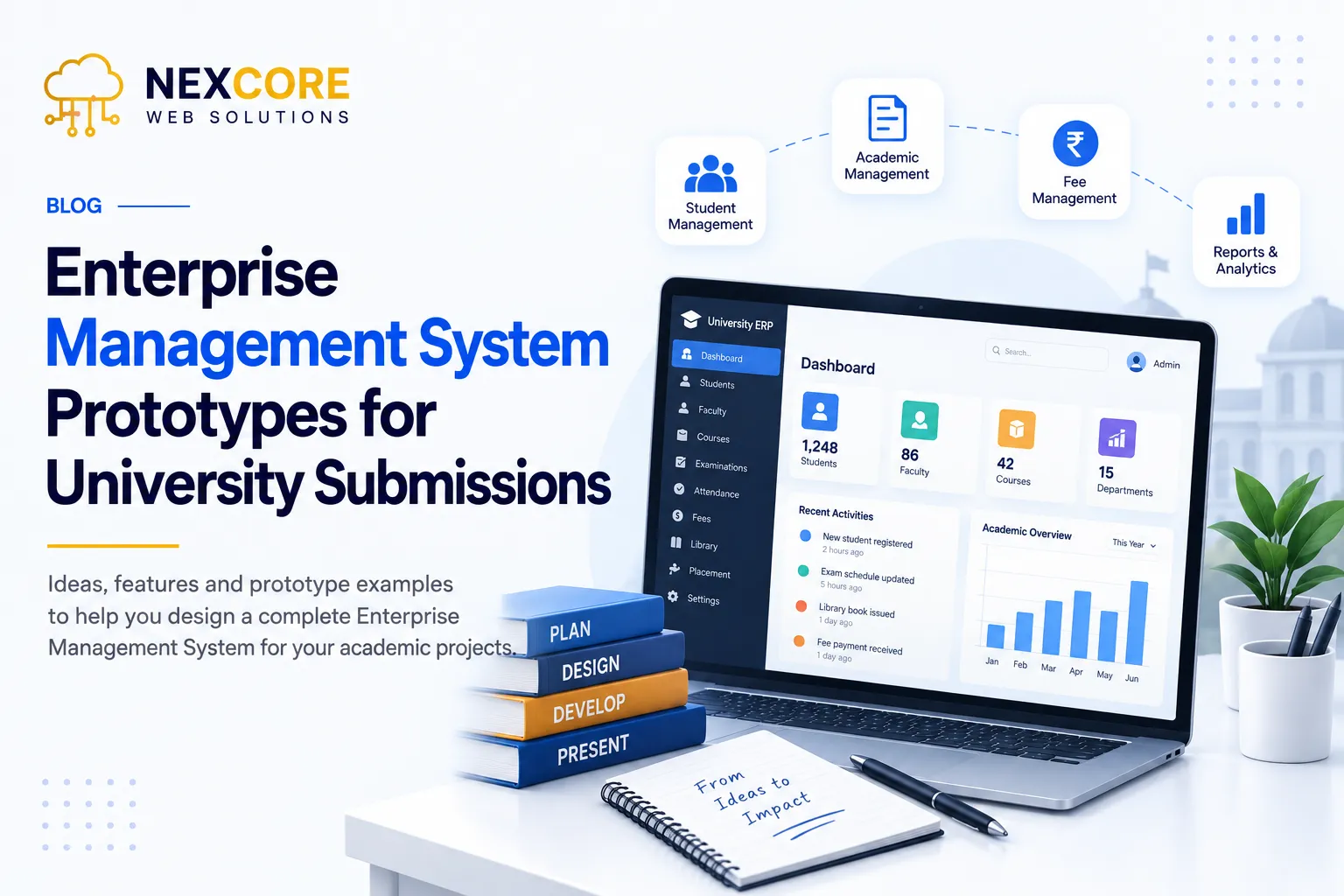
Enterprise management systems are practical software projects that help organizations manage operations, employees, customers, finances, inventory, and daily workflows. For university submissions, an enterprise management system prototype gives students an opportunity to combine programming, database design, user interface development, and software documentation in one project. Unlike a basic calculator or simple registration form, an enterprise prototype demonstrates how different departments and processes can work together through a single platform. It does not need to be a complete commercial product. A well-planned prototype should clearly identify a business problem, provide useful modules, show realistic workflows, and explain how the system could be improved. With proper planning, students can create a project that is easy to demonstrate, evaluate, and discuss during academic presentations or interviews.
What Is an Enterprise Management System Prototype?
An enterprise management system prototype is an early working version of software designed to support organizational activities. It usually includes a dashboard, user authentication, data management, reports, and role-based access. The prototype focuses on demonstrating important features rather than delivering every advanced function found in large commercial software. For example, a university project may include employee records, attendance tracking, leave requests, and salary summaries without implementing a complete payroll infrastructure.
The main purpose of a prototype is to show how users interact with the system and how information moves between modules. Students should define the target users before beginning development. These users may include administrators, managers, employees, accountants, customers, or students. Clear user roles help determine which screens, permissions, and workflows the application needs.
Popular Enterprise Management System Ideas
Human Resource Management System
A Human Resource Management System, or HRMS, is a suitable project for students who want to work with employee data and business workflows. The system can manage employee profiles, departments, attendance, leave applications, and basic performance records. An administrator may add or update employee details, while employees can view attendance and submit leave requests. Managers can review requests and generate department-level reports.
To make the project more realistic, include role-based access and validation rules. Employees should not be able to edit confidential salary information or delete other employee records. The dashboard can display total employees, pending leave requests, attendance summaries, and department counts. This project helps students understand database relationships, forms, authentication, and reporting.
Inventory and Stock Management System
An inventory management prototype is useful for businesses that handle products, warehouses, suppliers, and sales. It can include product registration, category management, stock-in records, stock-out records, supplier details, and low-stock alerts. When a product is sold or issued, the system should automatically update the available quantity. This creates a practical opportunity to work with transactions and data consistency.
Students can add search, filtering, barcode fields, and downloadable reports to improve usability. The system should prevent negative stock quantities and validate product prices or quantities before saving records. A dashboard may display total products, available stock, low-stock items, and recent transactions. This project is especially useful for demonstrating CRUD operations, relational databases, and business logic.
Customer Relationship Management System
A Customer Relationship Management system helps organizations organize customer information and communication activities. A university prototype can include customer profiles, leads, follow-up reminders, sales opportunities, and interaction history. Employees may add new leads, update their status, and record phone calls or meetings. Managers can view sales summaries and identify opportunities that require attention.
The project becomes stronger when it includes a simple sales pipeline. Leads can move through stages such as new, contacted, qualified, proposal sent, and closed. Use clear validation so that important customer fields cannot remain empty. This system teaches students how to design connected records and create dashboards that summarize business activity.
College Enterprise Management System
Students can also develop a management platform specifically for educational institutions. Possible modules include student registration, faculty records, attendance, fee management, examination results, notices, and library records. Different users can access different features based on their roles. For example, faculty members may update attendance, while administrators manage student profiles and fee information.
A college management prototype is often easier to explain during a university demonstration because the users and workflows are familiar. Students can create realistic sample records and show how one module affects another. For example, fee status can appear on a student dashboard, while attendance reports can be filtered by course or semester. The project should avoid collecting real personal information and use fictional data during testing.
Essential Modules for a Strong Prototype
Dashboard and Reports
A dashboard should provide a quick summary of important information. Use cards, tables, charts, and alerts to display relevant figures without overwhelming users. Reports can include monthly attendance, inventory movement, employee counts, customer activity, or fee collection. Every chart should have a clear purpose and use accurate data from the database.
Authentication and User Roles
Authentication protects system access and helps demonstrate security awareness. Create separate roles such as administrator, manager, employee, or viewer. Each role should have defined permissions for reading, creating, updating, and deleting records. Passwords must never be stored as plain text, even in a student prototype.
Database and Data Validation
A reliable database design is the foundation of an enterprise system. Identify entities, relationships, primary keys, and foreign keys before creating tables. Validate required fields, email formats, numeric values, dates, and duplicate records. Proper validation reduces errors and shows that the system is designed for real operational use.
Recommended Technology Stack
Students can select technologies according to their existing skills and project requirements. A web-based system may use HTML, CSS, JavaScript, Bootstrap, React, PHP, Laravel, Node.js, or another suitable framework. MySQL and PostgreSQL are common database choices for structured enterprise data. Python with Django or Flask can also support a complete management application.
Do not choose a technology only because it appears advanced. Select a stack that you can install, debug, and explain confidently. A simple application with clean code and working modules is more valuable than a complex project that cannot be demonstrated properly. Maintain a clear folder structure and use version control throughout development.
How to Present the Project in University
A successful submission should include a project report, database design, system architecture, screenshots, test cases, and user instructions. Explain the problem statement, objectives, scope, existing system limitations, proposed solution, and future improvements. Include diagrams such as use-case diagrams, flowcharts, entity-relationship diagrams, and data-flow diagrams where appropriate.
During the presentation, demonstrate a complete workflow instead of opening random screens. For example, create a user, add a record, update its status, and generate a report. Explain what happens when invalid information is entered or a user lacks permission. This approach proves that you understand the system rather than simply displaying its interface.
Conclusion
Enterprise management system prototypes are excellent university projects because they combine software development with practical organizational needs. HRMS, inventory management, CRM, and college management platforms allow students to demonstrate databases, authentication, dashboards, reports, and business workflows. The strongest prototype is not necessarily the one with the most modules. It is the one that solves a clear problem, follows a logical structure, handles errors, and can be explained confidently. Start with essential features, test every workflow, and use fictional data for demonstrations. Support the final submission with diagrams, screenshots, documentation, and future development ideas. A carefully presented enterprise prototype can strengthen both academic performance and professional project experience.
FAQs
What is the best enterprise management project for university students?
The best project depends on your skills and the problem you want to solve. HR management, inventory management, CRM, and college management systems are common choices because they include clear users, workflows, and database relationships. Select one topic that you can complete within the submission deadline. A focused project with working features is better than a large unfinished system.
Which technologies can be used to build an enterprise management prototype?
You can use several technology combinations, including HTML, CSS, JavaScript, PHP, Laravel, MySQL, React, Node.js, Python, Django, or Flask. Beginners may choose PHP and MySQL for a straightforward web application, while experienced students may use React with a backend API. The important point is to select technologies you can understand, maintain, and explain during evaluation.
What modules should an enterprise management system include?
Most prototypes should include authentication, a dashboard, user roles, database management, forms, search, reports, and validation. Additional modules depend on the selected topic. An HR system may need attendance and leave management, while an inventory system may require suppliers and stock transactions. Begin with core workflows before adding optional features.
How can I make my enterprise project look professional?
Use a consistent layout, readable typography, clear navigation, meaningful labels, and responsive design. Add loading indicators, empty states, validation messages, and useful error handling. Organize the code into separate modules and write a detailed README or project report. Screenshots, diagrams, test cases, and a live demonstration can also improve the overall presentation.
Is a prototype enough for a university project submission?
Yes, a prototype is often suitable when the project requirements focus on design, functionality, and demonstration rather than commercial deployment. Clearly explain which features are completed and which are planned for future development. Include limitations related to security, scalability, integrations, or testing. A working prototype supported by documentation can effectively demonstrate your technical understanding.




