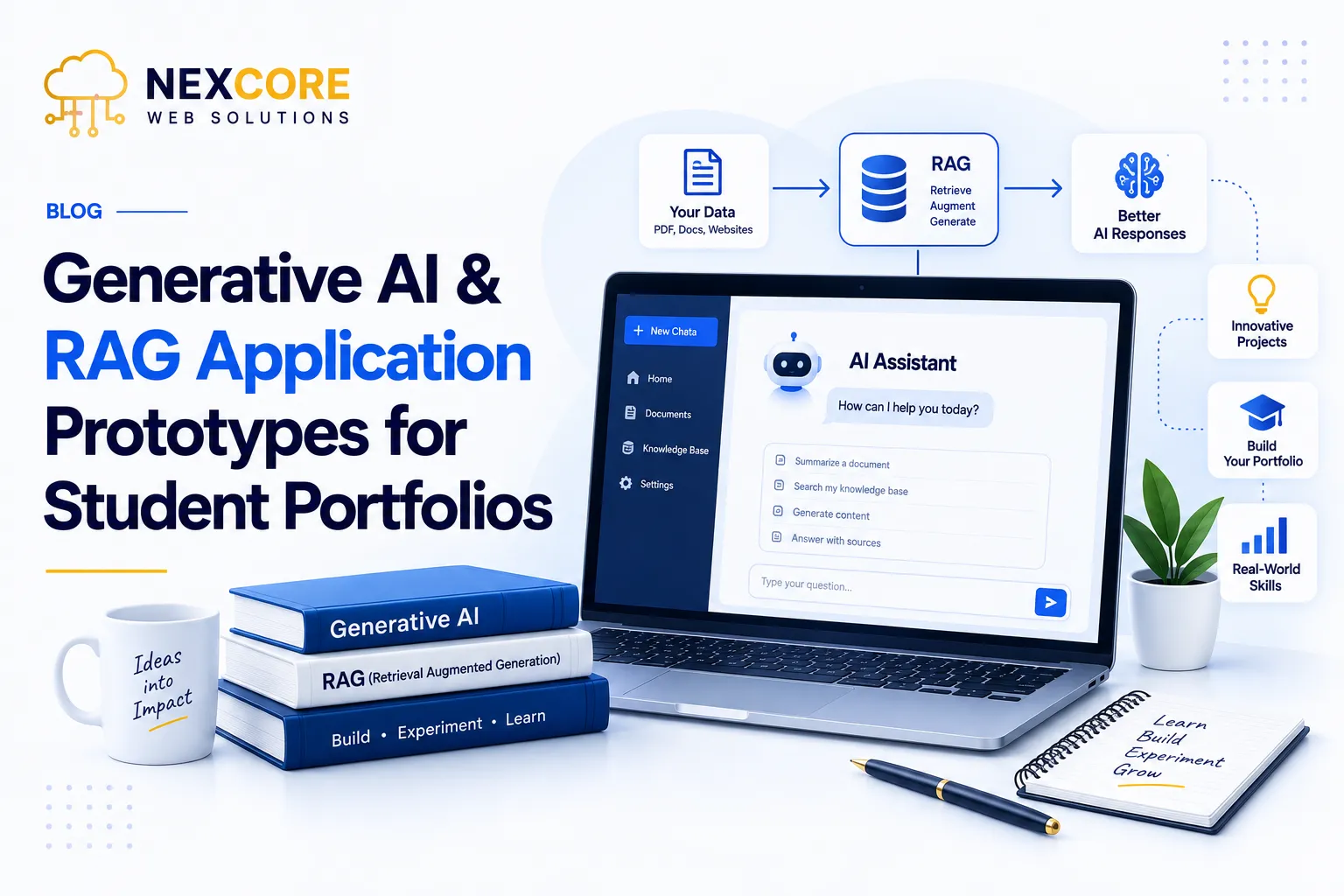
Generative AI has changed how software applications create content, answer questions, summarize information, and support decision-making. For students building software portfolios, a Generative AI prototype can demonstrate skills in modern application development, while a Retrieval-Augmented Generation (RAG) system shows how AI can work with reliable, domain-specific information. These projects are valuable because they combine frontend design, backend development, databases, APIs, prompt engineering, and practical problem-solving. A portfolio project does not need to compete with a commercial AI platform. It should solve one clear problem, provide a useful user experience, and explain how the technology works. With a focused scope and proper documentation, students can build an impressive application that demonstrates both software engineering ability and responsible use of artificial intelligence.
Understanding Generative AI and RAG
Generative AI refers to systems that create new content from user instructions. Depending on the model, the output may include text, code, images, summaries, explanations, or structured information. A student application might use a language model to generate study notes, draft emails, explain programming errors, or create interview questions. The quality of the result depends on the prompt, model capabilities, available context, and validation process.
RAG is a technique that improves AI responses by retrieving information from a selected knowledge source before generating an answer. Instead of relying only on information learned during model training, the application searches documents, databases, or webpages and sends relevant content to the language model. For example, a university assistant can retrieve information from course handbooks before answering questions about subjects, attendance, or examination rules. This approach is useful when answers must be connected to specific documents.
Why These Projects Matter for Student Portfolios
Demonstrating Modern Development Skills
A Generative AI or RAG prototype allows students to demonstrate more than basic CRUD operations. The project may include authentication, file uploads, document processing, API integration, database storage, prompt design, response streaming, and error handling. These features show how different software components work together in a complete application. Students can also explain technical decisions during interviews or project evaluations.
Solving a Specific User Problem
A strong AI portfolio project begins with a real user need. A general chatbot may be easy to build, but it can appear incomplete if it has no clear purpose. A better idea is a study assistant that answers questions from uploaded lecture notes or a career assistant that reviews a resume against a job description. A focused application makes it easier to design features, test results, and measure usefulness.
Generative AI Prototype Ideas
AI Study and Revision Assistant
An AI study assistant can help students generate summaries, flashcards, practice questions, and explanations from a selected topic. Users may enter a chapter name or paste study material into the application. The system can produce different difficulty levels so that beginners and advanced learners receive suitable content. To improve reliability, the interface should allow users to review generated answers instead of treating every response as automatically correct.
Useful features may include saved study sessions, topic history, quiz scoring, and downloadable notes. Students can also add a “simplify this explanation” option for difficult concepts. The project demonstrates prompt engineering, user experience design, data storage, and structured output generation. It also creates an opportunity to discuss the limitations of AI-generated educational content.
AI Resume and Interview Assistant
A resume assistant can analyze a candidate’s resume and generate suggestions for clarity, structure, and job relevance. Users may upload a resume and provide a job description for comparison. The application can identify missing skills, repeated phrases, unclear achievements, and areas that need stronger evidence. It may also generate interview questions based on the selected role.
The system should avoid making unsupported claims about a candidate’s suitability. Results should be presented as suggestions rather than final decisions. Students can improve the prototype by adding downloadable reports, skill categories, and a history of previous analyses. This project demonstrates document handling, text processing, structured analysis, and practical business value.
RAG Application Prototype Ideas
University Knowledge Assistant
A university knowledge assistant is an excellent RAG project because it uses a controlled collection of documents. Students can upload course guides, academic calendars, department notices, or project instructions. The application converts documents into searchable sections and retrieves relevant content when a user asks a question. The language model then creates an answer based on the retrieved information.
The interface should display document names or source references so users can verify the response. If the knowledge base does not contain an answer, the system should clearly say that the information is unavailable. This behavior is important because it reduces the risk of confident but unsupported responses. The project can include admin uploads, document deletion, search history, and access permissions.
Personal Document Research Assistant
A personal research assistant can help users ask questions about PDFs, reports, manuals, or technical documents. The system may allow multiple files to be uploaded and organized into separate collections. Users can ask for summaries, definitions, comparisons, or explanations based on the selected documents. This creates a useful demonstration of document parsing, embeddings, vector search, and language model integration.
Students should consider document quality and retrieval accuracy during development. Scanned documents may require optical character recognition, while tables and images may need special processing. The application should show when a document was used and allow users to open the relevant section. These features make the prototype more transparent and easier to evaluate.
Suggested Technical Architecture
A typical RAG application includes a frontend, backend API, document-processing service, vector database, and language model provider. The frontend may be built with React, HTML, CSS, or another suitable framework. The backend can use Python, Node.js, PHP, or a framework that supports file handling and API requests. Documents are divided into smaller chunks, converted into embeddings, and stored for similarity-based retrieval.
The application should separate user interface logic from AI processing and database operations. Environment variables must protect API keys, and uploaded files should be validated before processing. Add limits for file size, request frequency, and token usage to control costs. A simple architecture that works reliably is better than an unnecessarily complex design.
Testing and Portfolio Documentation
AI applications require more than traditional interface testing. Students should test whether the system retrieves relevant documents, follows instructions, handles empty results, and responds appropriately to unclear questions. Create test questions with expected source documents and compare the generated answers against those sources. Record incorrect responses and explain what improvements were made.
A portfolio presentation should include the problem statement, architecture diagram, screenshots, technology stack, sample prompts, test cases, limitations, and future improvements. Demonstrate a complete workflow from uploading information to receiving a response. Explain that AI output can contain mistakes and that users should verify important information. Honest documentation strengthens the technical credibility of the project.
Conclusion
Generative AI and RAG prototypes can make student portfolios more practical, modern, and technically meaningful. A study assistant, resume analyzer, university knowledge chatbot, or document research tool can demonstrate frontend development, backend APIs, databases, AI integration, and user-focused design. The most effective project is not the one with the largest model or the most features. It is the one that solves a defined problem, provides clear evidence, and handles limitations responsibly. Start with a small knowledge base or focused workflow, test the application with realistic questions, and document every major technical decision. A reliable, well-explained prototype can become a strong example of applied software engineering.
FAQs
What is the difference between Generative AI and RAG?
Generative AI creates content based on a user prompt and the model’s learned knowledge. RAG adds a retrieval step, where the application searches selected documents or databases and provides relevant information to the model. This helps the response stay connected to a specific knowledge source. A RAG system still uses Generative AI, but it adds external context before generating the final answer.
Which RAG project is suitable for beginners?
A personal PDF question-answering assistant is a practical beginner project. It has a clear workflow: upload a document, extract text, divide it into sections, store searchable representations, and answer questions using retrieved content. Start with text-based PDFs before supporting scanned documents or images. A small project with reliable retrieval and clear source references is easier to test and explain.
What technologies are required for a RAG application?
A RAG application commonly uses a frontend framework, backend language, document parser, embedding model, vector database, and language model API. React with Python or Node.js is a common combination, but other stacks can work. Students should select tools they understand and can maintain. The exact technology is less important than the architecture, testing, security, and quality of the final application.
How can students reduce incorrect AI answers?
Students can reduce incorrect answers by retrieving relevant documents, using clear prompts, limiting responses to available sources, and displaying citations or document references. The system should state when information is missing instead of guessing. Test questions should include both answerable and unanswerable examples. Human review is still necessary for academic, legal, medical, or other high-impact information.
Should an AI portfolio project include a real API?
Using a real AI API can make the project more realistic, but it is not always required. Students can begin with a mock response system or a locally available model while building the interface and backend. If an external API is used, protect the API key, monitor usage, validate inputs, and explain the cost limitations. The project should remain functional and understandable even when the service is unavailable.