
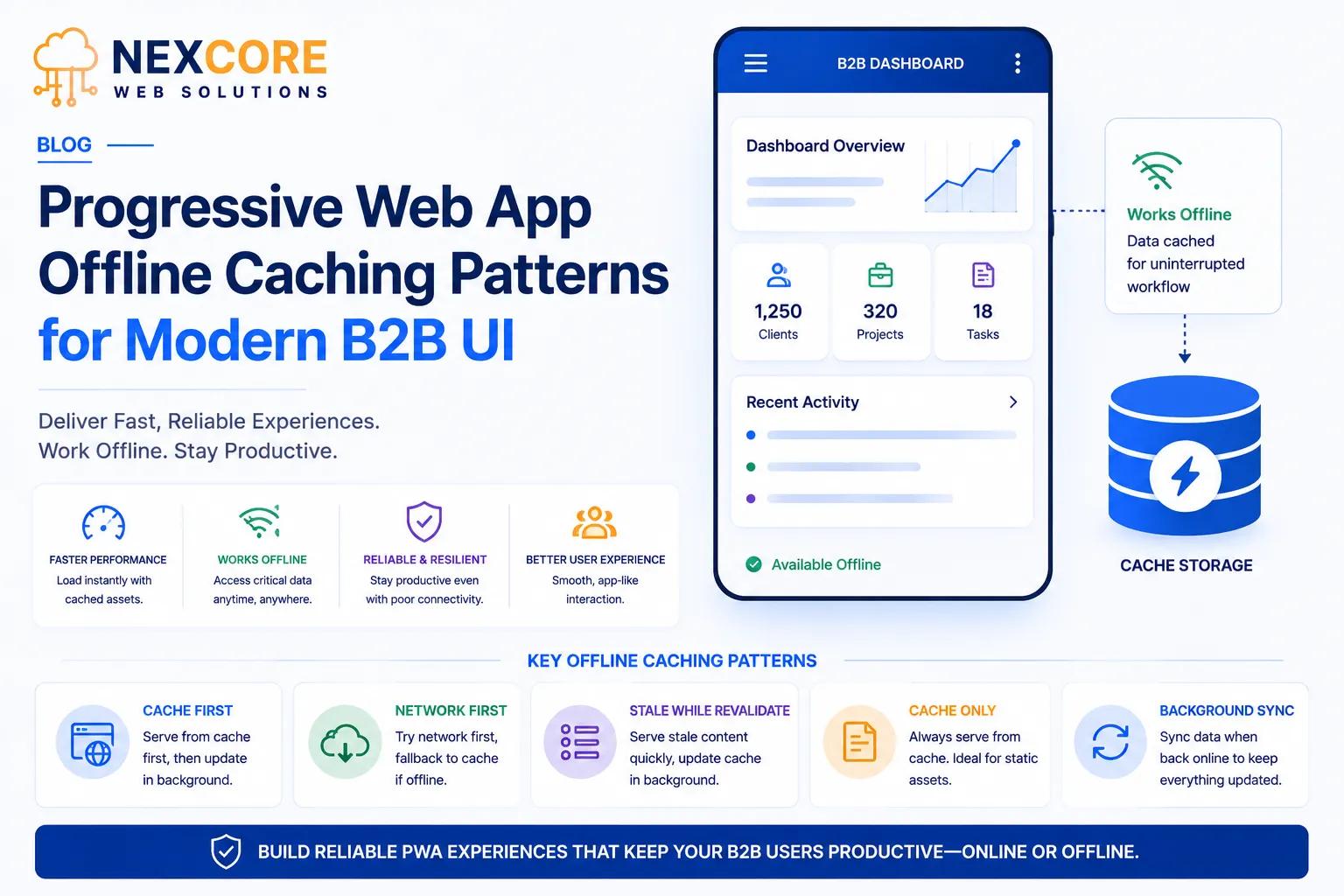
Business users expect enterprise applications to remain responsive regardless of network quality or device connectivity. Whether employees are traveling, working remotely, or accessing systems from areas with unstable internet connections, interruptions can reduce productivity and negatively impact business operations. Progressive Web Apps (PWAs) address this challenge by combining modern web technologies with offline capabilities traditionally associated with native mobile applications. One of the most important features enabling this experience is offline caching. By intelligently storing application assets and selected data on user devices, Progressive Web Apps continue functioning even when network connectivity becomes slow or unavailable. Understanding effective offline caching patterns helps organizations build reliable B2B interfaces that improve performance, enhance user experience, reduce network dependency, and support continuous business workflows across diverse operating environments.
Loading Page Title…
Fetching details from the page URL…
Understanding Progressive Web Apps
What Is a Progressive Web App?
A Progressive Web App is a web application that combines the accessibility of traditional websites with advanced capabilities such as offline functionality, push notifications, background synchronization, and home screen installation. PWAs operate within modern browsers while delivering experiences similar to native applications. They provide a flexible solution for businesses seeking cross-platform compatibility without maintaining separate mobile applications.
Why Offline Functionality Matters
Business applications frequently support field workers, sales representatives, logistics teams, healthcare professionals, and remote employees who cannot always rely on stable internet connectivity. Offline functionality allows users to continue accessing important information and performing essential tasks despite temporary network interruptions. Maintaining productivity during connectivity issues delivers measurable business value.
The Role of Service Workers
Background Request Management
Service workers are background scripts that intercept network requests before they reach remote servers. They determine whether content should be retrieved from local storage or requested from the network. This intelligent request handling enables offline functionality while improving application responsiveness. Service workers form the foundation of Progressive Web App caching strategies.
Separating Network Logic
Rather than embedding caching logic throughout application code, service workers centralize request management in a dedicated layer. This separation improves maintainability while allowing developers to update caching behavior independently from user interface components. Clear architectural boundaries simplify long-term application development and maintenance.
Common Offline Caching Patterns
Cache-First Strategy
The cache-first approach attempts to retrieve requested resources from local storage before accessing the network. Frequently used assets such as images, style sheets, JavaScript files, and application icons load almost instantly because they are already stored locally. Network requests occur only when cached resources are unavailable. This strategy significantly improves loading speed.
Network-First Strategy
Some application data changes frequently and must remain current whenever connectivity exists. The network-first strategy retrieves fresh information from remote servers before falling back to cached content if the network becomes unavailable. Business dashboards, customer records, and inventory information commonly benefit from this approach. Freshness remains the primary objective.
Managing Dynamic Business Data
Stale-While-Revalidate Pattern
The stale-while-revalidate pattern immediately serves cached content while simultaneously requesting updated information from the server. Users receive fast responses without waiting for network operations, while cached data automatically refreshes after successful retrieval. This balance between speed and freshness works well for frequently viewed business information.
Selective Data Synchronization
Not every piece of application data requires offline availability. Organizations should identify critical information users need during connectivity interruptions while avoiding unnecessary storage of sensitive or rarely accessed content. Selective synchronization improves storage efficiency while reducing security risks. Strategic caching supports better operational performance.
Offline User Experience
Clear Connectivity Indicators
Users should always understand whether applications operate online or offline. Visible connectivity indicators, synchronization status messages, and offline notifications reduce confusion during network interruptions. Transparent communication builds user confidence while helping employees understand which features remain available. Clear feedback improves overall usability.
Graceful Feature Degradation
Some business operations require real-time server communication and cannot function offline. Rather than displaying errors, applications should disable unavailable features gracefully while preserving access to offline functionality. Intelligent degradation prevents frustration while maintaining productive workflows wherever possible. Well-designed user experiences anticipate connectivity limitations.
Security Considerations
Protect Cached Information
Business applications often process confidential customer records, financial information, or internal operational data. Cached content should be encrypted where appropriate, access should be restricted through secure authentication mechanisms, and sensitive information should not remain available indefinitely. Security must remain a priority throughout offline architecture design.
Manage Cache Lifecycles
Outdated cached information can create operational problems if users unknowingly rely on obsolete business data. Cache expiration policies, version control, and automatic cleanup routines help ensure stored content remains accurate and relevant. Proper lifecycle management improves reliability while reducing unnecessary storage consumption.
Performance Monitoring
Measure Cache Effectiveness
Organizations should monitor cache hit rates, offline usage frequency, synchronization success, loading times, and application responsiveness to evaluate caching performance. Analytics reveal which resources benefit most from offline storage while identifying optimization opportunities. Continuous measurement supports evidence-based architectural improvements.
Refine Strategies Continuously
Business workflows evolve as organizations introduce new services, features, and operational processes. Offline caching strategies should adapt alongside these changes rather than remaining static after deployment. Regular performance reviews ensure caching patterns continue meeting business requirements while maintaining efficient resource utilization.
Conclusion
Progressive Web App offline caching has become an essential capability for modern B2B applications because it enables consistent productivity regardless of network conditions. Service workers, intelligent caching strategies, selective synchronization, secure data management, and continuous monitoring all contribute to reliable offline experiences that support demanding business workflows. Organizations should carefully balance performance, data freshness, storage efficiency, and security when designing offline architectures rather than relying on a single caching approach. As remote work, mobile access, and distributed operations continue expanding, businesses that invest in well-designed Progressive Web App caching patterns provide users with faster, more dependable, and more resilient digital experiences capable of supporting long-term operational success.
FAQs
1. What is offline caching in a Progressive Web App?
Offline caching is a technique that stores application assets and selected data locally on user devices so they remain accessible even when internet connectivity is unavailable. It enables Progressive Web Apps to continue functioning while improving loading speed and reducing dependence on constant network access.
2. How do service workers enable offline functionality?
Service workers intercept network requests and determine whether resources should be served from local cache or retrieved from remote servers. They manage caching strategies, background synchronization, and request handling independently from the main application, making offline capabilities possible within Progressive Web Apps.
3. What is the difference between cache-first and network-first strategies?
Cache-first prioritizes retrieving resources from local storage before accessing the network, making it ideal for static assets. Network-first attempts to retrieve fresh information from remote servers first and falls back to cached data only when network connectivity is unavailable, making it suitable for frequently changing business data.
4. Is offline caching secure for enterprise applications?
Offline caching can be secure when organizations implement encryption, authentication, secure storage practices, cache expiration policies, and careful selection of cached information. Sensitive business data should only be stored locally when appropriate security controls protect it from unauthorized access.
5. Why should businesses monitor Progressive Web App caching?
Monitoring helps organizations evaluate cache performance, synchronization success, loading times, offline usage, and storage efficiency. Performance analytics identify opportunities to improve user experience, optimize caching strategies, reduce unnecessary storage, and ensure applications continue supporting evolving business requirements effectively.




