
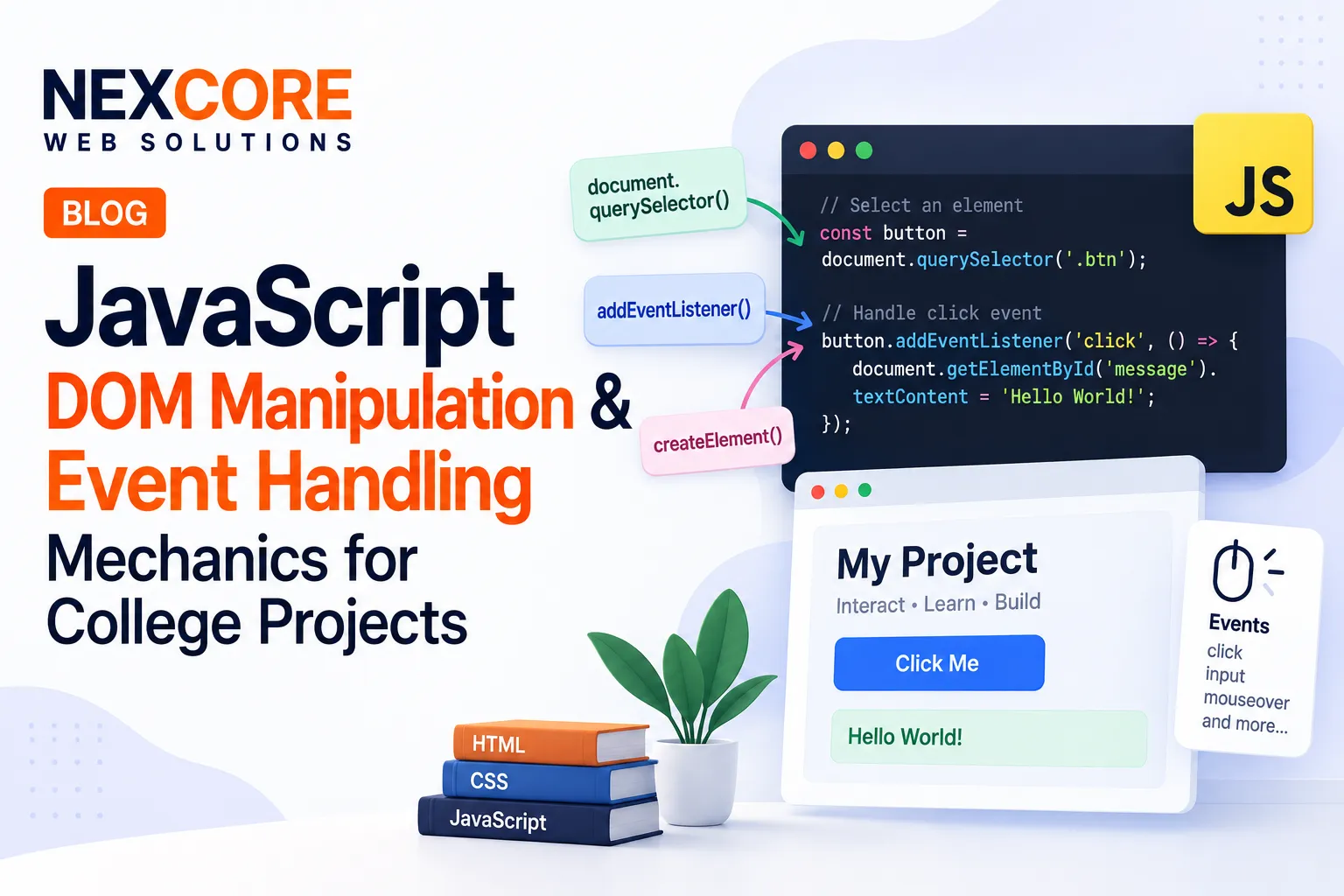
JavaScript becomes especially useful in college projects when webpages need to respond to users instead of remaining static. The Document Object Model (DOM) lets JavaScript access page elements, change content, modify classes, create elements, and remove them. Event handling connects these capabilities to actions such as clicks, form submissions, keyboard input, and mouse movement. They help students build calculators, quizzes, forms, dashboards, and to-do lists. They explain how browser interfaces respond to users. A strong foundation makes projects easier to design and debug.
Understanding the JavaScript DOM
The DOM represents an HTML document as a tree of objects that JavaScript can access and modify. Methods such as getElementById() and querySelector() help developers select elements. For example, a project can change a button’s text after an action. Reliable selection is essential for DOM programming.
Changing Content and Attributes
After selecting an element, JavaScript can change its content, attributes, and CSS classes. The textContent property updates text, while setAttribute() can modify attributes. The classList API can add, remove, or toggle classes, allowing different interface states. A form can add an error class when validation fails and remove it after valid information is entered. These changes provide immediate feedback.
Creating and Removing Elements
Student projects often need content to appear dynamically. JavaScript can create elements with document.createElement(), add content, and insert them into the DOM. A to-do application can create a list item whenever a user submits a task. Developers can remove completed items, allowing the interface to update continuously.
Event Handling Fundamentals
An event is an action detected by the browser, such as a click, key press, input change, or form submission. JavaScript responds by running a function when the specified event occurs. The addEventListener() method keeps interaction logic separate from HTML. For example, a calculator button can listen for a click and run the function that performs the selected operation. Events connect controls with application logic.
Working With Event Objects
Event listener functions can receive an event object containing information about what happened. Keyboard events can identify the pressed key, while mouse events provide details about pointer interactions. Calling event.preventDefault() can stop a browser’s default action while JavaScript performs custom validation. Event information makes interaction logic more predictable.
Event Bubbling and Delegation
Events can propagate through the DOM, and event bubbling allows an event from a nested element to move toward its parent. Event delegation uses this behavior by placing one listener on a parent rather than adding listeners to every child. This is useful for dynamic lists with newly added items. One list listener can therefore handle clicks on delete buttons created later.
Practical Project Applications
These concepts become easier to understand through realistic requirements. A quiz application can update questions, record answers, calculate scores, and respond to navigation buttons without refreshing the page. A registration form can validate fields and display errors as users interact with it. A dashboard can update counters, filter records, and show sections based on selections. These projects show how HTML, CSS, and JavaScript work together.
Debugging Common Problems
DOM projects often fail because a selector is incorrect, a script runs before required HTML exists, or an event listener targets the wrong element. Developer tools can reveal console errors and show the current DOM. Students should test interactions individually. Clear names and small functions make errors easier to isolate. Step-by-step testing is more effective than guessing.
Conclusion
JavaScript DOM manipulation and event handling form the foundation of interactive browser projects. The DOM allows developers to change elements, create dynamic content, update classes, and reflect application state. Event handling connects these capabilities to user actions, while event objects, bubbling, and delegation provide greater control. Students can strengthen their skills by starting with small projects and gradually adding validation, dynamic rendering, filtering, and reusable functions. The goal is to understand how JavaScript controls a webpage, not memorize methods. Practice turns these concepts into practical skills.
FAQs
1. What is DOM manipulation in JavaScript?
DOM manipulation is the process of using JavaScript to access and change elements in an HTML document. Developers can update text, modify attributes and classes, create elements, or remove existing ones. For example, a to-do application can add a task without refreshing the page. This ability allows websites to respond dynamically to user actions and changing application data.
2. Why is addEventListener() used in JavaScript?
addEventListener() attaches a function to an event such as a click, input, submit, or keyboard action. It keeps JavaScript behavior separate from HTML and provides flexible control over interactions. A button can trigger a specific function whenever it is clicked. This approach is cleaner and easier to maintain than placing event-handling code directly inside HTML attributes.
3. What is event bubbling in JavaScript?
Event bubbling is a propagation behavior in which an event triggered on a nested element can move upward through its parent elements. For example, clicking a button inside a list item can allow the parent list to detect the interaction. Developers can use this behavior for event delegation, where one parent listener handles events from multiple child elements. This is useful for dynamic content.
4. How can DOM manipulation be used in college projects?
DOM manipulation is useful for projects that need interfaces to change according to user input. Students can use it to build calculators, quizzes, to-do applications, registration forms, dashboards, galleries, and interactive portfolios. JavaScript can update content, display validation messages, create records, filter lists, and change interface states. These projects provide practical experience with frontend development.
5. How can students debug DOM and event-handling errors?
Students should first check the browser console for JavaScript errors and inspect the relevant HTML element in developer tools. Verify that selectors match existing elements and that scripts execute when the required DOM is available. Then test event handlers separately and confirm that expected functions run. Using small functions, clear variable names, and step-by-step testing makes problems easier to isolate and fix.




