
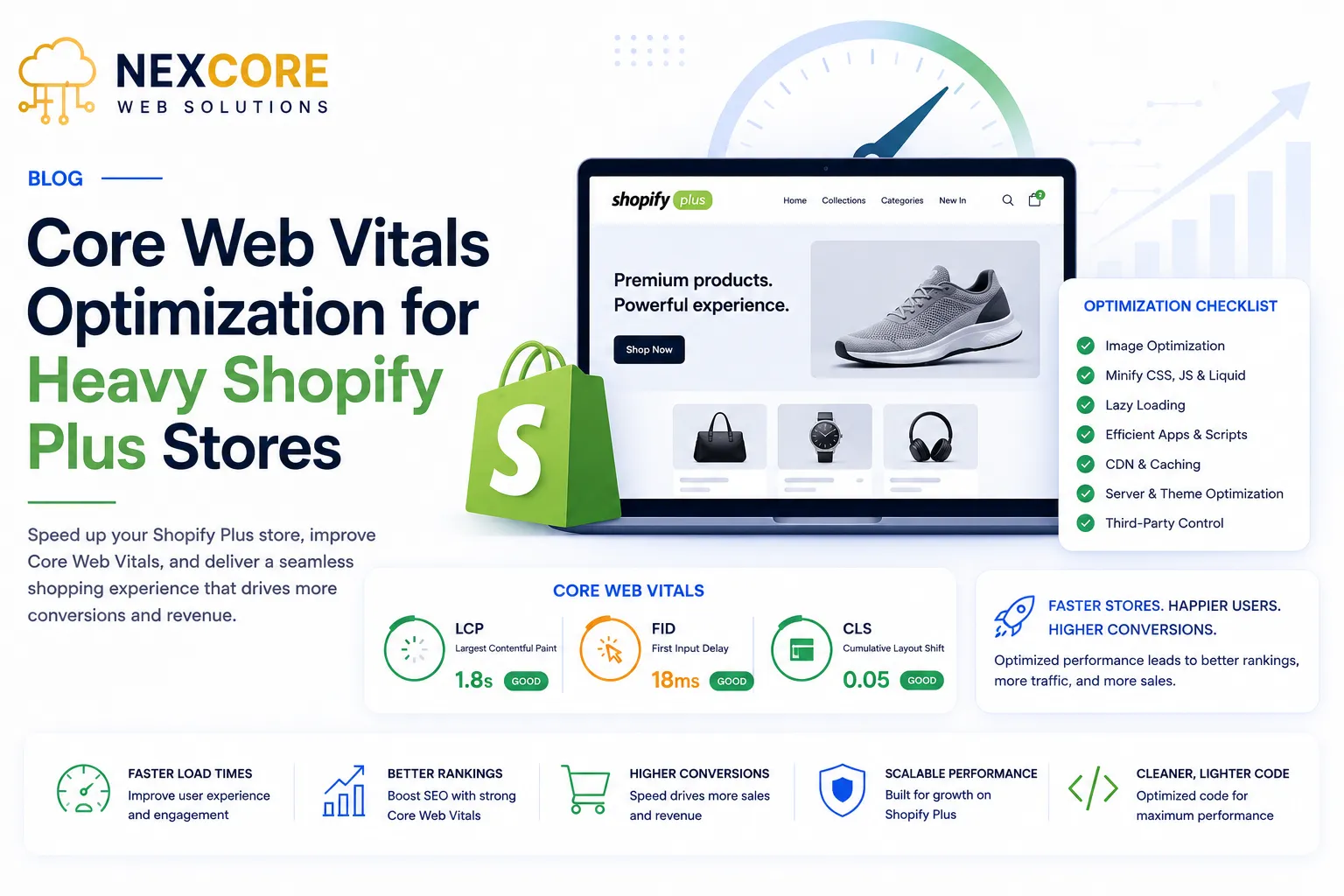
Shopify Plus enables enterprise businesses to manage large product catalogs, high traffic volumes, and complex customer experiences with confidence. However, as stores grow, they often accumulate large images, third-party applications, custom scripts, dynamic content, and advanced marketing tools that negatively affect website performance. Poor loading speeds and unstable page layouts not only frustrate visitors but also reduce conversion rates and impact search visibility. Google’s Core Web Vitals have become essential performance metrics because they directly measure real user experience. Optimizing these metrics requires more than simply compressing images or removing unnecessary code. Enterprise Shopify Plus stores need a structured performance strategy that balances functionality, scalability, and speed while maintaining a seamless shopping experience for customers across all devices.
Understanding Core Web Vitals
The Three Core Metrics
Core Web Vitals measure three essential aspects of page performance. Largest Contentful Paint (LCP) evaluates how quickly the main page content becomes visible. Interaction to Next Paint (INP) measures how responsive a page feels after user interactions. Cumulative Layout Shift (CLS) tracks visual stability by identifying unexpected layout movements during page loading. Together, these metrics provide a realistic picture of how customers experience a website.
Why They Matter for Shopify Plus
Enterprise eCommerce stores depend heavily on user experience because every second of delay can reduce customer engagement and sales. Slow-loading pages increase bounce rates, while delayed interactions create frustration during product browsing or checkout. Stable layouts improve confidence by preventing accidental clicks and maintaining a consistent shopping experience. Strong Core Web Vitals therefore support both customer satisfaction and business performance.
Common Performance Challenges
Large Product Catalogs
Heavy Shopify Plus stores often contain thousands of products with multiple high-resolution images, videos, and product variations. Without proper optimization, these assets increase page weight and delay content rendering. Collection pages become particularly demanding because they display numerous products simultaneously. Efficient image delivery and intelligent loading strategies are essential for maintaining fast browsing experiences.
Excessive Third-Party Applications
Many Shopify Plus stores integrate marketing platforms, analytics tools, personalization engines, customer support widgets, and advertising scripts. While these services add valuable functionality, they also introduce additional JavaScript requests that compete for browser resources. Poorly optimized third-party applications frequently become the largest contributors to slow interaction times. Regular performance audits help identify unnecessary or redundant integrations.
Optimizing Largest Contentful Paint
Improve Image Delivery
Images typically represent the largest visual elements on eCommerce pages. Modern image formats such as WebP or AVIF reduce file sizes without noticeable quality loss. Responsive image delivery ensures visitors download only the appropriate image size for their devices. Prioritizing above-the-fold images while deferring non-essential assets significantly improves Largest Contentful Paint.
Reduce Render-Blocking Resources
Render-blocking CSS and JavaScript delay page rendering because browsers must process these files before displaying content. Minimizing unused stylesheets, splitting JavaScript bundles, and loading non-critical resources asynchronously allow browsers to display important content sooner. Streamlining frontend assets creates a noticeably faster shopping experience for visitors.
Improving Interaction to Next Paint
Optimize JavaScript Execution
Large JavaScript files often delay browser responsiveness during customer interactions. Breaking complex scripts into smaller modules allows browsers to process tasks more efficiently without blocking user input. Removing unused libraries and simplifying frontend logic further reduces processing time. Faster execution improves navigation, product filtering, and checkout responsiveness.
Limit Background Processing
Background tasks such as analytics collection, recommendation engines, chat widgets, and marketing automation frequently compete for browser resources. Scheduling non-essential processes after primary page interactions helps maintain responsiveness during browsing. Prioritizing customer-facing functionality ensures shoppers experience smooth navigation without unnecessary delays.
Reducing Cumulative Layout Shift
Reserve Space for Dynamic Elements
Unexpected movement of banners, product images, promotional messages, and advertisements often creates layout instability. Reserving fixed dimensions for visual elements prevents surrounding content from shifting as assets load. Customers can browse product pages confidently without accidental clicks caused by moving interface components. Stable layouts contribute directly to a more professional shopping experience.
Manage Fonts Carefully
Web fonts improve branding but may introduce layout shifts if loaded inefficiently. Using optimized font-display strategies and preloading essential fonts helps browsers render text consistently during page loading. Limiting the number of font families and weights also reduces download requirements. Efficient typography improves both visual consistency and performance.
Technical Strategies for Enterprise Stores
Optimize Theme Architecture
Shopify Plus themes often evolve through years of customization, resulting in unnecessary code and outdated features. Regular code reviews help remove obsolete sections, unused templates, and duplicate scripts that increase page weight. Modular theme development simplifies maintenance while improving loading efficiency. Clean architecture also makes future performance optimization significantly easier.
Use Content Delivery Networks Effectively
A global content delivery network distributes website assets across multiple geographic locations, reducing latency for international customers. Although Shopify already provides robust infrastructure, optimizing asset caching and minimizing unnecessary requests further improves delivery speed. Efficient caching reduces server load while providing consistent performance during traffic spikes and promotional campaigns.
Monitor Real User Performance
Laboratory testing provides valuable insights, but real user monitoring reveals how customers actually experience the website under different network conditions and devices. Tracking Core Web Vitals continuously helps identify performance regressions after new feature releases or app installations. Ongoing monitoring enables development teams to address issues before they affect business results.
Building a Sustainable Performance Strategy
Performance optimization should become an ongoing development process rather than a one-time project. Every new application, marketing campaign, or design update can influence Core Web Vitals if not carefully evaluated. Integrating performance testing into deployment workflows helps identify issues early while maintaining consistent website quality. Long-term success depends on balancing customer experience, business functionality, and technical efficiency throughout the lifecycle of the Shopify Plus store.
Conclusion
Optimizing Core Web Vitals for heavy Shopify Plus stores requires a comprehensive approach that addresses frontend performance, resource management, application efficiency, and ongoing monitoring. Enterprise stores face unique challenges because large catalogs, complex integrations, and personalized shopping experiences naturally increase technical complexity. By improving Largest Contentful Paint, Interaction to Next Paint, and Cumulative Layout Shift, businesses create faster, more stable, and more responsive online stores that improve customer satisfaction and support higher conversion rates. Rather than treating performance as a separate technical task, organizations should incorporate optimization into every stage of website development and maintenance. A consistent performance strategy ensures that growing Shopify Plus stores continue delivering exceptional user experiences while remaining competitive in an increasingly demanding eCommerce landscape.
FAQs
1. What are Core Web Vitals in Shopify Plus?
Core Web Vitals are Google’s user experience metrics that measure loading speed, responsiveness, and visual stability. They include Largest Contentful Paint (LCP), Interaction to Next Paint (INP), and Cumulative Layout Shift (CLS). For Shopify Plus stores, optimizing these metrics helps improve customer experience, search visibility, and overall website performance.
2. Why do large Shopify Plus stores often have poor Core Web Vitals?
Large Shopify Plus stores typically use high-resolution product images, multiple third-party applications, custom scripts, marketing tools, and extensive product catalogs. These elements increase page weight and browser processing time, leading to slower loading speeds, delayed user interactions, and unstable page layouts if performance optimization is not prioritized.
3. How can images improve Core Web Vitals?
Images often represent the largest assets on eCommerce pages. Compressing images, using modern formats such as WebP or AVIF, serving responsive image sizes, and lazy-loading below-the-fold images reduce page weight and improve Largest Contentful Paint. Efficient image optimization provides faster loading without sacrificing visual quality.
4. Do third-party Shopify apps affect website performance?
Yes. Many third-party apps add JavaScript, CSS, tracking scripts, and external requests that consume browser resources. Excessive or poorly optimized applications can negatively affect Core Web Vitals by increasing loading times and delaying page responsiveness. Regular audits help identify apps that unnecessarily reduce website performance.
5. How often should Shopify Plus stores monitor Core Web Vitals?
Core Web Vitals should be monitored continuously, especially after theme updates, app installations, or new feature releases. Regular performance testing helps identify regressions before they affect customers. Ongoing monitoring allows development teams to maintain consistent website speed, responsiveness, and stability as the online store continues to grow.




