
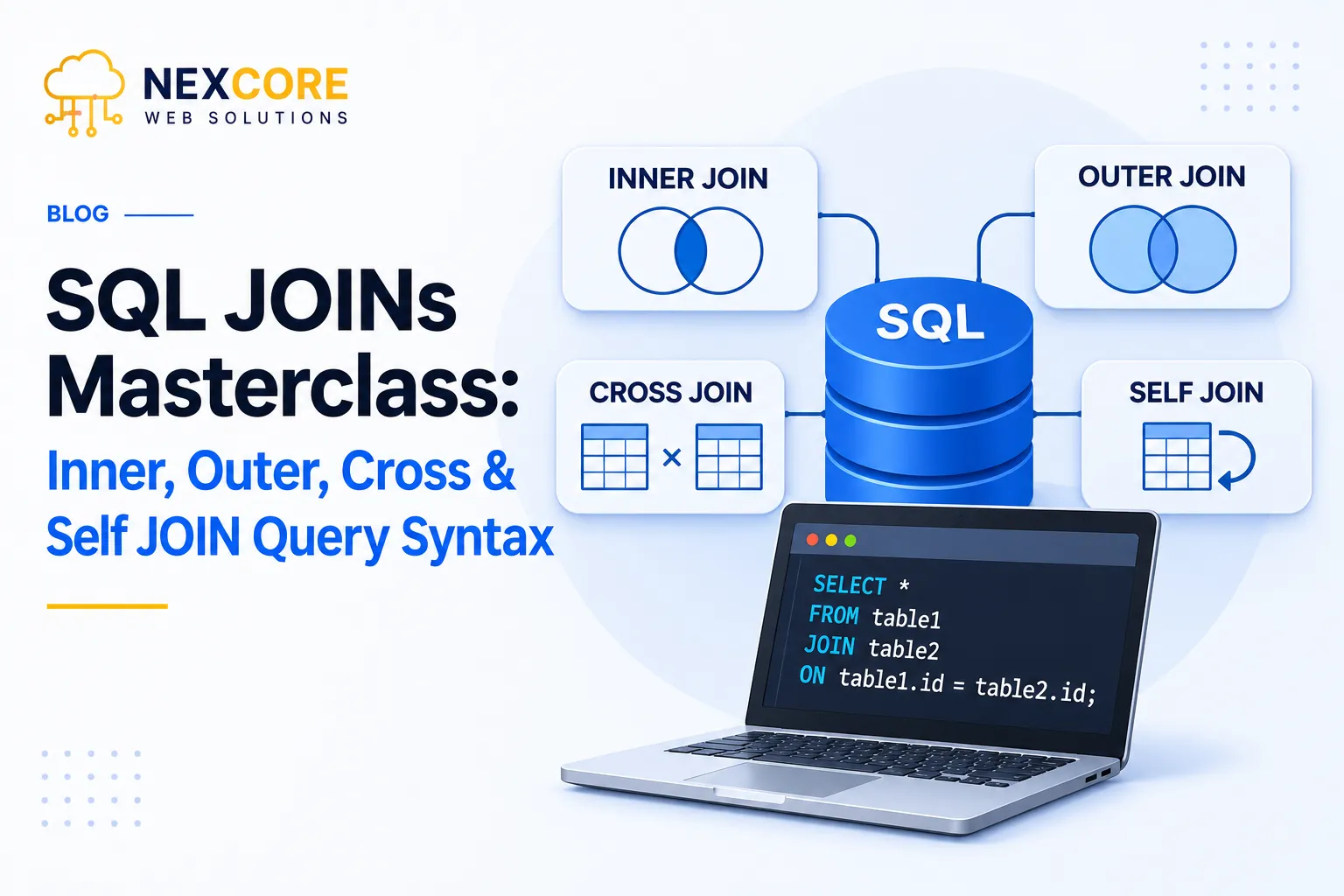
SQL databases often store related information across multiple tables rather than placing everything in one large table. This structure improves organization and reduces duplicate data, but it also creates a common challenge: how do you retrieve related records efficiently? SQL JOINs solve this problem by combining rows from two or more tables based on a logical relationship. Whether you are building a customer dashboard, generating financial reports, or analyzing employee data, understanding JOIN syntax is essential. Different JOIN types return different combinations of matching and non-matching records, making the correct choice important for both accuracy and performance. This guide explains INNER, OUTER, CROSS, and SELF JOINs with practical examples to help you understand when and how each query should be used.
Understanding How SQL JOINs Work
A JOIN connects tables through related columns, usually using a primary key and a foreign key. For example, a customers table may contain customer details, while an orders table stores purchases made by those customers. The customer_id column creates a relationship between the two tables. A JOIN allows SQL to combine information from both sources into one result.
The basic structure usually includes the JOIN keyword and an ON condition. The condition tells the database which columns should be compared when matching rows. Choosing the wrong condition can produce duplicate or incorrect results, especially when tables contain one-to-many relationships. Before writing a JOIN, it is important to understand how the tables are connected.
INNER JOIN: Returning Matching Records
An INNER JOIN returns only rows that have matching values in both tables. If a customer exists without an order, that customer will not appear in the result. Similarly, an order linked to a missing or invalid customer record will also be excluded. This makes INNER JOIN useful when you only need complete relationships between datasets.
Consider the following query using customer and order tables:
SELECT customers.name, orders.order_id, orders.total
FROM customers
INNER JOIN orders
ON customers.customer_id = orders.customer_id;
The database compares the customer_id values and returns records where a match exists. The result can show a customer’s name alongside each order they have placed. INNER JOIN is commonly used for reports where unrelated records should be excluded. It is also the default behavior of the shorter JOIN keyword in most SQL database systems.
LEFT OUTER JOIN: Keeping All Left-Side Records
A LEFT JOIN, also called a LEFT OUTER JOIN, returns every row from the table on the left side of the query. Matching records from the right table are included when available. If no matching record exists, the columns from the right table return NULL values. This behavior is useful when you need to identify missing relationships.
For example, a business may want to see all customers, including those who have never placed an order:
SELECT customers.name, orders.order_id
FROM customers
LEFT JOIN orders
ON customers.customer_id = orders.customer_id;
Every customer appears in the result, regardless of whether an order exists. Customers without purchases will have a NULL value for order_id. This approach is especially useful for customer engagement reports and data quality checks. The word OUTER is optional because LEFT JOIN and LEFT OUTER JOIN produce the same result.
RIGHT JOIN and FULL OUTER JOIN
A RIGHT JOIN works in the opposite direction of a LEFT JOIN. It returns all records from the table on the right side and includes matching records from the left table. While valid, many developers prefer LEFT JOIN because it is easier to read when the primary table is placed first. A RIGHT JOIN can usually be rewritten as a LEFT JOIN by reversing the table order.
A FULL OUTER JOIN returns all records from both tables, including matching and non-matching rows. When no relationship exists, the missing side contains NULL values. This type of JOIN is helpful when comparing datasets and identifying records that exist in one table but not another. However, database support for FULL OUTER JOIN varies, so developers should check the capabilities of their specific SQL system.
CROSS JOIN: Creating Every Possible Combination
A CROSS JOIN returns the Cartesian product of two tables. Every row from the first table is combined with every row from the second table. If one table contains five rows and another contains four, the result contains twenty rows. Because the number of rows can grow quickly, CROSS JOIN should be used carefully.
A practical example is generating every possible combination of products and available sizes:
SELECT products.product_name, sizes.size_name
FROM products
CROSS JOIN sizes;
This query does not require an ON condition because it does not look for matching values. CROSS JOIN can be useful for planning, testing, scheduling, and generating combinations. However, using it accidentally on large tables can create enormous result sets and affect database performance. Always estimate the expected number of rows before running a large Cartesian product.
SELF JOIN: Joining a Table to Itself
A SELF JOIN occurs when a table is joined with itself using different aliases. It is useful when rows within the same table have a relationship with one another. A common example is an employee table where each employee has a manager who is also listed as an employee. Table aliases make it possible to distinguish between the two roles.
Consider this employee hierarchy query:
SELECT employee.name AS employee_name,
       manager.name AS manager_name
FROM employees AS employee
LEFT JOIN employees AS manager
ON employee.manager_id = manager.employee_id;
The query treats the same table as two logical tables. One alias represents the employee, while the other represents the manager. SELF JOINs are also useful for comparing related products, identifying duplicate records, and working with hierarchical data. The JOIN type can be INNER or OUTER depending on whether unmatched records should appear.
Choosing the Right JOIN for Your Query
The correct JOIN depends on the question you want the database to answer. INNER JOIN works best when only matching records matter, while LEFT JOIN helps preserve all records from a primary dataset. RIGHT JOIN provides similar functionality from the opposite direction, and FULL OUTER JOIN is useful for comparing complete datasets. CROSS JOIN generates combinations, whereas SELF JOIN reveals relationships within a single table.
Performance should also be considered when working with large databases. Proper indexes on frequently joined columns can improve query speed and reduce unnecessary scanning. Developers should select only the columns they need instead of using SELECT * in production queries. Testing JOIN results with small datasets can also help identify duplicate rows caused by incorrect relationships or conditions.
Common SQL JOIN Mistakes to Avoid
One common mistake is forgetting the ON condition for a regular JOIN, which can create unexpected combinations of records. Another problem occurs when developers filter an outer-joined table incorrectly in the WHERE clause, unintentionally removing rows with NULL values. Understanding the order in which JOIN and filtering conditions operate helps prevent these issues. Clear table aliases also make complex queries easier to review and maintain.
Duplicate results are another frequent source of confusion. A customer may appear multiple times when they have several related orders, which is normal for a one-to-many relationship. Using DISTINCT can hide duplicates, but it should not be used as a substitute for understanding the data model. Reviewing table keys and relationship cardinality is the best way to build accurate JOIN queries.
Conclusion
SQL JOINs are fundamental tools for retrieving meaningful information from relational databases. INNER JOIN focuses on matching records, while OUTER JOINs preserve unmatched data when a complete view is required. CROSS JOIN creates combinations, and SELF JOIN makes it possible to analyze relationships within the same table. Each JOIN type solves a different data problem, so understanding the underlying relationship is more important than memorizing syntax alone. By using clear conditions, appropriate aliases, and well-designed table relationships, developers can create accurate and efficient queries. Strong JOIN knowledge also makes it easier to work with reporting systems, business applications, and increasingly complex database architectures.
FAQs
What is the difference between INNER JOIN and LEFT JOIN?
An INNER JOIN returns only records that have matching values in both tables. A LEFT JOIN returns every record from the left table and adds matching information from the right table when available. If no match exists, the right-side columns contain NULL. LEFT JOIN is useful when missing relationships need to remain visible.
Is JOIN the same as INNER JOIN in SQL?
In most SQL database systems, using the keyword JOIN without specifying a type means the same thing as INNER JOIN. Both return only rows with matching values based on the defined join condition. However, writing INNER JOIN explicitly can improve readability, especially in complex queries containing multiple JOIN types and table relationships.
When should I use a CROSS JOIN?
Use a CROSS JOIN when you intentionally need every possible combination of rows from two tables. Common examples include generating product and size combinations, creating scheduling matrices, or preparing test data. Because the result size multiplies rapidly as tables grow, developers should avoid CROSS JOIN unless a complete Cartesian product is genuinely required.
Can a table be joined with itself?
Yes, a table can be joined with itself using a technique called a SELF JOIN. The table is assigned different aliases so SQL can treat each reference as a separate logical source. SELF JOINs are useful for employee-manager relationships, hierarchical records, comparing rows, and identifying related or duplicate entries within one table.
How can I improve SQL JOIN query performance?
JOIN performance can often be improved by indexing columns used in relationships, particularly primary and foreign keys. Select only the columns required by the application instead of retrieving unnecessary data. You should also review query execution plans and ensure the JOIN condition reflects the actual table relationship. Efficient database design and accurate filtering further reduce processing time.




