
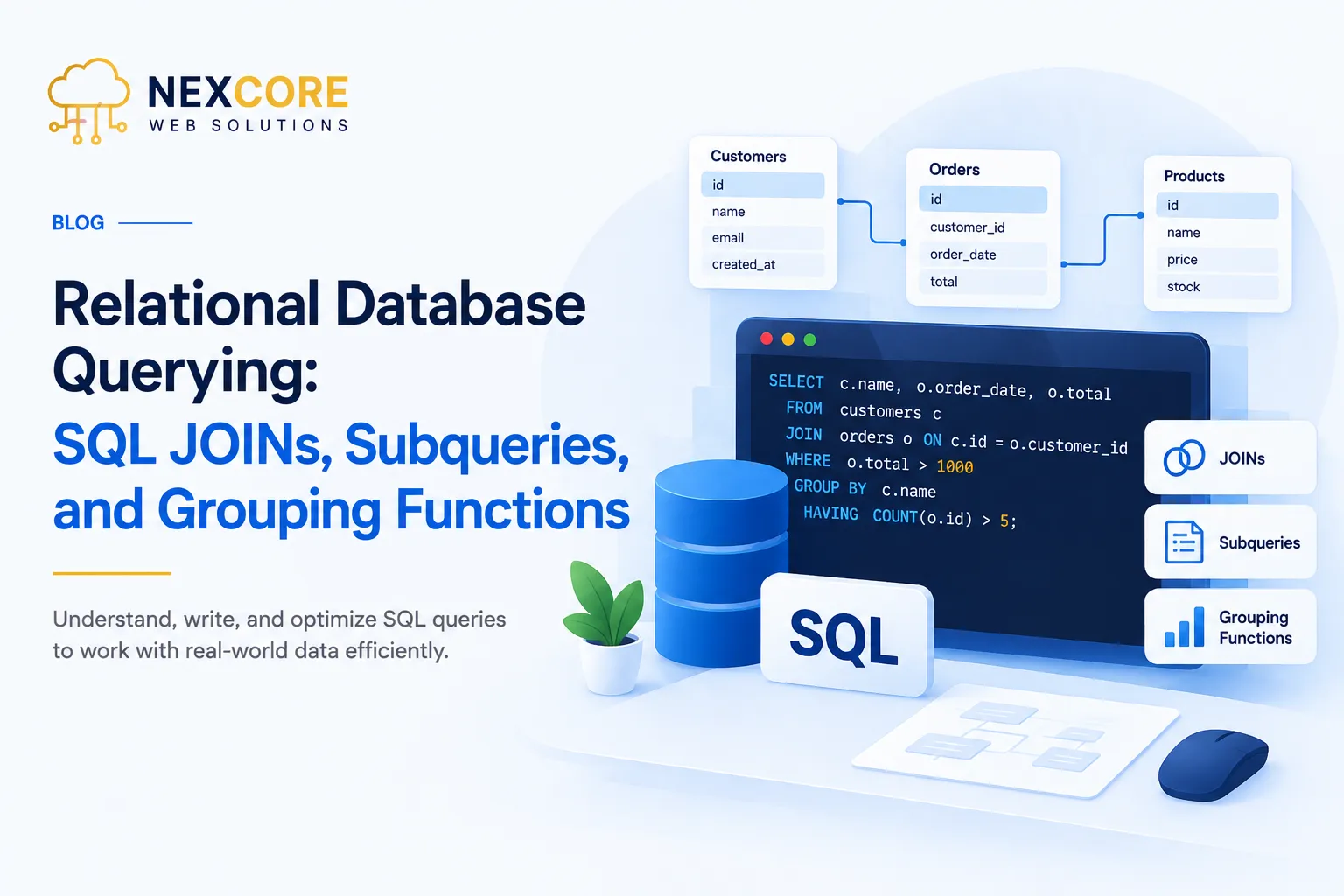
Relational databases organize information into connected tables, making them useful for websites, business applications, analytics platforms, and enterprise systems. However, storing data in tables is only the beginning; the real value comes from asking accurate questions and turning raw records into meaningful information. SQL provides the tools needed to retrieve related data, compare results, calculate summaries, and identify useful patterns. Among its most important features are SQL JOINs, subqueries, and grouping functions. JOINs connect records across tables, subqueries solve problems using nested queries, and grouping functions summarize large datasets. Learning these techniques helps developers write cleaner queries, reduce unnecessary application code, and build reliable reports based on real business requirements.
Understanding SQL JOINs
A SQL JOIN combines rows from two or more tables using a related column. In a typical customer database, one table may store customer details while another stores orders. The customer ID connects the records, allowing a query to display the customer name alongside each order. JOINs are essential because relational databases often separate information into multiple tables to reduce duplication and maintain consistency. Instead of storing every customer detail repeatedly in an orders table, SQL retrieves the related information when needed.
INNER JOIN
An INNER JOIN returns only the records that have matching values in both tables. For example, the following query lists customers who have placed orders:
SQL
SELECT customers.name, orders.order_date
FROM customers
INNER JOIN orders
ON customers.customer_id = orders.customer_id;
If a customer has no order, that customer will not appear in the result. This makes INNER JOIN useful when the report should include only complete relationships, such as paid orders connected to registered customers. Always verify that the joining columns represent the correct relationship, because joining unrelated fields can produce misleading results.
LEFT JOIN and Other JOIN Types
A LEFT JOIN returns every row from the left table, even when no matching row exists in the right table. Unmatched columns from the right table appear as NULL. This is useful for finding customers who have never placed an order:
SQL
SELECT customers.name, orders.order_id
FROM customers
LEFT JOIN orders
ON customers.customer_id = orders.customer_id;
You can then filter for missing orders using WHERE orders.order_id IS NULL. A RIGHT JOIN works in the opposite direction, while a FULL OUTER JOIN returns matching and unmatched records from both tables where supported. Choosing the correct JOIN depends on whether missing relationships should be excluded, preserved, or investigated.
Working with SQL Subqueries
A subquery is a SQL query placed inside another query. It allows one query to use the result of another query as a condition, calculated value, or temporary dataset. Subqueries are helpful when the required answer depends on an intermediate result. For example, a business may want to find products priced above the average product price. The average must be calculated first, and the outer query can then compare each product against that value.
Subqueries with WHERE
A subquery inside a WHERE clause can filter records based on another query. Consider this example:
SQL
SELECT product_name, price
FROM products
WHERE price > (
    SELECT AVG(price)
    FROM products
);
The inner query calculates the average price, and the outer query returns products priced above that average. This approach is easy to understand and useful for comparisons involving totals, averages, maximum values, or minimum values. However, complex nested queries can become difficult to maintain, so developers should use clear formatting and meaningful table aliases.
Correlated Subqueries
A correlated subquery depends on values from the outer query. Unlike a simple subquery that can run independently, a correlated subquery is logically evaluated for each relevant outer row. For example, it can identify employees earning more than the average salary in their own department. Correlated subqueries can express advanced logic, but they may be slower on large datasets. In performance-sensitive situations, a JOIN or common table expression may provide a more efficient alternative.
Grouping Functions and Aggregate Queries
Grouping functions summarize multiple rows into useful business information. Common SQL aggregate functions include COUNT(), SUM(), AVG(), MIN(), and MAX(). These functions help answer questions such as how many orders were placed, how much revenue a store generated, or what the average salary is in a department. Aggregate functions are especially valuable in dashboards, financial reports, inventory analysis, and customer behavior studies.
GROUP BY Clause
The GROUP BY clause divides rows into groups based on one or more columns. Aggregate functions then calculate a result for each group. For example, the following query calculates total sales for every customer:
SQL
SELECT customer_id, SUM(amount) AS total_spent
FROM orders
GROUP BY customer_id;
Each customer receives one result row containing their total order value. You can group by several columns when the report needs more detail, such as sales by region and month. Every selected column that is not inside an aggregate function generally needs to appear in the GROUP BY clause, depending on the database system and SQL mode.
HAVING Versus WHERE
WHERE filters individual rows before grouping takes place, while HAVING filters groups after aggregate calculations are performed. This difference is important when working with totals or counts. For example, the following query returns customers whose combined purchases exceed 10,000:
SQL
SELECT customer_id, SUM(amount) AS total_spent
FROM orders
GROUP BY customer_id
HAVING SUM(amount) > 10000;
Using WHERE with SUM(amount) would be incorrect because the total does not exist until grouping has occurred. A strong SQL query often uses WHERE to reduce unnecessary rows first and HAVING to apply conditions to the final groups.
Practical Querying Best Practices
Good SQL is not only about producing the correct result; it should also be readable, efficient, and reliable. Use explicit column names instead of SELECT * when working with production reports, especially when tables contain many fields. Add indexes to columns frequently used in JOIN conditions, filtering, and sorting, while remembering that unnecessary indexes can slow down data modification. Test queries with realistic data volumes because a query that works quickly on fifty rows may perform poorly on millions of records.
Always inspect duplicate results when using JOINs. A one-to-many relationship can produce several rows for one parent record, which may accidentally inflate totals if aggregation is applied afterward. Use table aliases to make complex queries easier to follow, and check NULL behavior carefully because NULL does not behave like an ordinary value. Finally, use database execution plans to understand expensive scans, missing indexes, and inefficient joins before attempting performance changes.
Conclusion
Relational database querying becomes much more powerful when developers understand how JOINs, subqueries, and grouping functions work together. JOINs connect related information across tables, subqueries handle dependent questions, and aggregate functions turn detailed records into useful summaries. These techniques support real-world tasks such as analyzing customer purchases, comparing employee salaries, tracking inventory, and creating financial reports. The best way to improve is to practice with realistic tables and gradually combine multiple concepts in one query. Focus on accurate relationships, clear conditions, correct grouping, and efficient execution. With consistent practice, SQL becomes more than a data-retrieval language; it becomes a practical tool for making informed decisions from structured information.
FAQs
What is the purpose of a SQL JOIN?
A SQL JOIN combines related records from two or more tables using a matching column. It is useful when information is stored separately, such as customers and orders or products and categories. INNER JOIN returns matching records, while LEFT JOIN also preserves unmatched rows from the first table. Selecting the correct JOIN type ensures that the query reflects the business question accurately.
What is the difference between WHERE and HAVING?
WHERE filters individual rows before grouping and aggregation occur. HAVING filters groups after functions such as COUNT(), SUM(), or AVG() have produced results. For example, WHERE can select orders from a particular year, while HAVING can return customers whose total purchases exceed a specific amount. Understanding this order prevents errors when writing aggregate queries.
When should developers use a subquery?
Developers should use a subquery when one query depends on the result of another query. Common examples include finding products above the average price, employees earning more than a department average, or customers who have placed at least one order. Subqueries are readable for many tasks, but JOINs or common table expressions may be preferable when the logic becomes complex or performance becomes important.
What are SQL grouping functions?
SQL grouping functions, also called aggregate functions, calculate a single result from multiple rows. Common examples include COUNT() for counting records, SUM() for adding values, AVG() for calculating averages, MIN() for finding the smallest value, and MAX() for finding the largest value. When combined with GROUP BY, these functions create summaries for customers, departments, regions, products, or other categories.
How can SQL queries be made more efficient?
SQL queries can be improved by selecting only required columns, filtering rows early, indexing suitable columns, and avoiding unnecessary JOINs. Developers should inspect execution plans to identify slow table scans or inefficient operations. It is also important to check duplicate rows, NULL values, and aggregation logic. Testing with realistic datasets helps reveal performance problems before queries reach production systems.




