
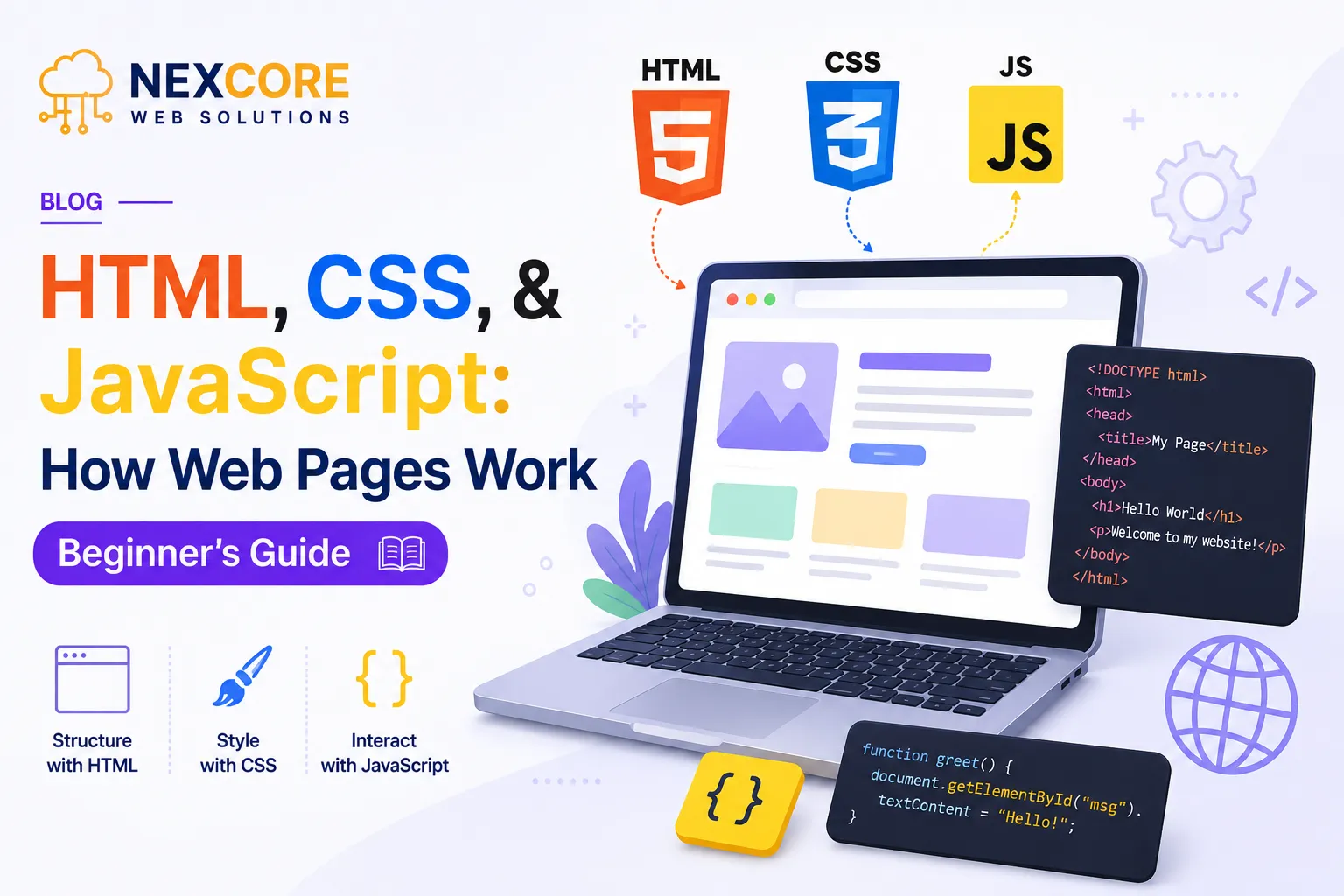
Every website you visit is built from several technologies working together in the browser. HTML provides the structure of a page, CSS controls its appearance, and JavaScript adds behavior and interactivity. Understanding these three technologies gives beginners a practical foundation for learning web development because they explain what happens between opening a URL and interacting with a finished webpage. You do not need advanced programming knowledge to understand the basics. A simple webpage can already demonstrate how content, design, buttons, forms, animations, and dynamic updates work together. Once these concepts become familiar, learning frameworks and backend technologies becomes much easier because you can understand what those tools are actually building behind the scenes.
What Is HTML?
HTML stands for HyperText Markup Language and provides the structure of a webpage. It tells the browser whether content represents a heading, paragraph, image, link, form, list, table, or another type of element. HTML uses elements written with tags, such as <h1> for a main heading and <p> for a paragraph. A browser reads these elements and creates a document structure that can be displayed to the user.
Basic HTML Structure
A typical HTML document contains elements such as html, head, and body. The head contains information about the document, including its title, metadata, linked stylesheets, and other resources, while the body contains visible page content. Developers use semantic elements such as header, nav, main, section, article, and footer to describe the purpose of different areas. Good HTML improves accessibility, search engine understanding, and maintainability.
What Is CSS?
CSS stands for Cascading Style Sheets and controls how HTML content looks on screen. Developers use CSS to define colors, fonts, spacing, borders, layouts, backgrounds, and responsive behavior. For example, an HTML heading can exist without CSS, but CSS can make it larger, change its color, adjust its spacing, and position it within a page layout. Separating structure from presentation allows the same HTML content to support different visual designs.
How CSS Creates Layouts
Modern websites commonly use CSS features such as Flexbox and Grid to create responsive layouts. Flexbox is useful for arranging elements along rows or columns, while Grid provides more control over two-dimensional layouts. Media queries allow developers to change styles depending on screen size, making pages usable on phones, tablets, and desktops. This responsive approach is essential because visitors may access the same website using many different devices.
What Is JavaScript?
JavaScript is a programming language that allows webpages to respond to user actions and change dynamically. HTML can create a button, and CSS can make that button attractive, but JavaScript can determine what happens when someone clicks it. JavaScript can validate forms, open menus, update page content, fetch information from servers, create interactive components, and respond to browser events. Modern web applications use JavaScript for everything from small interface interactions to complex application logic.
Understanding Browser Events
An event occurs when something happens in the browser, such as a click, keyboard input, page load, or form submission. JavaScript can listen for these events and execute specific instructions when they occur. For example, clicking a menu icon might trigger JavaScript that adds or removes a CSS class, causing a navigation panel to appear. This interaction between JavaScript, HTML, and CSS is fundamental to modern frontend development.
How HTML, CSS, and JavaScript Work Together
These technologies have different responsibilities, but they are designed to work together. HTML creates the content and structure, CSS determines presentation, and JavaScript provides behavior and dynamic functionality. Consider a login form as a practical example: HTML creates the input fields and submit button, CSS controls their appearance and layout, and JavaScript can validate the entered information before sending it to a server. Each technology contributes something different while forming one user experience.
What Happens When You Open a Webpage?
When you enter a website address, the browser requests resources from a server and receives files such as HTML, CSS, JavaScript, images, and fonts. The browser parses the HTML and builds a structure called the DOM, which represents the elements on the page. CSS is processed to determine how those elements should appear, while JavaScript can modify the DOM, respond to events, or request additional information. The browser then combines these instructions and renders the visual webpage you see.
The Role of the Browser
Browsers such as Chrome, Firefox, Safari, and Edge contain rendering engines capable of interpreting web technologies. Although browsers may implement certain features differently, modern web standards provide common foundations for consistent behavior. Developer tools built into browsers allow developers to inspect HTML, experiment with CSS, monitor JavaScript errors, and analyze network requests. Learning to use these tools is an important step toward understanding how webpages behave in real environments.
Why Accessibility and Performance Matter
Writing webpages is not only about making them visually attractive. Semantic HTML helps people using screen readers and other assistive technologies understand the page structure. Efficient CSS and JavaScript can reduce unnecessary processing and improve loading and interaction performance. Developers should also optimize images, avoid excessive scripts, provide meaningful labels for forms, and ensure interactive elements can be used with keyboards. Good frontend development balances appearance, functionality, accessibility, and performance.
How Beginners Should Start Learning
Beginners should learn HTML first because it establishes the foundation for everything displayed on a webpage. After becoming comfortable with headings, links, images, forms, semantic elements, and document structure, move to CSS for layouts, responsive design, typography, and visual styling. JavaScript should follow with variables, functions, conditions, arrays, events, DOM manipulation, and asynchronous operations. Building small projects such as a personal profile page, responsive landing page, calculator, or interactive to-do list can reinforce each concept.
Conclusion
HTML, CSS, and JavaScript form the foundation of frontend web development. HTML describes what a webpage contains, CSS determines how that content looks, and JavaScript controls interaction and dynamic behavior. Understanding how these technologies communicate with the browser helps beginners move from simply copying website code to understanding why that code works. The best way to learn is through gradual practice: create a page with HTML, style it with CSS, and then introduce JavaScript interactions. Once these fundamentals are strong, developers can confidently explore tools such as React, Vue, Angular, backend APIs, and modern web frameworks.
FAQs
1. Is HTML a programming language?
HTML is a markup language rather than a traditional programming language. It describes the structure and meaning of content on a webpage instead of providing general-purpose programming logic. HTML works alongside CSS and JavaScript to create complete web experiences. Learning HTML is still essential for web developers because it forms the structural foundation that browsers interpret and display.
2. Should I learn CSS before JavaScript?
Yes, beginners generally benefit from learning basic HTML and CSS before moving deeply into JavaScript. Understanding how elements are structured and styled makes it easier to understand what JavaScript is changing or controlling. You do not need to master advanced CSS first, but you should be comfortable with selectors, layouts, spacing, responsive design, and common webpage components before focusing heavily on JavaScript.
3. Can I build a website using only HTML and CSS?
Yes, you can build complete static websites using HTML and CSS without JavaScript. Portfolio pages, documentation sites, informational websites, and many landing pages can work perfectly well without client-side programming. However, features such as dynamic content updates, complex form interactions, live search, interactive dashboards, and many application-style behaviors typically require JavaScript or server-side functionality.
4. What does JavaScript do on a website?
JavaScript adds programming logic and interactivity to webpages. It can respond to clicks, validate forms, modify HTML and CSS, create interactive menus, fetch data from APIs, and update content without requiring a full page reload. JavaScript can also support complex browser applications. Its role ranges from small interface enhancements to the core functionality of sophisticated web applications.
5. How long does it take to learn HTML, CSS, and JavaScript?
The time required depends on your previous experience, study schedule, and the depth you want to achieve. Basic HTML and CSS can be learned relatively quickly through consistent practice, while JavaScript generally requires more time because it involves programming concepts. Building small projects regularly is more effective than memorizing syntax. With steady practice, beginners can gradually progress from simple pages to interactive applications.




