
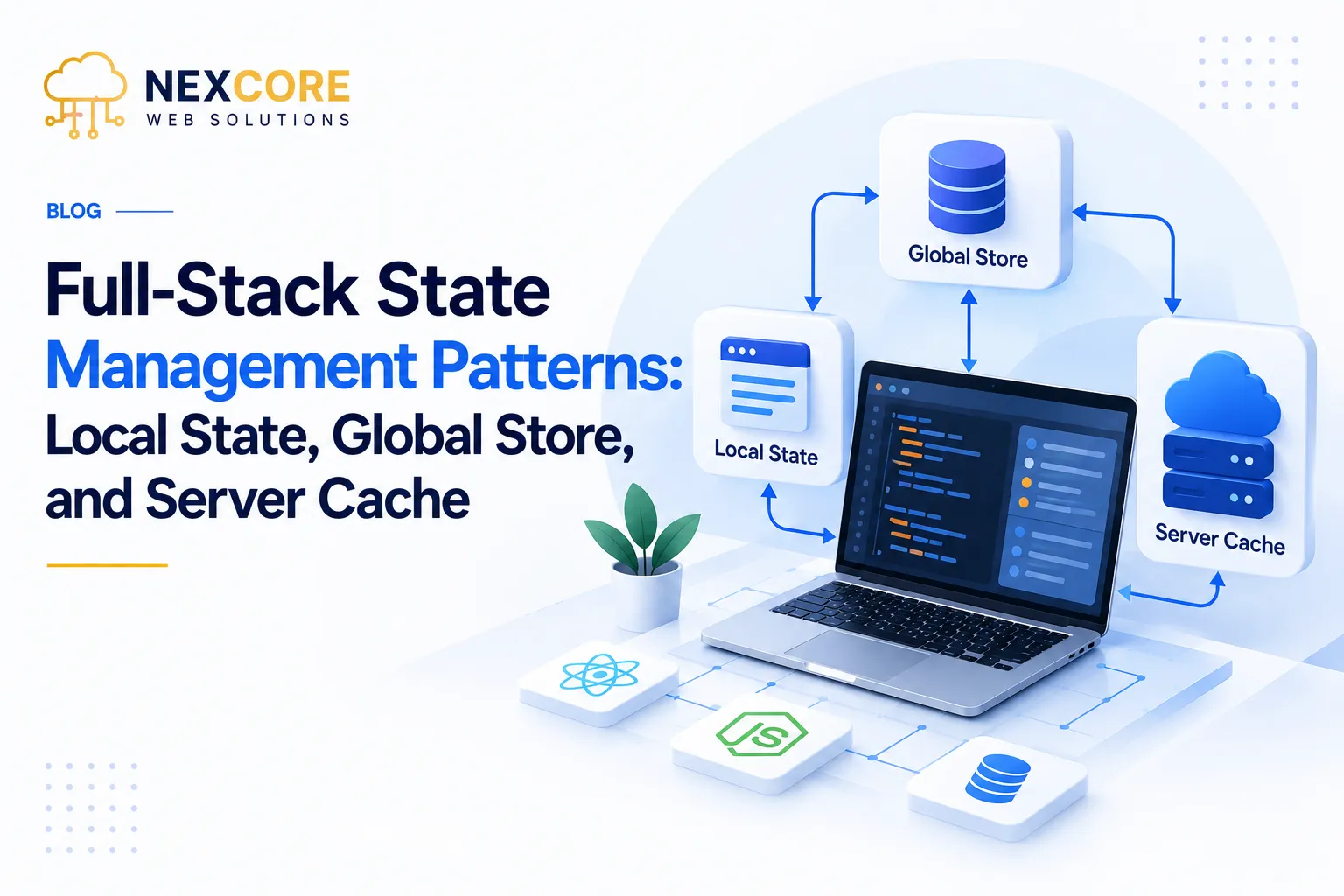
State management is one of the most important architectural concerns in modern full-stack applications. As an application grows, developers must manage form values, user preferences, authentication information, shared interface state, API responses, loading states, and cached server data. Treating all of these values in the same way often creates unnecessary complexity and makes applications harder to maintain. A better approach is to understand where each piece of state belongs and choose an appropriate management pattern. Local component state, global stores, and server-side caches solve different problems, even though they can appear similar during development. Separating these responsibilities improves performance, reduces duplicated data, and makes application behavior easier to reason about.
Understanding Local State
Component-Level Data
Local state belongs to a specific component or a small section of an interface. Common examples include whether a modal is open, the current value of an input field, an active tab, or a temporary form selection. React’s useState and useReducer are commonly used for this type of state because the data does not need to be shared across unrelated parts of the application. Keeping temporary information local prevents the global application state from becoming unnecessarily large.
Local state is especially useful when the information has a short lifecycle. For example, a product filter panel may maintain temporary checkbox selections before the user applies them. There is little value in placing those selections into a global store if no other component needs them. Keeping the state close to where it is consumed also makes components easier to understand, test, and modify.
Global State Management
When State Must Be Shared
Global state is appropriate when multiple distant components need access to the same client-side information. Examples include authentication status, selected application preferences, shopping cart contents, feature flags, or a multi-step workflow shared across different screens. State management libraries can provide centralized stores, predictable updates, and subscription mechanisms. Popular approaches in React ecosystems include Redux Toolkit, Zustand, and Context-based patterns.
A global store should not become a dumping ground for every value in an application. Putting server responses, temporary form fields, modal visibility, and unrelated UI details into one large store can create unnecessary coupling. Developers should first ask whether the state truly needs to be shared and whether another component or caching mechanism is more appropriate. A smaller global store is usually easier to maintain than a centralized container holding every application value.
Server Cache and Remote State
Data Owned by the Backend
Server state is different from ordinary client state because the application does not ultimately own the data. User profiles, product catalogs, orders, notifications, and API responses are controlled by a backend system or external service. The client may temporarily store these responses, but they can become outdated when the server changes. This makes caching, invalidation, synchronization, retries, and background updates important concerns.
Libraries designed for server-state management can simplify these problems by treating API responses as cached remote resources. Instead of manually copying every response into a global store, an application can request data through a dedicated server-cache layer. The cache can then manage loading states, stale data, refetching, and synchronization. This separation prevents client-state management from becoming overloaded with responsibilities that belong to server-data handling.
Comparing the Three Patterns
Local State vs Global Store
Local state is best when data has a narrow scope and does not need to be accessed by unrelated components. A global store becomes useful when multiple areas of the application need consistent access to the same client-owned value. The main difference is scope and ownership rather than simply the size of the data. A large form can still be local, while a tiny authentication flag may need to be globally available.
Developers should also consider how frequently the state changes. Highly dynamic local state can cause unnecessary global subscriptions if moved into a centralized store. Conversely, keeping genuinely shared state inside deeply nested components can create complicated prop passing. The goal is not to minimize the number of tools but to place each state type where its lifecycle and consumers naturally belong.
Global Store vs Server Cache
A global store and a server cache may both contain objects returned from an API, but their responsibilities differ. A global store generally represents client-owned application state, while a server cache represents remote data that may need synchronization with the backend. Copying API data into a global store can create stale duplicates and force developers to write manual synchronization logic. Dedicated server-state tools can often handle these concerns more reliably.
For example, an online store may keep a locally selected currency or checkout preference in a global store while retrieving product information through a server cache. If product prices change on the backend, the cached server data can be invalidated or refreshed without modifying the client preference state. This separation creates a clearer architecture and reduces accidental coupling between unrelated concerns.
Full-Stack State Architecture
Separating Ownership
A useful architectural question is, “Who owns this data?” If the answer is a single component, local state is usually appropriate. If the browser or application session owns it and multiple components require access, a global store may make sense. If the backend owns it and the client only consumes a temporary representation, server caching is generally the better fit.
This ownership model also helps with authentication and forms. A temporary password input should remain local and should not automatically enter a global store. Authentication status may need shared access across routes, while the current user’s profile can be treated as remote server data. Clear ownership boundaries make state transitions easier to understand and reduce accidental data duplication.
Performance and Maintainability
State architecture directly affects application performance. Global stores can trigger updates across many subscribers when poorly structured, while unnecessary server refetching can create additional network traffic. Local state can limit updates to smaller component trees, while caching can reduce repeated API requests. Developers should therefore consider update frequency, component subscriptions, network latency, and cache invalidation when designing the architecture.
Maintainability is equally important. When every data source has a clear responsibility, developers can quickly identify where updates should happen and which mechanism controls the value. Debugging becomes easier because local UI problems, client-wide state changes, and server synchronization issues are separated. This structure also helps new developers understand an unfamiliar codebase without tracing every piece of data through one massive state container.
Practical Decision Framework
Before adding a state management library, classify the information being stored. Ask whether it is temporary UI state, shared client state, or remote server data. Then consider who owns the value, how widely it is consumed, how often it changes, and whether it requires synchronization with a backend. This simple evaluation often prevents unnecessary architecture and reduces the amount of state management code required.
A practical full-stack application may use all three patterns together. A search input can use local state, a user’s theme preference can live in a global store, and a product list can be managed through a server cache. These mechanisms are not competitors that require choosing only one. Their real value comes from combining them according to ownership, lifecycle, and application requirements.
Conclusion
Effective state management is less about selecting the most popular library and more about understanding the type of data an application needs to control. Local state works well for isolated and temporary UI values, global stores handle shared client-owned information, and server caches manage remote data that must remain synchronized with backend systems. Mixing these responsibilities can create duplicated data, unnecessary renders, stale responses, and difficult debugging workflows. A strong full-stack architecture starts by identifying ownership, scope, lifecycle, and synchronization requirements before choosing a storage mechanism. By assigning each state type to the appropriate layer, developers can build applications that remain easier to scale, test, optimize, and maintain as features and traffic increase.
FAQs
What is local state in a full-stack application?
Local state is information managed within a specific component or small section of an application. Examples include form inputs, modal visibility, selected tabs, temporary filters, and UI toggles. It does not need to be globally accessible. Keeping such information local reduces unnecessary dependencies and limits updates to the components that actually use the data.
When should I use a global state store?
A global state store is useful when multiple unrelated components or application sections need access to the same client-owned information. Authentication status, shopping cart contents, user preferences, and shared workflow data are common examples. However, developers should avoid placing every value into the global store. State should be centralized only when its scope and sharing requirements justify doing so.
What is server cache in state management?
A server cache stores temporary copies of data retrieved from a backend or external service. Unlike ordinary client state, cached server data is owned by the remote system and may become stale. Server-state management tools can handle caching, refetching, invalidation, loading states, and synchronization. This reduces the need to manually copy and synchronize API responses inside a global client store.
Should API responses be stored in Redux or another global store?
They can be, but doing so is not always the best architecture. API responses represent server-owned data and often require caching, invalidation, refetching, and synchronization. A dedicated server-state solution may handle these requirements more naturally. A global store can still be appropriate for client-owned data such as preferences or workflow state that needs to be shared across multiple parts of the application.
Can local state, global state, and server cache be used together?
Yes. In fact, using them together is often the cleanest approach for a full-stack application. Local state can manage temporary interface values, a global store can manage shared client-owned information, and a server cache can manage backend data. The important principle is to assign each piece of information to the mechanism that matches its ownership, scope, lifecycle, and synchronization requirements.




