
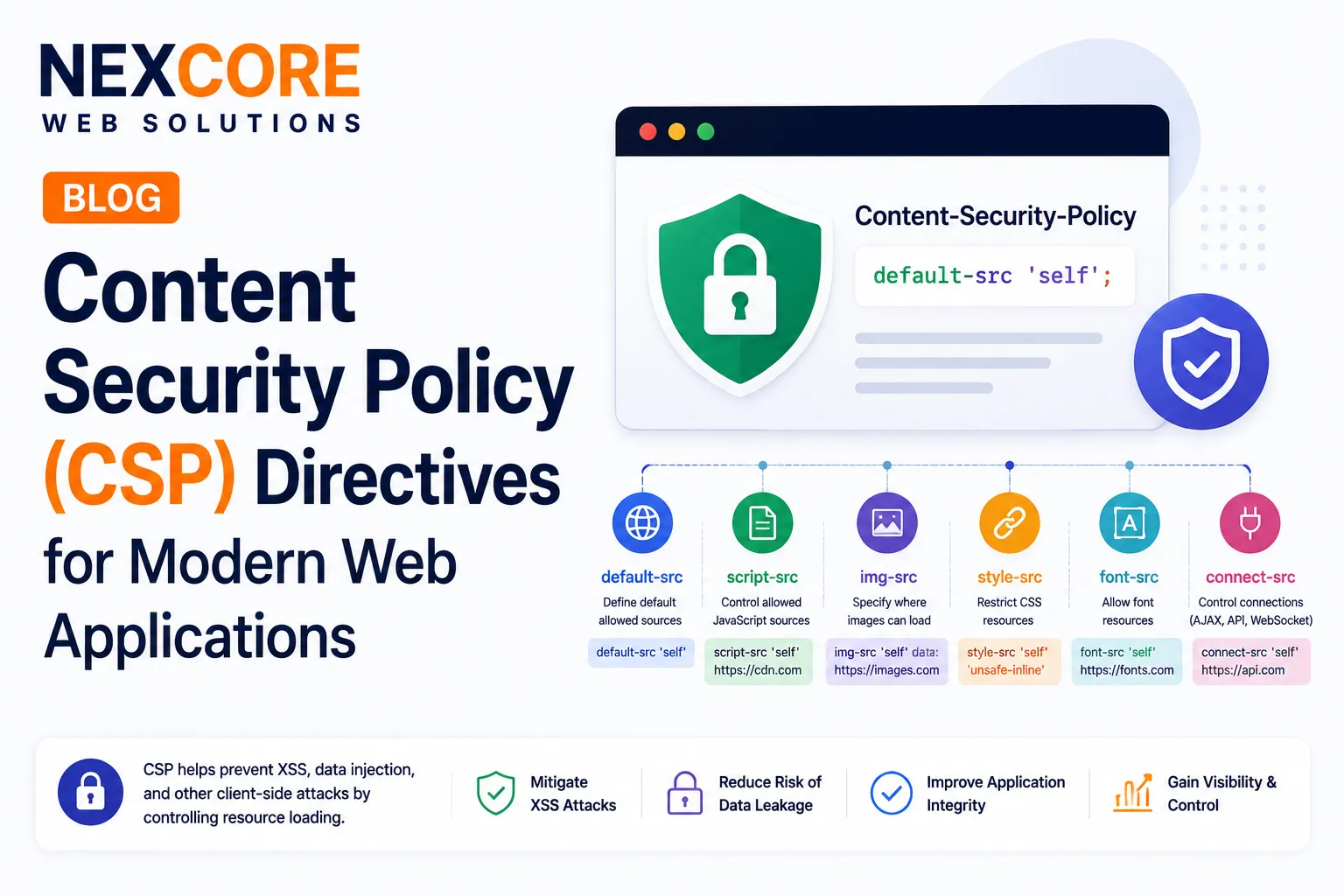
Modern web applications depend on JavaScript, APIs, third-party services, analytics, fonts, images, and dynamic content, which creates a broad attack surface for browser-based threats. Cross-site scripting is particularly dangerous because injected code can execute within a trusted website’s security context and potentially access sensitive information. Content Security Policy, commonly known as CSP, provides a browser-enforced layer of protection by controlling which resources a page is allowed to load or execute. A well-designed policy can significantly reduce the impact of XSS and other injection attacks without requiring developers to eliminate every dynamic feature. However, CSP is not a simple security switch. Effective implementation requires understanding directives, resource sources, nonces, hashes, reporting, and compatibility with the application’s actual architecture.
What Is Content Security Policy?
CSP is a security mechanism delivered through an HTTP response header or, in limited situations, an HTML meta element. It tells compatible browsers which origins and resource types are permitted for a particular page. For example, a policy can allow scripts from the application’s own origin while blocking scripts loaded from unknown domains. This creates a browser-side enforcement boundary that remains useful even if an attacker manages to inject HTML or JavaScript into the application.
Why CSP Matters
A strong CSP can limit what injected content is capable of doing after an XSS vulnerability is reached. Instead of allowing every script to execute, the browser checks the policy before loading or running resources. CSP can also restrict frames, connections, fonts, images, styles, workers, and other content categories. It should complement secure coding, output encoding, input validation, dependency management, and other defensive controls rather than replace them.
Understanding Core CSP Directives
CSP directives define rules for different categories of browser resources. The default-src directive provides a fallback when a more specific directive is not present, making it a useful foundation for restrictive policies. Directives such as script-src, style-src, img-src, font-src, and connect-src allow developers to control specific resource types independently. Keeping policies explicit helps teams understand exactly what an application is permitted to load.
Important Directives
Some directives are particularly relevant to modern applications:
script-srccontrols JavaScript sources and execution permissions.style-srccontrols stylesheet sources and inline styles.img-srccontrols image locations.connect-srcrestricts fetch, XMLHttpRequest, WebSocket, and similar connections.font-srccontrols font resources.frame-srccontrols sources that can be embedded in frames.object-srccontrols plugins and embedded object resources.base-urirestricts where the HTML<base>element can point.frame-ancestorscontrols which sites can embed the application.
Using object-src 'none' and restricting base-uri are often useful hardening measures because legacy browser features and unexpected base URLs can create unnecessary attack opportunities.
Nonces and Hashes for Scripts
Modern applications frequently require legitimate inline scripts, which makes a simple policy such as script-src 'self' insufficient in some architectures. A cryptographic nonce can authorize specific inline scripts while preventing arbitrary injected scripts from executing. The server generates a fresh unpredictable nonce for each response and places the same value in the appropriate script element and CSP header. This approach is especially practical for server-rendered applications that legitimately generate inline JavaScript.
Avoiding Unsafe Script Policies
Developers should be cautious about using 'unsafe-inline' because it permits inline scripts and substantially weakens CSP’s protection against script injection. Similarly, 'unsafe-eval' enables string-to-code execution patterns that can increase risk. Where possible, use nonces or hashes and remove application dependencies on unsafe execution behavior. Migrating an older application may require gradual changes rather than immediately deploying an extremely restrictive policy.
CSP for APIs and Single-Page Applications
Single-page applications often load JavaScript bundles and communicate with backend APIs hosted on separate origins. In such cases, script-src should permit only trusted script locations, while connect-src can explicitly allow the required API and WebSocket endpoints. A policy should account for development environments separately because development tools may require resources that should never be permitted in production. Keeping production policies tighter reduces unnecessary exposure.
Third-Party Services
Analytics platforms, payment systems, customer-support widgets, and content delivery networks can require additional CSP permissions. Each external origin should be evaluated before being added because allowing a third-party source effectively expands the application’s trusted resource boundary. Avoid broad wildcards when a specific hostname can be used instead. Review third-party integrations periodically because services and resource-loading behavior can change over time.
Testing and Monitoring CSP
A CSP should be tested before enforcement to identify legitimate resources that would otherwise be blocked. Report-only policies allow teams to observe violations without preventing the associated resource from loading. Developers can review these reports, remove unnecessary dependencies, and refine the policy before switching to enforcement. Automated tests can also verify that important security directives remain present after application changes.
Reporting Violations
CSP reporting can reveal both configuration mistakes and potentially suspicious behavior. Modern implementations can use reporting mechanisms to send violation information to an appropriate monitoring endpoint. Reports should be analyzed carefully because browser extensions, outdated resources, or legitimate application changes can generate noise. The objective is to identify meaningful violations while keeping the reporting system useful enough for security teams to investigate anomalies.
CSP and Other Security Headers
CSP works best as part of a broader browser security strategy. Headers such as Strict-Transport-Security, X-Content-Type-Options, and appropriate cookie attributes address different classes of risk. frame-ancestors within CSP can help protect against clickjacking by restricting who may embed a page. Developers should also configure secure authentication cookies, maintain HTTPS, and keep dependencies updated because CSP cannot compensate for every application security weakness.
Conclusion
Content Security Policy provides modern web applications with an important browser-level defense against script injection and unauthorized resource loading. Its effectiveness depends on precise directives, trusted sources, secure nonce or hash strategies, and continuous testing. Developers should avoid weakening policies unnecessarily with broad wildcards or unsafe execution directives and should treat every third-party origin as part of the application’s trust boundary. Start with report-only testing, understand legitimate resource requirements, and move toward strict enforcement once violations are addressed. CSP should remain one layer within a broader security program that includes secure development practices, dependency controls, authentication protection, and regular security testing.
FAQs
What is the main purpose of Content Security Policy?
The main purpose of CSP is to control which resources a browser can load or execute for a web page. It is especially valuable for reducing the impact of cross-site scripting and content injection attacks. Developers can restrict scripts, styles, images, connections, frames, and other resource types to trusted sources. CSP complements secure application development rather than replacing input validation or output encoding.
Should I use unsafe-inline in a CSP policy?
Using unsafe-inline should generally be avoided when stronger alternatives are practical because it allows inline scripts and weakens CSP’s protection against script injection. Nonces and cryptographic hashes provide more controlled ways to authorize legitimate inline code. Applications with legacy requirements may need a gradual migration strategy. Developers should identify why inline execution is required and remove unnecessary dependencies before tightening the policy.
What is the difference between a CSP nonce and a hash?
A CSP nonce is a unique, unpredictable value generated for a response and attached to authorized inline script elements. A hash instead identifies specific inline script content using a cryptographic digest, allowing the browser to execute code matching that approved value. Nonces work well when scripts are dynamically generated, while hashes can be convenient for static inline code that does not change between responses.
Should CSP allow third-party domains?
Third-party domains should be added only when the application genuinely needs resources or connections from those services. Every allowed source expands the application’s trusted resource boundary, so broad or unnecessary permissions can reduce the security value of CSP. Use specific origins instead of broad wildcards whenever possible. Review external integrations regularly because their resource requirements and security characteristics can change over time.
How should I test a new CSP policy?
Start with a report-only policy so legitimate resource violations can be identified without breaking the application for users. Review reported violations, remove unnecessary dependencies, and update allowed sources only when they are genuinely required. Test important application flows across supported browsers and environments before enforcement. Once the policy is stable, deploy it in enforcement mode and continue monitoring violations for unexpected changes.




