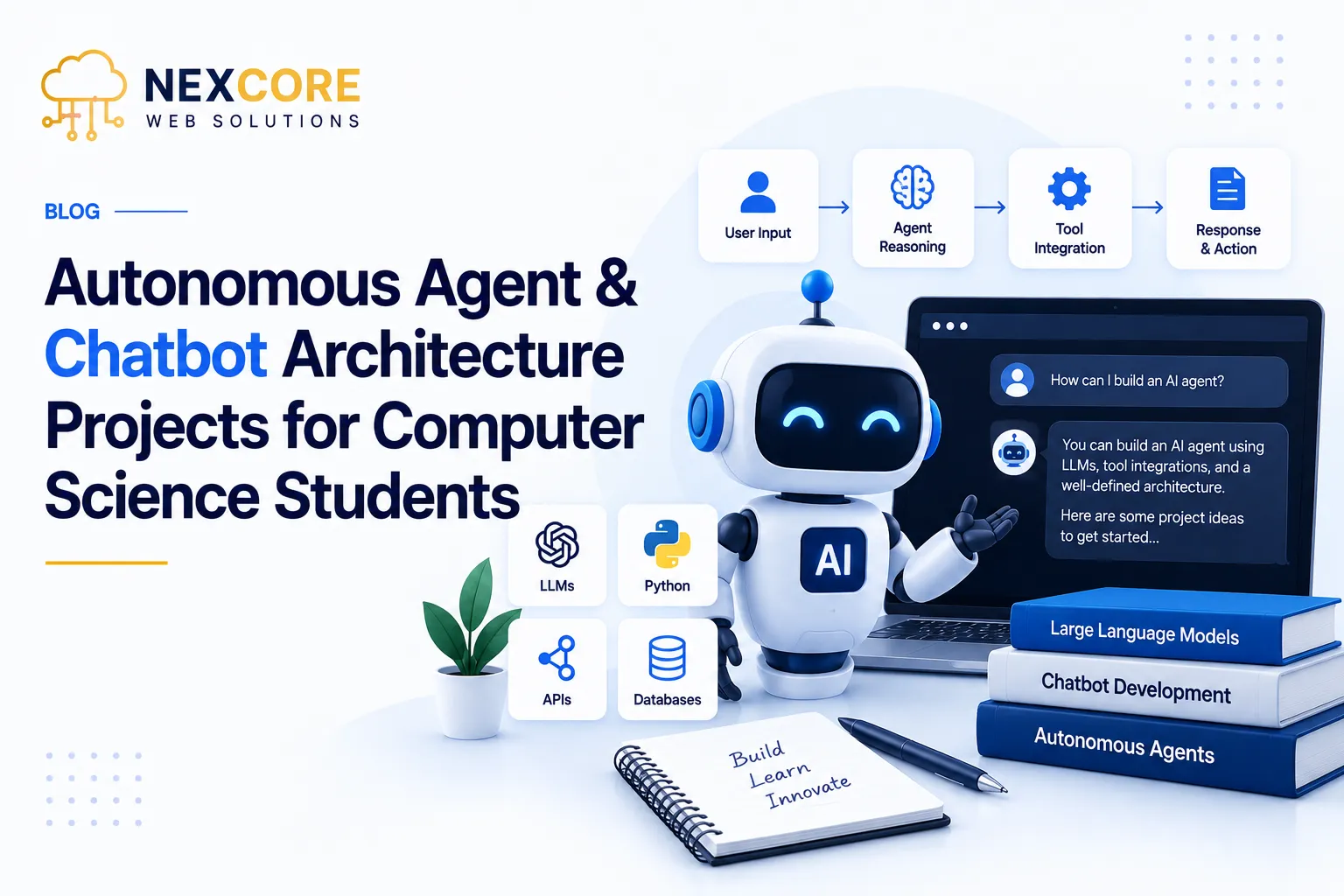
Autonomous agents and intelligent chatbots are becoming important areas of modern software development because they can understand requests, use tools, retrieve information, and complete multi-step tasks. For computer science students, these systems offer excellent opportunities to combine programming, artificial intelligence, databases, APIs, user interfaces, and software architecture in one practical project. A strong academic project should go beyond connecting a chatbot to a language model. It should demonstrate how different components work together, how information flows through the system, and how errors are handled. Students can build projects for education, customer support, productivity, research, or internal business operations. With careful planning, even a small agent project can demonstrate valuable engineering skills while remaining manageable within a capstone timeline.
Understanding Agent and Chatbot Architecture
A traditional chatbot usually follows a relatively simple request-and-response workflow. A user submits a message, the application processes it, sends relevant information to a model, and displays the generated response. An autonomous agent adds more decision-making capabilities by determining what actions are needed to complete a task. Depending on the design, an agent may call APIs, search a database, retrieve documents, perform calculations, or execute predefined functions.
A practical architecture normally contains several connected layers. The frontend manages conversations and user interactions, while the backend handles authentication, business logic, and communication with AI services. A model layer interprets requests and generates responses, while tools allow the system to perform specific actions. Databases and retrieval systems can provide persistent information, conversation history, or domain-specific knowledge.
Autonomous Agent Project Ideas
AI Student Support Agent
A student support agent can answer questions about courses, schedules, assignments, campus services, and academic procedures. Instead of relying entirely on model knowledge, the application can retrieve information from approved university documents or databases. The agent can identify whether a question requires a simple answer, document retrieval, or a specific system action. This project gives students an opportunity to combine natural language processing with structured data and retrieval workflows.
Students can add role-based access so that general information is available to everyone while private academic information requires authentication. The system could also provide references to the documents used for an answer. An administrator dashboard can allow authorized staff to update knowledge sources without modifying application code. This makes the project more realistic and demonstrates how AI applications can be maintained after deployment.
Personal Productivity Agent
A productivity agent can help users organize tasks, summarize notes, create reminders, and retrieve information from their personal workspace. Instead of simply responding with suggestions, the agent can use predefined tools to create tasks or search stored notes. Each action should require appropriate permissions and validation before changing user data. Students can therefore demonstrate tool calling, authentication, database operations, and workflow management.
A useful design separates planning from execution. The agent can first determine what the user wants and then select an approved function for the required operation. For example, a request to create a task should trigger a task-management function rather than allowing unrestricted database access. This approach makes the application easier to test and reduces the risk of unintended actions.
Customer Support Agent
A customer support agent can answer product questions, explain policies, search a knowledge base, and route complex requests to human staff. The system can classify incoming messages before selecting the appropriate response or tool. For example, a product question may use document retrieval, while an order-status request may call an authenticated order API. Escalation rules can ensure that sensitive or unresolved cases are transferred to a human representative.
Chatbot Architecture Project Ideas
Knowledge Base Chatbot
A knowledge base chatbot allows users to ask questions about a defined collection of documents. Students can build a retrieval pipeline that extracts document content, divides it into smaller sections, creates searchable representations, and retrieves relevant information for each question. The language model then generates an answer using that retrieved context. This approach is particularly useful for technical documentation, university regulations, manuals, or company policies.
The project should clearly handle questions that are outside the available knowledge base. Instead of inventing an answer, the chatbot should explain that the required information could not be found. Students can improve reliability by displaying document names or source references alongside responses. Testing should include both answerable and unanswerable questions to evaluate retrieval quality.
Interview Preparation Chatbot
An interview preparation chatbot can conduct mock technical or behavioral interviews and provide structured feedback. Users can select a subject, difficulty level, or job category before starting a session. The application can maintain conversation history and generate follow-up questions based on previous responses. A scoring system should use clearly defined criteria rather than producing unexplained ratings.
Students can expand the project with question banks, progress tracking, personalized practice sessions, and downloadable feedback reports. The system can also distinguish between technical questions and communication exercises. This creates a practical application while demonstrating conversational state management and structured data handling.
Key Architecture Components
Model, Tools, and Data
A well-designed agent should use controlled tools rather than unrestricted system access. Each tool should define accepted inputs, expected outputs, validation rules, and permission requirements. The database should store only information necessary for the application’s purpose, with appropriate access controls. External APIs should be isolated behind backend services so that credentials are never exposed to frontend users.
Memory and Conversation State
Conversation memory allows a chatbot or agent to maintain useful context between messages. However, students should decide what information needs to be stored and for how long. Short-term conversation history may be enough for many applications, while long-term preferences require explicit database structures and privacy considerations. Clear controls for viewing or deleting stored information can make the project more responsible and easier to explain.
Testing and Monitoring
AI applications require testing beyond checking whether the interface works. Students should test incorrect questions, missing information, malformed tool inputs, API failures, authentication errors, and unexpected model responses. Logging can help identify failed workflows without storing unnecessary personal information. A strong project should also include fallback behavior when an AI service or external API becomes unavailable.
Making the Project Portfolio-Ready
Students should document the complete architecture with a simple diagram showing the frontend, backend, model, tools, databases, and external services. The README should explain the problem, major features, setup process, sample workflows, limitations, and testing approach. Screenshots or a short demonstration can make the workflow easier to understand. Students should never publish private API keys, confidential documents, or real customer information in a public repository.
Conclusion
Autonomous agents and chatbots provide computer science students with a practical way to explore modern software architecture while solving realistic problems. Educational assistants, productivity agents, customer support systems, knowledge-base chatbots, and interview platforms can demonstrate skills across AI integration, backend development, databases, APIs, authentication, and testing. The strongest projects are not necessarily the most complicated ones. A focused system with reliable tools, clear boundaries, useful error handling, and well-documented architecture can provide stronger evidence of engineering ability. Students should begin with one well-defined workflow, test it carefully, and then expand the project as their architecture becomes stable.
FAQs
What is the difference between a chatbot and an autonomous agent?
A chatbot primarily focuses on communicating with users and generating responses to their messages. An autonomous agent can go further by deciding which actions or tools are required to complete a task. For example, a chatbot may explain how to create an appointment, while an agent could check availability and submit the appointment through an approved system. The exact capabilities depend on the application’s architecture and permissions.
What technologies can students use for agent projects?
Students can build agent projects using technologies such as Python, JavaScript, TypeScript, React, Next.js, FastAPI, Node.js, PostgreSQL, and vector databases. AI model APIs can provide language understanding and generation, while backend services can manage authentication and tools. The technology stack should match the student’s existing skills and project requirements rather than adding unnecessary technologies that increase development complexity.
Is RAG necessary for a chatbot project?
RAG is not necessary for every chatbot, but it can be useful when the system needs to answer questions using specific documents or frequently updated information. A RAG workflow retrieves relevant content before generating a response. For a simple conversational application, direct model interaction may be sufficient. Students should choose retrieval when their project’s requirements actually depend on external or domain-specific knowledge.
How can students make autonomous agents safer?
Students can make agents safer by limiting available tools, validating inputs, enforcing authentication, and requiring confirmation for sensitive actions. Backend services should control database and API access instead of giving the model unrestricted permissions. Developers should also test unexpected requests, tool failures, and incorrect parameters. Clear logging and fallback behavior can help identify problems without exposing confidential user information.
What should be included in an AI agent capstone project?
A strong AI agent capstone should include a clearly defined problem, system architecture, user interface, backend services, model integration, controlled tools, data storage, testing, and documentation. Students should explain how decisions are made and how the system handles errors or unavailable information. A working demonstration, architecture diagram, sample workflows, and documented limitations can make the technical implementation easier for evaluators to understand.