
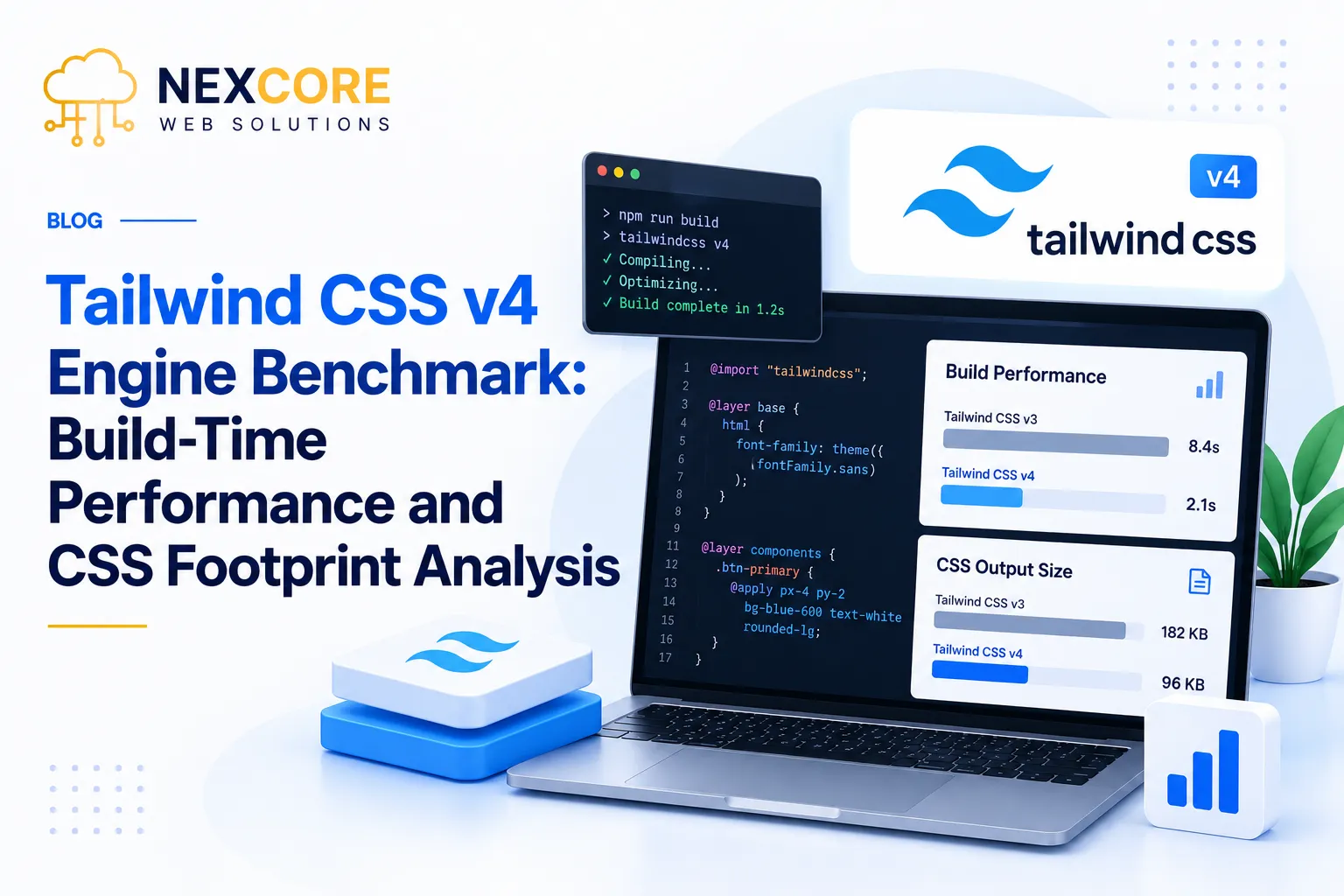
Frontend developers increasingly need styling systems that support rapid development without slowing down production builds or increasing page weight. Tailwind CSS v4 introduces a redesigned engine, a CSS-first configuration approach, and improved integration with modern development tools. These changes make build-time performance and generated CSS size important considerations for teams evaluating an upgrade. However, benchmark results depend on project size, utility usage, caching, build tooling, and the way styles are generated and delivered. A smaller stylesheet does not automatically guarantee faster page rendering, just as a quicker development build does not necessarily improve production performance. Understanding these distinctions helps engineering teams evaluate Tailwind CSS v4 using meaningful measurements rather than relying on headline performance claims.
What Changed in Tailwind CSS v4?
Tailwind CSS v4 introduces a new engine designed to improve compilation efficiency and simplify configuration. Its CSS-first approach allows developers to configure many design tokens and framework options directly in CSS, reducing dependence on large JavaScript configuration files. The framework also uses modern CSS capabilities and provides a revised integration model for supported build tools. These changes can reduce setup complexity and improve the development experience, although actual performance depends on the application and its toolchain.
The Role of Incremental Compilation
One important performance consideration is how efficiently the compiler processes changes during development. When a developer modifies a component, an effective incremental compiler should avoid repeating unnecessary work across the entire project. Tailwind CSS v4 is designed to improve compilation performance, particularly when processing subsequent changes. Nevertheless, results can vary depending on filesystem performance, project structure, integration settings, and whether the build process is running from a clean state.
Measuring Build-Time Performance
A useful benchmark separates cold builds from incremental builds. A cold build starts without reusable build artifacts or relevant caches, while an incremental build measures the time required to process a small change after the initial compilation. Both measurements matter because developers experience repeated rebuilds throughout the working day, whereas continuous integration systems may frequently perform clean builds. Teams should record median build duration across multiple runs and keep Node.js versions, dependencies, hardware, and build configurations consistent.
Designing a Fair Benchmark
Compare Tailwind CSS v4 against the existing version using the same application, components, and production build settings wherever practical. Record dependency installation separately from compilation so package management does not distort the results. Include projects with different characteristics, such as a small marketing website, a component-heavy dashboard, and a large application with shared design tokens. Report measured results rather than assuming a fixed speed improvement, because project-specific differences can substantially affect the outcome.
Useful benchmark measurements include:
- Cold production build duration.
- Incremental rebuild duration after a small source change.
- CPU and memory consumption during compilation.
- Generated CSS file size before and after compression.
- Build failures and compatibility issues during migration.
These measurements reveal different aspects of performance and should not be combined into one vague speed score.
Understanding the Generated CSS Footprint
Tailwind CSS generates utility classes based on the styles used by an application and its configured sources. The final stylesheet therefore depends on the utilities, variants, custom CSS, and design tokens included in the project. Tailwind CSS v4 can produce compact output for applications that use a focused set of utilities, but unnecessary custom styles or broad component patterns can still increase stylesheet size. The best comparison measures actual production artifacts rather than estimating CSS weight from the number of classes visible in source files.
Raw, Minified, and Compressed CSS
CSS footprint should be measured at several stages because each represents a different delivery cost. Raw CSS shows the amount of generated code, minified CSS reflects the output after whitespace and formatting reductions, and gzip or Brotli sizes estimate the compressed payload transferred over the network. Browser caching and delivery configuration also influence how much CSS users download during repeat visits. A benchmark should report all relevant sizes and compare equivalent build outputs.
For example, a team might discover that its new stylesheet contains more raw CSS but transfers fewer bytes after Brotli compression. Another project may generate a smaller file yet see no measurable improvement in rendering because network latency or JavaScript execution dominates its page load. These outcomes are not contradictory because file size is only one part of frontend performance. Measuring actual production output helps teams avoid drawing conclusions from a single number.
Production Performance Beyond Build Speed
Faster compilation improves developer productivity, but it does not directly prove that a website renders faster. Browser performance depends on stylesheet transfer time, CSS parsing, style calculation, layout, painting, and other page resources. Tailwind CSS v4’s modern CSS features may simplify styling and reduce certain implementation patterns, but developers must still evaluate the compatibility requirements of their target browsers. Real-user monitoring and browser-based tests can show whether a migration changes meaningful performance indicators.
Practical Optimization Strategies
Start by removing obsolete custom CSS and reviewing component patterns that generate unnecessary style complexity. Avoid loading unrelated stylesheets when a page requires only a limited portion of an application’s design system. Use production builds for size comparisons and apply the same minification and compression settings to each version. Finally, test representative pages under consistent browser and network conditions, monitoring metrics such as First Contentful Paint and Largest Contentful Paint. This approach connects compiler improvements with actual user experience.
Migration Considerations and Compatibility
Upgrading to Tailwind CSS v4 may require changes to configuration, plugins, custom utilities, or build-tool integration. Teams should review the official upgrade guidance and verify whether existing third-party plugins support the new architecture. Projects with legacy browser requirements may also need additional evaluation because v4 relies on modern CSS capabilities. A staged migration with automated visual regression tests can identify styling differences before they reach production.
Conclusion
Tailwind CSS v4 provides a redesigned compilation engine and a more CSS-centered development model, making it worth evaluating for modern frontend projects. However, the real benefit depends on measurable outcomes rather than general claims about speed or smaller stylesheets. Benchmark cold builds, incremental rebuilds, resource consumption, and production CSS sizes under consistent conditions. Then validate browser compatibility and page performance using representative workloads. Teams should also account for migration effort, plugin support, and existing design-system constraints before upgrading. A disciplined comparison helps developers determine whether Tailwind CSS v4 improves their workflow, reduces delivery overhead, and maintains an efficient production footprint without introducing unnecessary compatibility risks.
FAQs
1. Is Tailwind CSS v4 faster than Tailwind CSS v3?
Tailwind CSS v4 introduces a redesigned engine intended to improve compilation performance, including incremental rebuilds. However, the actual speed difference depends on project size, build tooling, configuration, and caching behavior. Developers should benchmark both versions using the same application and hardware. Measuring cold builds separately from incremental changes provides a more accurate picture of the benefits for development and continuous integration.
2. How do you measure Tailwind CSS generated file size?
Build the application for production and inspect the resulting CSS artifacts. Record raw and minified file sizes, then measure gzip or Brotli sizes to estimate network transfer costs. Keep minification and compression settings consistent between framework versions. Also verify that the builds contain equivalent styles and functionality, because a smaller stylesheet is not a meaningful improvement if required utilities or component styles are missing.
3. Does smaller CSS automatically improve website performance?
Smaller CSS can reduce transfer time, particularly on slower networks, but it does not guarantee a noticeable improvement in every application. Browser parsing, style calculation, JavaScript execution, images, and server response times also influence loading performance. Teams should evaluate CSS size alongside real browser measurements, including First Contentful Paint and Largest Contentful Paint. This helps determine whether stylesheet optimization meaningfully improves the user experience.
4. What should developers include in a Tailwind CSS benchmark?
A useful benchmark should include cold production build time, incremental rebuild time, CPU and memory usage, and generated CSS sizes. Measuring minified and compressed output provides a clearer view of delivery costs. Teams should use consistent dependencies, hardware, build settings, and test projects. Running multiple trials and comparing median results reduces the influence of temporary system load or other measurement noise.
5. Is upgrading to Tailwind CSS v4 always recommended?
Not necessarily. Tailwind CSS v4 may provide performance and configuration benefits, but projects must also consider browser support, existing plugins, custom styling, and migration effort. Older applications may depend on integrations that require updates or replacement. Review the official migration guidance, test representative pages, and run visual regression checks before upgrading. The best decision balances measurable performance improvements against compatibility and maintenance requirements.




