
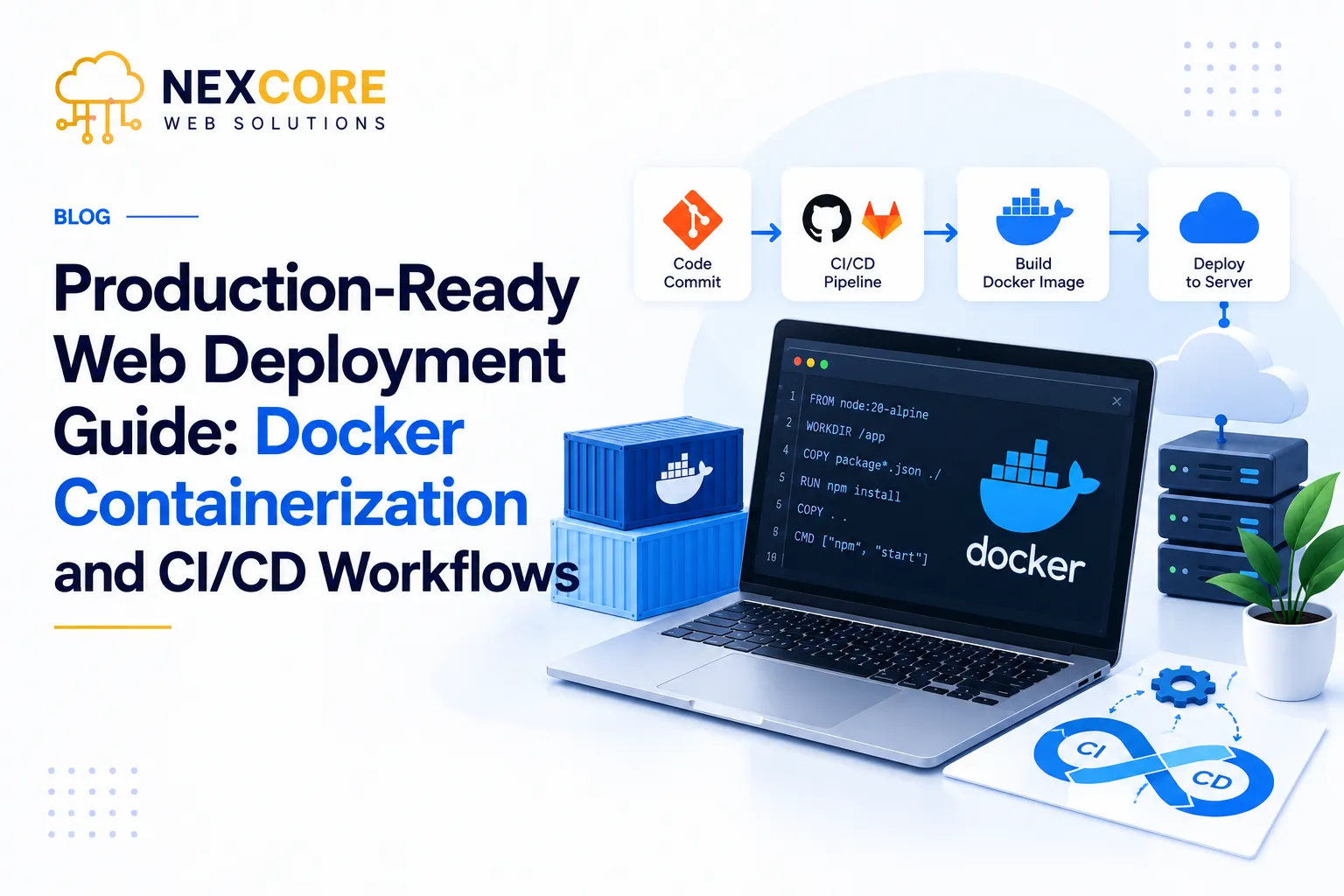
Deploying a web application successfully involves more than writing application code and uploading files to a server. A production environment must provide consistency, security, repeatable deployments, reliable configuration, and a practical way to recover when something goes wrong. Docker containerization helps package an application with its runtime requirements, while continuous integration and continuous delivery (CI/CD) workflows automate testing and deployment steps. Together, these practices create a structured path from a developer’s workstation to production infrastructure. For students, freelancers, and engineering teams, understanding this workflow is valuable because it connects application development with real-world software operations. A well-designed deployment pipeline also reduces manual errors and makes future releases easier to manage.
Understanding Docker Containerization
Docker packages an application and its dependencies into a container that can run consistently across different environments. Instead of depending on a particular server configuration, the application receives a defined runtime environment through a Docker image. A typical web application image may contain the application source, required packages, runtime version, and startup command. This approach helps reduce the common situation where an application works locally but behaves differently after deployment.
Creating a Production Dockerfile
A production Dockerfile should be deliberately designed rather than simply copied from a development setup. The image should use an appropriate base image, install only required dependencies, copy application files, and define the command used to start the service. Multi-stage builds can separate compilation or dependency installation from the final runtime image, reducing unnecessary files in production. Environment-specific values such as database credentials and API keys should not be hardcoded into the image.
Managing Configuration and Secrets
Production applications commonly depend on configuration values for databases, authentication, external APIs, ports, and service URLs. These values should be provided through environment variables or a dedicated secret-management mechanism rather than committed directly to source control. Separating configuration from application code makes the same image easier to deploy across development, staging, and production environments. It also reduces the risk of accidentally exposing sensitive credentials through repositories or container images.
Database and Persistent Data
Containers are generally treated as replaceable application units, so important persistent data should not depend on the container filesystem. Databases should use managed storage, database services, or appropriately configured persistent volumes. Application uploads and other durable files require a similar strategy. A deployment design should clearly distinguish temporary container data from information that must survive container replacement.
Designing a CI/CD Workflow
CI/CD automates the path from a source-code change to a tested and deployable application. Continuous integration typically starts when developers push commits or create pull requests, triggering automated checks such as dependency installation, linting, unit tests, and builds. Continuous delivery or deployment then handles the process of producing an artifact and releasing it to the appropriate environment. The exact workflow depends on the project’s hosting platform and infrastructure, but the underlying principle is consistent: make releases repeatable instead of relying on manual commands.
Typical Pipeline Stages
A practical web deployment pipeline can be organized into several stages:
- Source validation: Check formatting, linting, and basic project rules.
- Automated testing: Run unit, integration, or API tests.
- Application build: Compile or package the application when required.
- Docker image creation: Build the production container image.
- Image validation: Check that the container starts and behaves correctly.
- Registry publishing: Push the versioned image to a trusted container registry.
- Deployment: Update the target production environment.
- Post-deployment checks: Verify application health and important endpoints.
This sequence provides clear checkpoints and makes failed releases easier to investigate.
Building Reliable Docker Images
A production image should be as predictable and minimal as practical. Pinning important dependency versions can reduce unexpected changes between builds, while a suitable .dockerignore file prevents unnecessary files from entering the build context. Running the application as a non-root user can also reduce the impact of certain container security issues. Image scanning should be considered as part of the pipeline so known vulnerabilities can be identified before release.
Tagging and Versioning Images
Using only a generic image tag such as latest can make deployments harder to trace. Versioned tags based on commit identifiers, release numbers, or another consistent convention provide better traceability. If a production problem occurs, the team can identify exactly which image was deployed. This also makes rollback procedures significantly more straightforward.
Health Checks and Deployment Verification
A deployment should not be considered successful merely because a container starts. Applications should expose an appropriate health endpoint or equivalent mechanism that allows infrastructure to verify whether the service is responding correctly. CI/CD workflows can perform basic post-deployment checks against important endpoints. Monitoring application logs, response errors, resource consumption, and service availability provides additional evidence that the release is functioning as expected.
Handling Rollbacks
Every production deployment should have a recovery strategy. If a new image introduces a serious regression, the deployment process should allow the previous known-good version to be restored quickly. Versioned images make this easier because the previous artifact remains identifiable. A rollback procedure should be tested rather than documented only as an emergency idea, because recovery becomes harder when the team has never practiced it.
Securing the Deployment Pipeline
CI/CD systems can access source repositories, container registries, cloud services, and production infrastructure, making pipeline security especially important. Credentials should use protected secrets rather than plain-text configuration files. Permissions should follow the principle of least privilege, giving each workflow only the access it actually requires. Dependency updates, image scanning, branch protections, and review requirements can add additional safeguards before production changes are released.
Conclusion
A production-ready deployment process combines reliable application packaging with controlled automation. Docker provides a consistent runtime unit, while CI/CD creates a repeatable process for testing, building, publishing, and deploying that unit. Strong configuration management, versioned images, health checks, security controls, and tested rollback procedures make the workflow more dependable. The goal is not to introduce complexity for its own sake, but to remove avoidable manual work and make application releases predictable. Start with a simple pipeline, automate the most important validation steps, and improve the process as the application’s requirements grow.
FAQs
What is Docker containerization in web deployment?
Docker containerization packages an application together with the runtime components it needs to operate. The resulting image can be used to create consistent containers across development, testing, and production environments. This reduces differences between machines and makes deployment more repeatable. Docker does not replace application architecture or infrastructure planning, but it provides a standardized way to package and run application services.
Why is CI/CD important for production deployment?
CI/CD helps automate repetitive release activities such as testing, building, packaging, and deployment. Instead of manually performing every step after a code change, a defined workflow executes those operations consistently. Automated checks can catch problems before production, while versioned artifacts make releases easier to trace. The result is a more structured deployment process with fewer opportunities for manual mistakes.
Should secrets be stored inside a Docker image?
No, sensitive credentials such as database passwords, private keys, and API tokens should not normally be hardcoded into Dockerfiles or baked into production images. Configuration and secrets should be supplied through secure environment configuration or a dedicated secret-management system. This separation also allows the same application image to be used in different environments without rebuilding it for every set of credentials.
What is a multi-stage Docker build?
A multi-stage Docker build uses multiple stages in a Dockerfile to separate activities such as compiling an application from running it. Build dependencies and temporary files can remain in an earlier stage, while the final image contains only the components needed at runtime. This can reduce image size and unnecessary dependencies, making the production container easier to distribute and maintain.
How should a production deployment handle failures?
A production deployment should have both detection and recovery mechanisms. Automated tests and health checks can identify problems before or after release, while monitoring can reveal issues that appear under real traffic. Versioned container images allow teams to identify previous releases and restore a known-good version when necessary. The rollback process should be tested periodically so recovery does not depend on guesswork during an incident.




