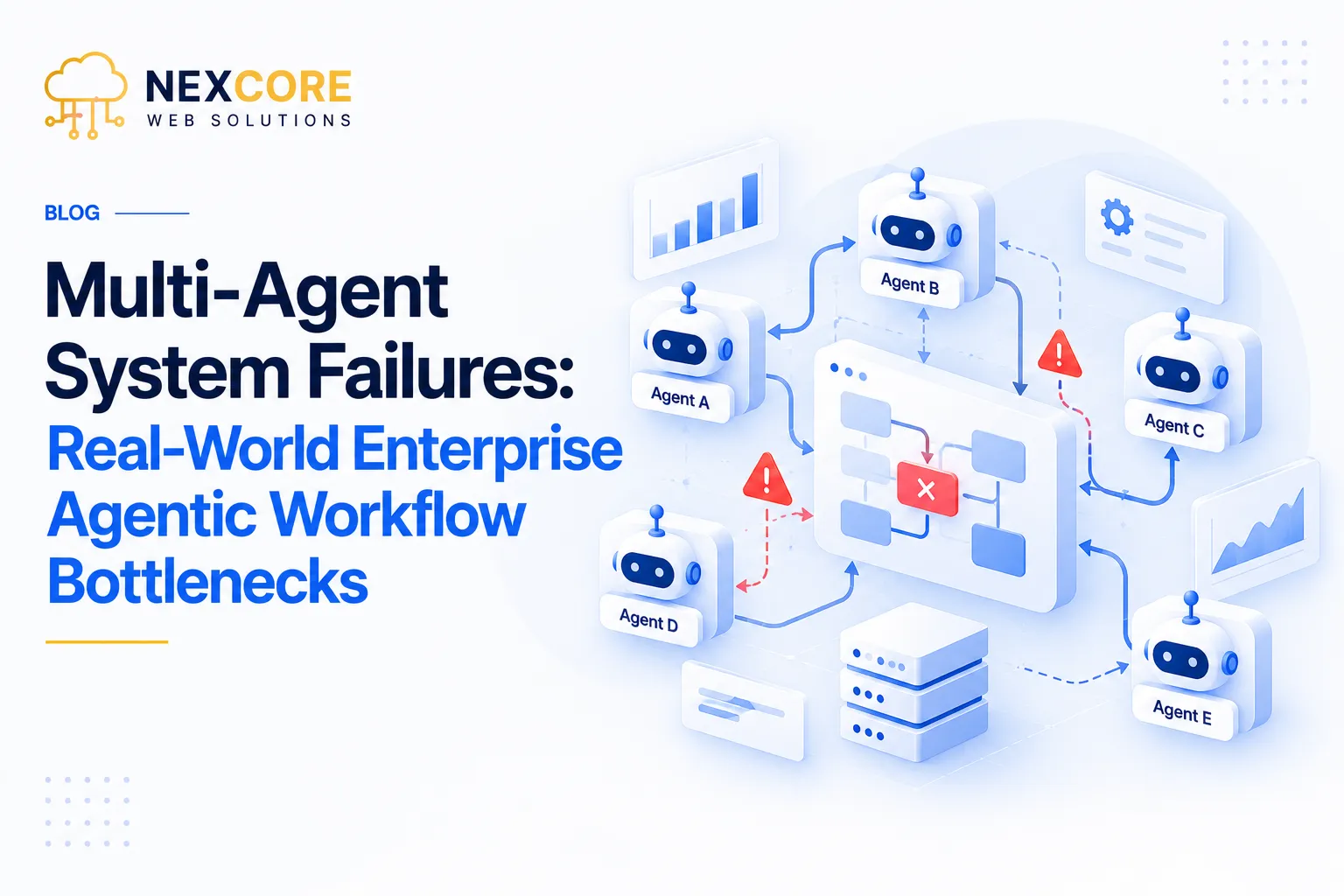
Enterprise AI is moving beyond single chatbots toward multi-agent systems that divide complex tasks among specialized AI agents. One agent might research information, another analyze data, and a third prepare a recommendation or execute an approved action. This architecture promises greater flexibility, but coordinating multiple agents introduces new failure points that traditional applications rarely encounter in the same form. Agents can repeat work, contradict each other, lose important context, or trigger unnecessary tool calls that increase latency and costs. In production environments, these problems can undermine reliability even when individual agents perform well. Understanding multi-agent system failures is essential for organizations building dependable agentic workflows that require predictable execution, secure access, and measurable business outcomes.
Why Multi-Agent Workflows Become Unreliable
Coordination Creates Additional Failure Points
A multi-agent workflow depends on agents exchanging accurate information and following a defined sequence of responsibilities. If one agent produces incomplete results, downstream agents may continue processing incorrect assumptions rather than detecting the original problem. For example, a research agent might extract an outdated policy, while a decision-making agent uses it to recommend an inappropriate action. Adding more agents does not automatically improve accuracy because every handoff creates another opportunity for information loss. Clear responsibilities, validated outputs, and explicit completion conditions help reduce these failures.
Uncontrolled Agent Loops
Agents often decide their next action based on tool responses, intermediate reasoning, and task progress. Without strict stopping conditions, an agent may repeatedly search for information, retry failed tools, or ask another agent to perform work already completed. These loops consume model tokens, increase API usage, and delay final responses. In a customer support workflow, repeated attempts to retrieve unavailable account information could exhaust execution limits without resolving the request. Maximum step counts, execution deadlines, retry budgets, and loop detection should therefore be part of the workflow design.
Common Enterprise Agentic Workflow Bottlenecks
Context Loss and Oversized Prompts
Agents need sufficient context to make reliable decisions, but passing an entire conversation history or every intermediate result can increase token usage and processing time. Large contexts may also obscure critical instructions, particularly when unrelated tool outputs accumulate during long workflows. Conversely, aggressive summarization can remove essential constraints or important details. A document-processing agent might overlook a contract exception if its handoff summary preserves the main terms but omits a qualification. Structured state, concise summaries, source references, and explicit task requirements help maintain continuity.
Tool Failures and Integration Delays
Enterprise agents commonly depend on databases, CRM platforms, document repositories, internal APIs, and external services. A slow or unavailable integration can block an entire workflow when the system lacks timeouts, fallback behavior, or clear error handling. Retrying every failure immediately may overload the same service and create duplicate operations. For example, a sales agent might submit the same CRM update several times after receiving ambiguous responses. Idempotency keys, bounded retries, circuit breakers, and clear tool contracts help keep integrations dependable.
Conflicting Outputs and Unclear Ownership
Specialized agents may reach different conclusions because they use different evidence, instructions, or evaluation criteria. If the workflow does not define which agent has authority to resolve disagreements, the system may produce inconsistent recommendations or repeatedly request additional opinions. A compliance agent might reject an action that a sales agent recommends, while an orchestration agent continues without resolving the conflict. Enterprise systems should establish decision ownership, escalation rules, and validation requirements for sensitive outputs. Disagreement should trigger a defined review process rather than an endless discussion between agents.
Performance and Cost Problems at Scale
Latency Across Sequential Dependencies
Multi-agent workflows can become slow when each step must wait for the previous agent to finish. Even if individual model calls are reasonably fast, sequential planning, retrieval, validation, and execution can create substantial end-to-end delays. Parallel execution can help when tasks are independent, but it adds complexity when agents share resources or depend on one another’s results. Teams should map the critical path and measure latency at each stage. Parallelize independent tasks where practical, while preserving sequence for decisions that require validated inputs.
Token Consumption and Duplicate Work
Each agent call can introduce model inference costs, and some workflows repeat similar reasoning across several agents. A planning agent may request research that another agent has already completed, or multiple agents may independently retrieve the same documents. These patterns increase spending without necessarily improving output quality. Shared retrieval results, reusable intermediate outputs, caching where appropriate, and explicit task ownership can reduce duplication. Cost monitoring should track token usage and tool calls per completed business task, not just the price of individual model requests.
Practical Strategies for More Reliable Agentic Systems
Start with the simplest workflow that can meet the business requirement, adding agents only when separate responsibilities provide a measurable benefit. Define input and output schemas for each agent and validate important fields before passing results downstream. Use bounded execution steps, timeouts, retry policies, and human approval for high-impact actions such as payments or permission changes. Instrument every stage with trace IDs, execution time, tool results, error categories, and cost measurements. Finally, evaluate workflows against realistic test cases that include missing data, contradictory evidence, service failures, and unexpected user requests.
Conclusion
Multi-agent systems can automate complex enterprise work, but reliability depends on more than the capabilities of individual AI models. Coordination failures, context loss, uncontrolled loops, integration delays, and duplicated reasoning can make production workflows expensive and unpredictable. Organizations should treat agents as components within an engineered system, with explicit responsibilities, validated handoffs, execution limits, and measurable outcomes. Observability helps teams locate bottlenecks, while realistic evaluations reveal whether additional agents actually improve task quality. Human review remains important when decisions carry financial, legal, or operational consequences. By controlling complexity and introducing agents only where they add clear value, enterprises can build workflows that are more efficient, transparent, and dependable.
FAQs
1. What causes multi-agent AI systems to fail?
Multi-agent systems can fail because agents receive incomplete context, misunderstand task boundaries, produce conflicting outputs, or depend on unavailable tools. Uncontrolled retries and poorly defined stopping conditions can also create loops that consume time and resources. These issues often emerge during coordination rather than from one model alone. Structured communication, validation, monitoring, and clear execution limits help reduce failure rates.
2. How can enterprises prevent agents from entering infinite loops?
Enterprises should establish maximum step counts, execution deadlines, retry budgets, and explicit success conditions for every workflow. The orchestrator should detect repeated actions or unchanged states and stop execution when progress stalls. Tool failures should trigger bounded recovery strategies rather than unlimited retries. Monitoring repeated calls and escalating unresolved tasks to a human can prevent runaway costs and prolonged processing.
3. Why are multi-agent workflows expensive?
Costs can rise when workflows invoke several models repeatedly, pass large contexts between agents, retrieve duplicate information, or retry failed tools. Sequential dependencies can also increase the compute resources required to complete each task. Teams should measure total token usage, tool calls, latency, and infrastructure consumption per successful outcome. Removing unnecessary agents and reusing validated intermediate results can improve efficiency.
4. Should enterprise AI workflows always use multiple agents?
No. A single agent or conventional application workflow may be sufficient for straightforward tasks with clear inputs and predictable steps. Multiple agents are more useful when responsibilities require distinct capabilities, independent evaluation, or controlled parallel processing. Every additional agent introduces coordination overhead and potential failure points. Teams should compare simpler designs against multi-agent alternatives using measurable improvements in accuracy, reliability, cost, and completion time.
5. When should a human review an agentic workflow?
Human review is particularly important when workflows affect payments, legal obligations, sensitive customer records, access permissions, or other high-impact decisions. It is also useful when agents encounter contradictory evidence, exceed retry limits, or cannot verify critical information. Approval rules should be based on business risk rather than applied identically to every task. Clear escalation paths help maintain accountability without unnecessarily slowing routine automation.