
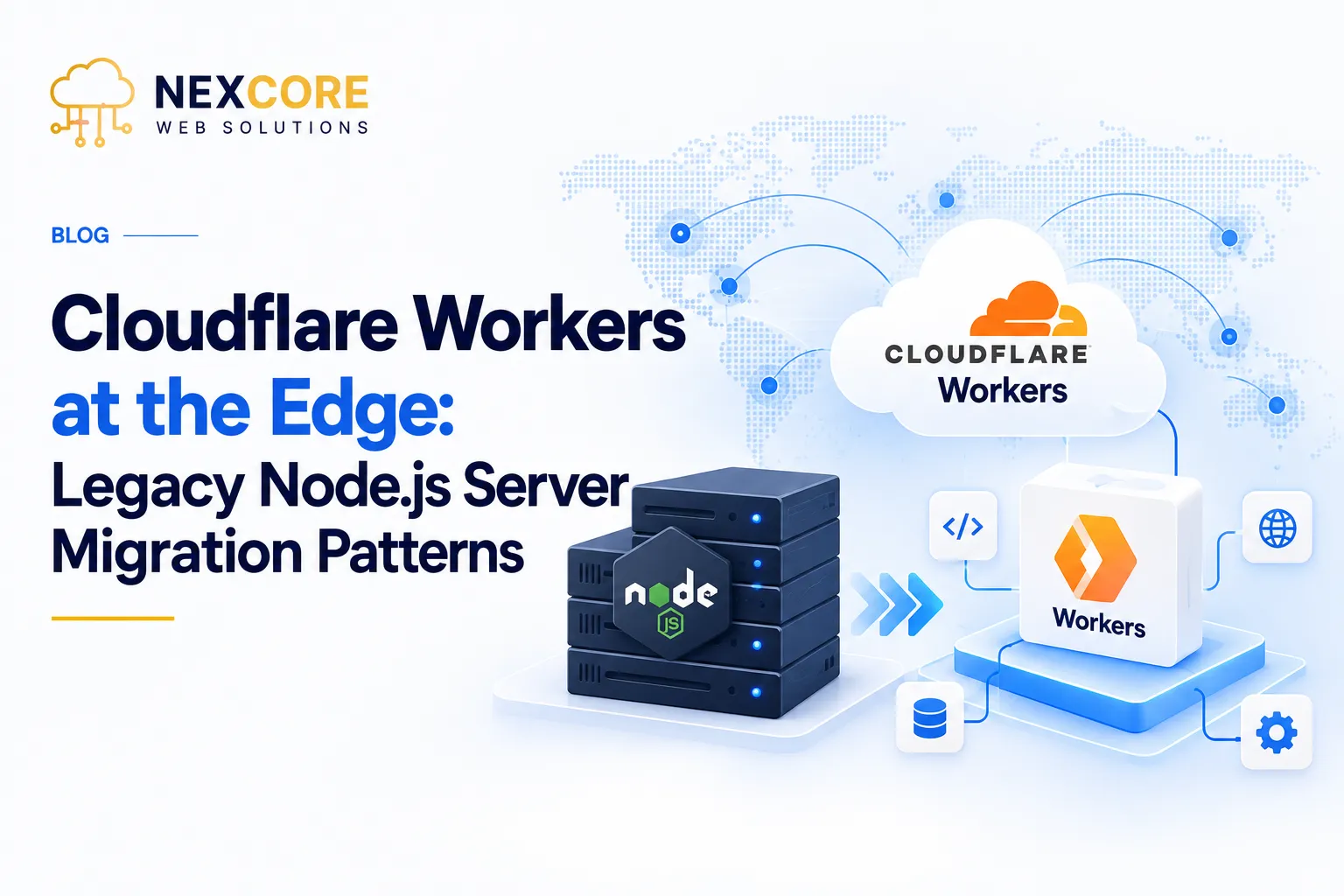
Traditional Node.js servers power many enterprise applications, including REST APIs, authentication services, e-commerce platforms, and internal dashboards. As traffic grows across regions, however, centralized servers can introduce network latency, scaling costs, and operational complexity. Cloudflare Workers offers an alternative by running JavaScript and supported WebAssembly workloads across Cloudflare’s global network, closer to users. Migrating an existing application to this environment is not simply a matter of moving files or changing a deployment command. Workers uses a different runtime model, with compatibility features that support many Node.js APIs but do not guarantee that every package will work unchanged. Understanding migration patterns, runtime limitations, and data-access strategies helps engineering teams modernize services without creating unnecessary production risks.
Understanding Cloudflare Workers and the Node.js Runtime
How Edge Execution Changes Application Architecture
A traditional Node.js application commonly runs as a long-lived process on a server or container. Cloudflare Workers instead executes request handlers within an isolated runtime distributed across edge locations, allowing suitable workloads to respond close to incoming traffic. This model can reduce network round trips for geographically distributed users and handle sudden traffic changes without conventional server management. However, edge execution does not eliminate application latency when a request depends on a distant database or external API. Effective migration requires moving appropriate computation closer to users while carefully managing dependencies on centralized services.
Node.js Compatibility and Its Limits
Cloudflare Workers provides Node.js compatibility features for supported APIs, including selected functionality associated with modules such as buffer, process, and util. Compatibility depends on the configured compatibility date, enabled flags, and the specific API or package being used. A library that imports Node.js modules may still fail if it depends on native binaries, unsupported operating-system features, or unrestricted filesystem access. Developers should inspect dependency documentation and test actual execution rather than assuming that Node.js compatibility means complete runtime equivalence. This assessment identifies migration blockers before they reach production.
Three Practical Migration Patterns
Pattern 1: Move Stateless API Endpoints First
The safest starting point is often a stateless endpoint with predictable inputs and outputs. Examples include request validation, URL redirects, lightweight personalization, response transformation, and API routing. These handlers typically have fewer dependencies on local files, persistent processes, or server-specific behavior. Teams can migrate one endpoint, compare its responses with the original service, and gradually direct selected traffic toward the Worker. Keeping the existing Node.js backend available during this stage provides a fallback while engineers verify latency, error rates, and compatibility.
Pattern 2: Place an Edge Layer in Front of Node.js
Some applications cannot move directly because they rely on complex dependencies, background workers, or persistent connections. In such cases, a Worker can act as an edge gateway that authenticates requests, applies routing rules, validates input, or caches suitable responses before forwarding traffic to the existing backend. This approach delivers incremental benefits without requiring an immediate rewrite of the core application. It also creates a controlled boundary for future migration. Teams must configure origin security, request timeouts, and failure handling carefully to avoid introducing additional network dependencies.
Pattern 3: Extract Business Logic into Portable Modules
A larger migration may involve separating business rules from the Node.js server framework. For example, an order-pricing module can expose ordinary functions that accept structured data and return calculated results without depending on Express, filesystem access, or server-specific globals. The same module can then be tested locally and used by a Worker where its dependencies are supported. This pattern improves portability and reduces duplication between deployments. Database access, background processing, and other environment-specific operations should remain behind clearly defined interfaces.
Handling Databases, State, and External Services
Avoid Assuming Local State Will Persist
Legacy Node.js applications sometimes store sessions, cached values, or temporary job information in process memory. Edge Workers should not be treated as permanent, single-instance servers with guaranteed local state across requests. Use suitable external storage for information that must survive execution or be shared across requests. Cloudflare offers services such as Workers KV, Durable Objects, and D1 for different storage and coordination needs, but their consistency, access patterns, and transaction capabilities differ. Select each service according to the application’s data model rather than using one storage option for every workload.
Manage Database Connections Carefully
Applications that connect directly to relational databases must account for network latency, connection management, and runtime compatibility. Traditional Node.js drivers may assume persistent TCP connections or access to native dependencies that are unsuitable for a particular Worker configuration. Depending on the architecture, teams can use supported HTTP-based database interfaces, compatible connection mechanisms, or an existing backend service. Keep credentials in managed secrets rather than embedding them in source code. Measure query latency from realistic locations because faster edge execution cannot compensate for slow database access.
Testing and Observability During Migration
Validate Behavior Before Expanding Traffic
Migration tests should compare old and new implementations using representative requests, including malformed inputs, authentication failures, and unexpected upstream responses. Automated contract tests help verify response formats, status codes, and important business rules. Load tests should evaluate concurrency, request duration, and external service limits rather than focusing exclusively on handler execution time. A gradual rollout allows teams to identify differences before the Worker handles all traffic. Establish rollback conditions in advance, particularly for payment processing, identity verification, and other business-critical endpoints.
Monitor Real-World Performance
Track request latency, error rates, upstream response times, CPU time, and relevant platform usage metrics. Compare performance by geography and endpoint so improvements in one region do not conceal regressions elsewhere. Cloudflare’s observability tools can help teams investigate Worker executions, while application-level logs should avoid exposing credentials or sensitive customer data. Monitor costs as well as speed because additional database calls or excessive external requests can offset the benefits of edge execution. Review production measurements before deciding which services should migrate next.
Conclusion
Migrating legacy Node.js applications to Cloudflare Workers works best as a gradual architectural change rather than a wholesale platform replacement. Stateless endpoints offer a practical starting point, an edge gateway supports systems that must remain on existing infrastructure, and portable business modules create a foundation for broader modernization. Runtime compatibility, persistent state, database access, and external dependencies deserve careful testing because they often determine whether a migration succeeds. Teams should measure latency, reliability, resource consumption, and operational costs throughout the rollout. By moving suitable workloads first and preserving clear fallback paths, organizations can gain the benefits of edge execution while keeping established business services stable and maintainable.
FAQs
1. Can existing Node.js applications run directly on Cloudflare Workers?
Some applications can run with limited changes, particularly when they use supported JavaScript APIs and avoid server-specific dependencies. However, Workers is not a complete replacement for every Node.js environment. Native modules, unrestricted filesystem operations, persistent server processes, and certain networking patterns may require architectural changes. Review compatibility requirements, configure the appropriate settings, and test the application in the actual Worker runtime before migrating production traffic.
2. What is the safest way to migrate a legacy Node.js server?
Start with a small, stateless endpoint that has limited dependencies and a clearly defined response contract. Deploy it separately, compare its behavior with the original service, and gradually route a controlled share of requests to it. Keep the existing backend available until performance and reliability meet agreed targets. This incremental approach reduces the scope of failures and gives engineers evidence to guide subsequent migrations.
3. Does moving Node.js code to the edge always reduce latency?
No. Edge execution can reduce the distance between request handling and users, but total latency depends on the complete request path. If a Worker must contact a distant database or several external APIs, those network calls may dominate response time. Caching appropriate responses, minimizing upstream requests, and measuring regional performance can help. Benchmark the complete application workflow instead of assuming that geographic distribution guarantees faster responses.
4. Which Cloudflare storage service should a migrated application use?
The right choice depends on the type of state and its access requirements. Workers KV suits globally distributed key-value data where its consistency characteristics are acceptable, while Durable Objects support coordinated state and strongly consistent operations within an object. D1 provides a managed SQL database option for supported application patterns. Evaluate transaction requirements, query patterns, consistency, and latency before choosing a service for sessions, application records, or coordination.
5. How can teams test a Cloudflare Workers migration before launch?
Use automated tests to compare outputs, status codes, authentication behavior, and error handling against the existing application. Run realistic load tests and inspect upstream latency, resource consumption, and platform limits. A staged rollout or controlled traffic split can expose production differences without immediately replacing the original service. Define rollback thresholds in advance, then review real-world measurements before increasing traffic or migrating additional endpoints.




