
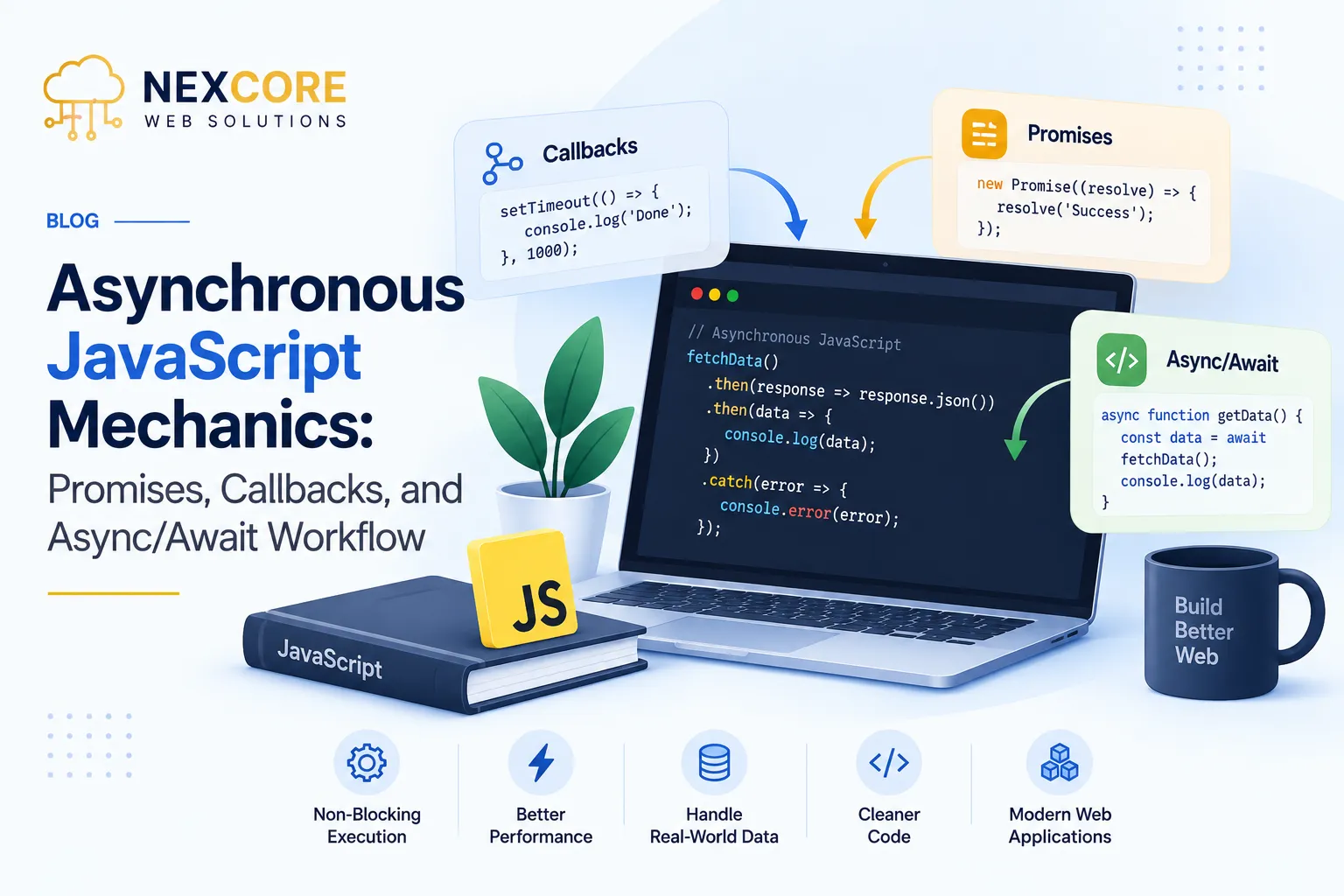
JavaScript is widely used to build interactive websites, dashboards, web applications, and real-time services. Many of these applications must perform tasks that take time, such as loading data from an API, reading files, or waiting for user input. If JavaScript stopped executing during every slow operation, the browser would become unresponsive and the user experience would suffer. Asynchronous JavaScript solves this problem by allowing time-consuming work to continue while other code remains available to run. Callbacks, Promises, and async/await are the main tools developers use to manage this workflow. Understanding how they work makes it easier to write responsive, reliable, and maintainable applications.
Understanding Synchronous and Asynchronous JavaScript
Synchronous JavaScript executes statements in order, one at a time. Each operation must finish before the next operation begins, which makes the flow easy to understand but can create delays when a task takes too long. For example, a large calculation or blocking operation can prevent the browser from responding to clicks and keyboard input. Asynchronous JavaScript separates the start of a task from the moment its result becomes available. This allows other instructions to execute while the application waits for an external operation to finish.
Consider a website that requests customer information from a server. The browser sends the request, but the response may take several seconds because of network speed or server workload. During that time, JavaScript can update the interface, process another event, or handle additional user actions. Once the response arrives, a callback, Promise handler, or async function can process the result. This approach improves responsiveness without requiring multiple threads for ordinary browser tasks.
The Role of the JavaScript Event Loop
The event loop is central to asynchronous JavaScript. JavaScript usually runs application code on a single main thread, while the browser or runtime handles tasks such as timers, network requests, and file operations through supporting systems. When an asynchronous operation finishes, its follow-up function is placed into a queue. The event loop checks whether the call stack is empty and then moves eligible queued work into execution.
For example, setTimeout() does not pause the entire program for the specified period. Instead, it schedules a callback to run after the delay has passed and the call stack becomes available. This explains why a timer set to zero milliseconds does not execute immediately. The current synchronous code must finish first, and queued microtasks may run before timer callbacks. Understanding this order helps developers avoid confusing output and timing errors.
Callbacks: The Traditional Asynchronous Pattern
A callback is a function passed into another function so it can be executed later. Earlier JavaScript applications used callbacks extensively for timers, event listeners, file operations, and network requests. A callback often receives either an error or a successful result, allowing the program to respond when the operation completes. The following example shows a basic callback pattern:
JavaScript
function fetchMessage(callback) {
  setTimeout(() => {
    callback("Data received");
  }, 1000);
}

fetchMessage((message) => {
  console.log(message);
});
Callbacks are simple and still useful for event-based programming. However, complex applications can create deeply nested callbacks when several operations depend on one another. This structure is often called “callback hell” because the code becomes difficult to read, test, and maintain. Error handling can also become inconsistent when every callback follows a different convention. Promises were introduced to provide a cleaner way to represent future results.
Promises and Their States
A Promise is an object that represents the eventual completion or failure of an asynchronous operation. It can have one of three states: pending, fulfilled, or rejected. A pending Promise is still working, while a fulfilled Promise has produced a successful result. A rejected Promise has failed and normally includes an error explaining what went wrong.
Promises use .then() for successful results and .catch() for failures. The .finally() method can run cleanup code regardless of whether the operation succeeds or fails. Promise chaining is especially valuable because each .then() can return another Promise, allowing multiple asynchronous steps to connect in a readable sequence.
JavaScript
fetch("/api/users")
  .then((response) => response.json())
  .then((users) => {
    console.log(users);
  })
  .catch((error) => {
    console.error("Request failed:", error);
  });
In this example, fetch() returns a Promise for the HTTP response. Converting the response into JSON also returns a Promise, so the next .then() waits for that conversion to finish. If any step rejects, control moves to .catch(). This creates a consistent error-handling path and reduces unnecessary nesting.
Async/Await Workflow
Async/await provides a cleaner syntax for working with Promises. An async function always returns a Promise, even when it returns an ordinary value. The await keyword pauses the execution of that particular async function until a Promise settles, but it does not block the entire JavaScript thread. This makes asynchronous code look similar to synchronous code while preserving non-blocking behavior.
JavaScript
async function loadUsers() {
  try {
    const response = await fetch("/api/users");
    const users = await response.json();
    console.log(users);
  } catch (error) {
    console.error("Unable to load users:", error);
  }
}
The try...catch structure makes error handling easier to follow. Developers can read the code from top to bottom without tracking multiple chained callbacks. However, await should not be used unnecessarily in a sequence when tasks can run independently. For example, two unrelated API requests can often run together with Promise.all() to reduce total waiting time.
JavaScript
const [users, products] = await Promise.all([
  fetch("/api/users").then((response) => response.json()),
  fetch("/api/products").then((response) => response.json())
]);
Common Mistakes and Best Practices
One common mistake is forgetting to return a Promise from a .then() callback. Without the return statement, the next chain step may run before the intended asynchronous work finishes. Another issue is ignoring rejected Promises, which can create silent failures or browser warnings. Developers should always provide suitable error handling and display useful feedback when a request fails.
It is also important to avoid unnecessary sequential waits. If one task depends on another, sequential await statements are appropriate. If tasks are independent, start them together and wait with Promise.all(). Use Promise.allSettled() when every result matters, even if some operations fail. Keep asynchronous functions focused, validate API responses, and cancel unnecessary requests when supported by tools such as AbortController.
Conclusion
Asynchronous JavaScript allows applications to remain responsive while waiting for network requests, timers, files, and other external operations. Callbacks provide the basic mechanism for running code after an operation completes, while Promises offer structured success and failure handling. Async/await builds on Promises and makes complex workflows easier to read and maintain. The event loop coordinates this process by moving ready tasks into execution without blocking the main thread. To write dependable asynchronous code, understand when tasks run, handle errors deliberately, and avoid waiting sequentially when operations can run together. With these principles, developers can build faster interfaces and more predictable JavaScript applications.
FAQs
What is asynchronous JavaScript?
Asynchronous JavaScript allows a program to begin a time-consuming operation without stopping all other code. Network requests, timers, and file operations can continue while the application handles other tasks. When the operation finishes, JavaScript processes the result through a callback, Promise handler, or async function. This behavior keeps websites responsive and prevents slow operations from freezing the user interface.
What is the difference between callbacks and Promises?
A callback is a function passed to another function and executed after an operation finishes. Promises represent a future result and provide methods such as .then(), .catch(), and .finally() for handling outcomes. Callbacks work well for simple events, but deeply nested callbacks can become difficult to maintain. Promises generally offer clearer chaining and more consistent error handling.
Does await block the browser?
No, await does not block the entire browser or JavaScript runtime. It pauses the execution of the current async function until the awaited Promise settles. Other JavaScript tasks, browser events, and asynchronous operations can continue during that time. However, heavy synchronous calculations still block the main thread, even when they appear inside an async function.
When should developers use Promise.all()?
Developers should use Promise.all() when several asynchronous operations are independent and can run at the same time. It starts the supplied Promises together and waits until all of them fulfill. If one Promise rejects, the combined Promise rejects immediately. This method is useful for loading users, products, settings, or other unrelated resources while reducing total waiting time.
How can asynchronous JavaScript errors be handled?
Errors can be handled with .catch() when using Promise chains or with try...catch around awaited operations. Developers should also check HTTP response status because a failed HTTP request may not automatically reject a fetch() Promise. Clear error messages, fallback content, logging, and request cancellation can improve reliability. Every asynchronous workflow should define what happens when the operation fails.




